
Reviews
Ihre Grafiken verleihen meinen Präsentationen eine nette Note, und ich habe sie kürzlich für eines meiner All-Hands-Meetings verwendet. Ihre Toolbox verleiht meinen Folien Professionalität, anstatt Standard-Clipart zu verwenden.
Ich brauchte einen neuen Blick auf einige meiner Folien. Ich habe versucht, einen Weg zu finden, einen Pinselschlag-Effekt zu erzielen, um zu unterstreichen, hervorzuheben, Farbe hinzuzufügen, und die handgeschriebenen Markierungen waren genau das Richtige. Sehr einfach zu bedienen, leicht in der Größe zu ändern, die Farbe zu ändern. Es war eine erschwingliche, perfekte Lösung und ich empfehle sie gerne weiter.
Die klare, saubere Optik der Grafiken und die Tatsache, dass ich die Farben leicht bearbeiten und an die Vorlage anpassen konnte, war mein Hauptgrund für den Kauf.
Description
Low-energy architecture
Slide Content
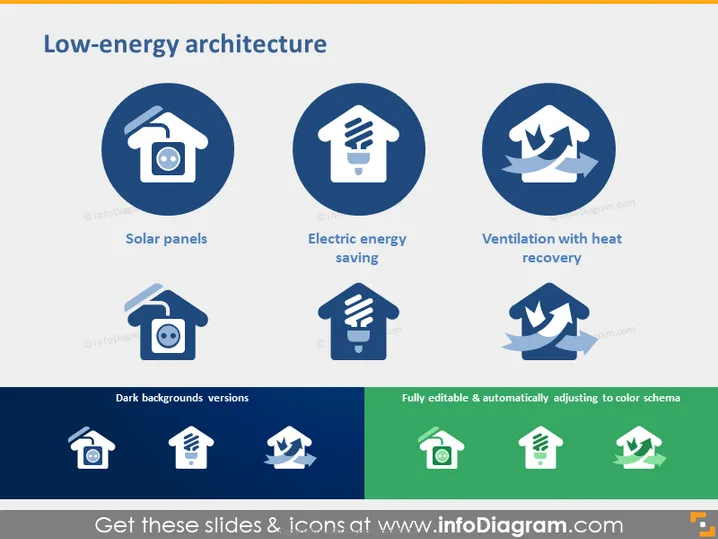
The PowerPoint slide is focused on "Low-energy architecture" and details three key components: Solar panels, which likely refers to the use of photovoltaic cells to harness solar energy; Electric energy saving, denoting techniques or devices that reduce electricity consumption; and Ventilation with heat recovery, which indicates a system that exchanges heat between incoming and outgoing airflow to improve energy efficiency. Each concept is vital for creating sustainable buildings with a smaller environmental footprint.
Graphical Look
- The slide has a clean, professional design with a white background.
- The title "Low-energy architecture" is displayed at the top in bold, dark blue font.
- There are three circular graphics aligned horizontally, each containing an icon in white against a dark blue background.
- Below each circular graphic is a description for the respective icon: "Solar panels," "Electric energy saving," and "Ventilation with heat recovery."
- Beneath the first row, there is a second row showing the same set of icons and text labels but with a dark background version for contrast.
- On the right side, there is a small text box with a green background that reads "Fully editable & automatically adjusting to color schema."
The slide uses a simple color scheme with dark blue and white, which suggests professionalism and clarity. The use of icons within circular frames helps to visually categorize the different concepts being discussed.
Use Cases
- Introducing sustainable design concepts in an architecture or engineering presentation.
- Educating clients or stakeholders about the benefits of low-energy building features during a proposal or consulting meeting.
- As part of a training or educational seminar for professionals in the construction, design, or environmental sectors.
- Showcasing a company’s commitment to sustainability in a corporate social responsibility section of a business presentation.
How to Edit
How to edit text & colors

How to expand / shorten diagram

How to Replace Icons in infoDiagram PPT


