

Your graphics add a nice touch to my presentations and I recently used them for one of my all-hands meetings. Your toolbox adds professionalism to my slides. Instead of using standard clipart.
Claude Jones, Director of Engineer, @Walmartlabs, USA

Your graphics add a nice touch to my presentations and I recently used them for one of my all-hands meetings. Your toolbox adds professionalism to my slides. Instead of using standard clipart.
Claude Jones, Director of Engineer, @Walmartlabs, USA
I needed a fresh look at some of my slides. I've tried to find a way to create a paintbrush effect, to underline, accentuate, add some color and the handwritten markers were just the things. Very easy to use, easy to size, change the color. It was an affordable, perfect solution and I'm happy to recommend it.
Anonymous, US
The crisp, clean look of the graphics, and the fact that it allowed me to easily edit and change the colors to match the template was my main reason for purchasing them.
Brandie Jenkins, E-learning Developer, USA
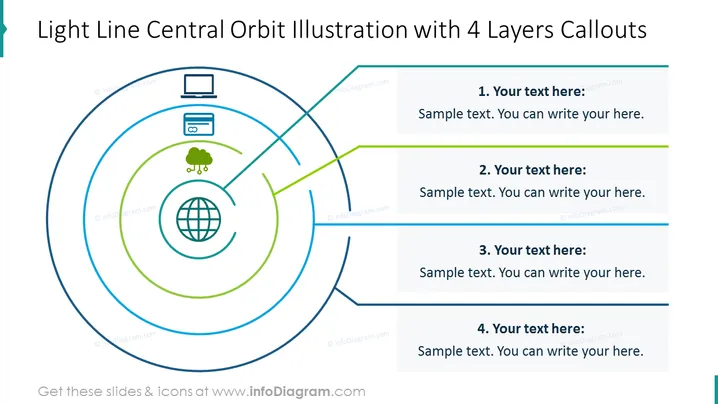
The Light Line Central Orbit Illustration for 4 Layers can be used when you want to demonstrate the relationship between the central entity and its satellites. You can use it in presentations related to organizational structure, team dynamics, or interdepartmental relationships. You can write a brief description of each layer, and you can illustrate your idea with creative icons. All shapes are vectors, so you can change the colors and resize the elements according to your preference without losing quality. Check out the editing instructions in the How to Edit section. You can download this PPT template on Google Slides and Keynote.
White Background, Text Box, Light Line Central Orbit Illustration, Global Icon, Data Cloud Icon, Credit Card Icon, Laptop Icon, Computer Icon



