

Your graphics add a nice touch to my presentations and I recently used them for one of my all-hands meetings. Your toolbox adds professionalism to my slides. Instead of using standard clipart.
Claude Jones, Director of Engineer, @Walmartlabs, USA

Your graphics add a nice touch to my presentations and I recently used them for one of my all-hands meetings. Your toolbox adds professionalism to my slides. Instead of using standard clipart.
Claude Jones, Director of Engineer, @Walmartlabs, USA
I needed a fresh look at some of my slides. I've tried to find a way to create a paintbrush effect, to underline, accentuate, add some color and the handwritten markers were just the things. Very easy to use, easy to size, change the color. It was an affordable, perfect solution and I'm happy to recommend it.
Anonymous, US
The crisp, clean look of the graphics, and the fact that it allowed me to easily edit and change the colors to match the template was my main reason for purchasing them.
Brandie Jenkins, E-learning Developer, USA
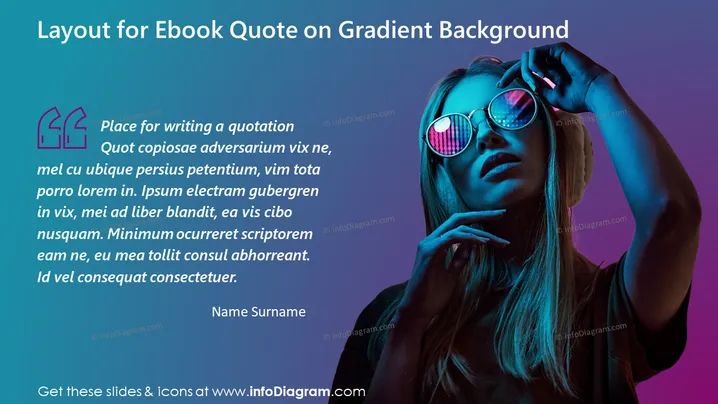
Slide Content: This PowerPoint slide is designed for presenting a quotation in an engaging and visually appealing manner. It suggests a layout for the inclusion of a quote against a gradient background, perhaps to emphasize the content or themes of an ebook. The slide includes a large, stylized quotation mark to draw attention to the beginning of the quote, followed by a block of example Latin text that serves as a placeholder for the intended quote. A section for the author's name is placed at the bottom, ensuring that credit is given.
Graphical Look:
The slide has a modern and trendy look, with a dynamic interplay between text and imagery that captures attention. The combination of the gradient background and the reflective sunglasses gives a sense of depth and visual interest.
Use Cases:



