

Your graphics add a nice touch to my presentations and I recently used them for one of my all-hands meetings. Your toolbox adds professionalism to my slides. Instead of using standard clipart.
Claude Jones, Director of Engineer, @Walmartlabs, USA

Your graphics add a nice touch to my presentations and I recently used them for one of my all-hands meetings. Your toolbox adds professionalism to my slides. Instead of using standard clipart.
Claude Jones, Director of Engineer, @Walmartlabs, USA
I needed a fresh look at some of my slides. I've tried to find a way to create a paintbrush effect, to underline, accentuate, add some color and the handwritten markers were just the things. Very easy to use, easy to size, change the color. It was an affordable, perfect solution and I'm happy to recommend it.
Anonymous, US
The crisp, clean look of the graphics, and the fact that it allowed me to easily edit and change the colors to match the template was my main reason for purchasing them.
Brandie Jenkins, E-learning Developer, USA
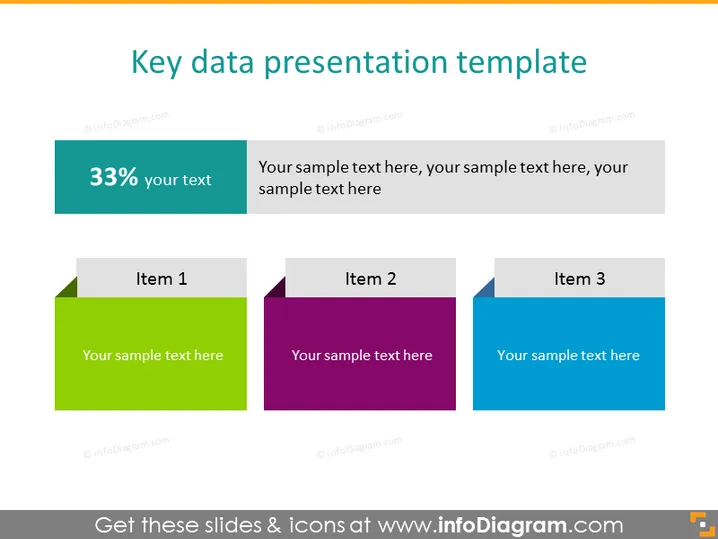
The slide is titled "Key data presentation template" and appears to present a method for displaying key data points or progress metrics in a visual format. There are three colored square-shaped graphics, each with a header "Item 1," "Item 2," and "Item 3," suggesting a place to input individual data points or concepts. Each of these is accompanied by a placeholder text indicating where to add descriptive text. Additionally, on the left, a teal-colored rectangle states "33%" with a subtitle "your text," implying a space for a statistic or key figure with related details.
The PowerPoint slide exhibits a professional and clean design. The use of color gradients and distinct separation of items ensures clarity and visual appeal.



