
Engineer Interview Outline Icons Set: Skills

Slide Content

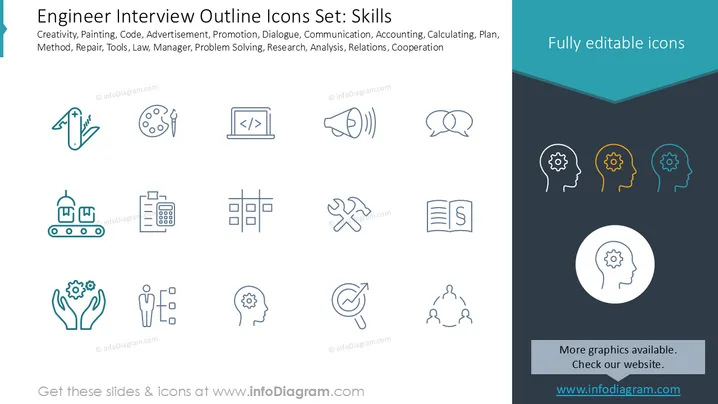
This slide presents a collection of outline icons related to various professional skills, particularly useful for engineering or technical roles. The icons illustrate concepts like Creativity (multi-tool), Painting (palette), Code (laptop with code), Promotion (megaphone), Communication (speech bubbles), Accounting (clipboard with calculator), Planning (grid), Repair (wrench and hammer), Law (book), Manager (person with boxes), Problem Solving (gears in hands), Research (magnifying glass with arrow), Analysis (head with gear), and Cooperation (three people linked). These visual cues help in quickly identifying and representing a diverse range of competencies.

Graphical Look

  • The slide is split vertically into two main sections: a wider left section with a white background and a narrower right section with a dark grey background.
  • The top left part of the slide contains the title and a list of keywords in black text.
  • The left section showcases 15 small, linear icons arranged in three rows of five.
  • The icons include a multi-tool, a paint palette and brush, a laptop displaying code, a megaphone, two speech bubbles, a conveyor belt with packages, a clipboard with a calculator, a grid with empty boxes, a wrench and hammer, a book with a paragraph symbol, hands holding gears, a figure next to three checkboxes, a human head with a gear inside, a magnifying glass with an upward-trending arrow, and three interconnected human figures.
  • The icons are predominantly in a teal or light blue line art style, with some in a darker blue outline.
  • The right section of the slide features a large, teal, inverted chevron shape at the top.
  • Below the chevron, the text "Fully editable icons" is displayed in white font.
  • Underneath this text, there are four human head profiles, each containing a gear. Three are arranged in a row: the first in white outline, the second in orange outline, and the third in teal outline.
  • Below these, a larger white circle frames a single human head profile with a gear, also in a white outline.
  • At the bottom right, there's a grey rectangular box with the text "More graphics available. Check our website." in white font.
  • Below this box, "www.infodiagram.com" is hyperlinked and displayed in blue text.

The overall design is clean and professional, using a limited color palette of white, dark grey, teal, and orange to highlight different elements. The linear icon style contributes to a modern and versatile aesthetic.

Use Cases

  • Job Descriptions & Recruitment: To visually represent the required skills for a position in an engaging and easy-to-understand format.
  • Performance Reviews: To illustrate an employee's strengths and areas for development, using icons to symbolize various competencies.
  • Training & Development: As visual aids to introduce different skill sets that will be covered in workshops or courses.
  • Team Skill Matrix: To quickly convey the diverse capabilities present within a team or project group.
Engineer Interview Outline Icons Set: Skills

Engineer Interview Outline Icons Set: Skills

Part of deckCivil Engineer Interview Presentation (PPT Template)


