

Your graphics add a nice touch to my presentations and I recently used them for one of my all-hands meetings. Your toolbox adds professionalism to my slides. Instead of using standard clipart.
Claude Jones, Director of Engineer, @Walmartlabs, USA

Your graphics add a nice touch to my presentations and I recently used them for one of my all-hands meetings. Your toolbox adds professionalism to my slides. Instead of using standard clipart.
Claude Jones, Director of Engineer, @Walmartlabs, USA
I needed a fresh look at some of my slides. I've tried to find a way to create a paintbrush effect, to underline, accentuate, add some color and the handwritten markers were just the things. Very easy to use, easy to size, change the color. It was an affordable, perfect solution and I'm happy to recommend it.
Anonymous, US
The crisp, clean look of the graphics, and the fact that it allowed me to easily edit and change the colors to match the template was my main reason for purchasing them.
Brandie Jenkins, E-learning Developer, USA
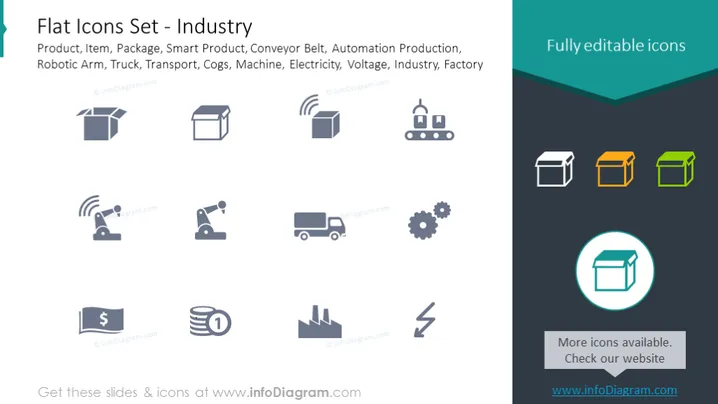
The PowerPoint slide presents a collection of "Flat Icons Set - Industry," which includes icons representing various elements associated with industrial activity. Product, Item, and Package icons relate to goods and their packaging. Smart Product and Conveyor Belt suggest technology in manufacturing. Automation Production reflects industry automation, the Robotic Arm signifies robotics in production, and the Truck symbolizes transport logistics. Cogs refer to machinery and mechanical parts, Machine represents manufacturing equipment, Electricity is for power, and Voltage could indicate electrical specifications. Lastly, Industry and Factory icons are general symbols for the industrial sector.
The overall look of the slide is sleek and professional, emphasizing clarity and simplicity. The color highlights draw attention to specific icons, possibly to indicate their importance or to categorize them differently.



