

Your graphics add a nice touch to my presentations and I recently used them for one of my all-hands meetings. Your toolbox adds professionalism to my slides. Instead of using standard clipart.
Claude Jones, Director of Engineer, @Walmartlabs, USA

Your graphics add a nice touch to my presentations and I recently used them for one of my all-hands meetings. Your toolbox adds professionalism to my slides. Instead of using standard clipart.
Claude Jones, Director of Engineer, @Walmartlabs, USA
I needed a fresh look at some of my slides. I've tried to find a way to create a paintbrush effect, to underline, accentuate, add some color and the handwritten markers were just the things. Very easy to use, easy to size, change the color. It was an affordable, perfect solution and I'm happy to recommend it.
Anonymous, US
The crisp, clean look of the graphics, and the fact that it allowed me to easily edit and change the colors to match the template was my main reason for purchasing them.
Brandie Jenkins, E-learning Developer, USA
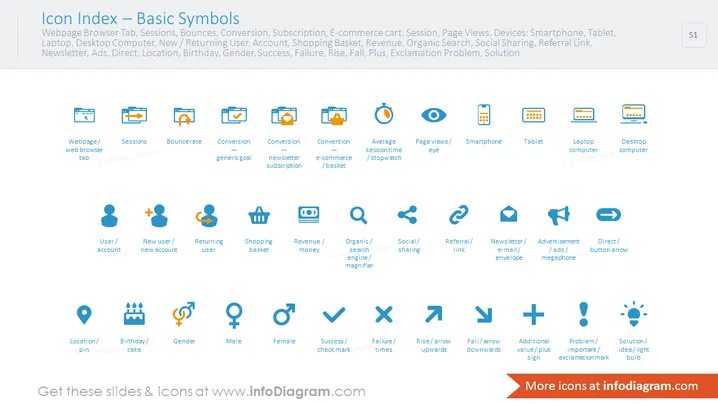
The PowerPoint slide titled "Icon Index — Basic Symbols" displays an array of icons representing various concepts related to web analytics and user engagement metrics. It categorizes icons into groups such as webpage elements (Webpage Browser Tab, Sessions, Bounces), conversion goals (Conversion, Newsletter Subscription, E-commerce cart), session metrics (Average session time, Page Views), devices (Smartphone, Tablet, Laptop, Desktop Computer), user demographics (New/Returning User, Account, Location, Birthday, Gender), and performance indicators (Success, Failure, Rise, Fall, Plus, Exclamation Problem, Solution). Each concept is visually represented by a stylized graphic meant to illustrate the item at a glance, which is helpful for quickly comprehending complex data.
The overall look is clean and minimalistic, with a strong use of grids and alignment to organize information efficiently. The color palette is limited, ensuring that the icons stand out clearly against the slide background.



