

Your graphics add a nice touch to my presentations and I recently used them for one of my all-hands meetings. Your toolbox adds professionalism to my slides. Instead of using standard clipart.
Claude Jones, Director of Engineer, @Walmartlabs, USA

Your graphics add a nice touch to my presentations and I recently used them for one of my all-hands meetings. Your toolbox adds professionalism to my slides. Instead of using standard clipart.
Claude Jones, Director of Engineer, @Walmartlabs, USA
I needed a fresh look at some of my slides. I've tried to find a way to create a paintbrush effect, to underline, accentuate, add some color and the handwritten markers were just the things. Very easy to use, easy to size, change the color. It was an affordable, perfect solution and I'm happy to recommend it.
Anonymous, US
The crisp, clean look of the graphics, and the fact that it allowed me to easily edit and change the colors to match the template was my main reason for purchasing them.
Brandie Jenkins, E-learning Developer, USA
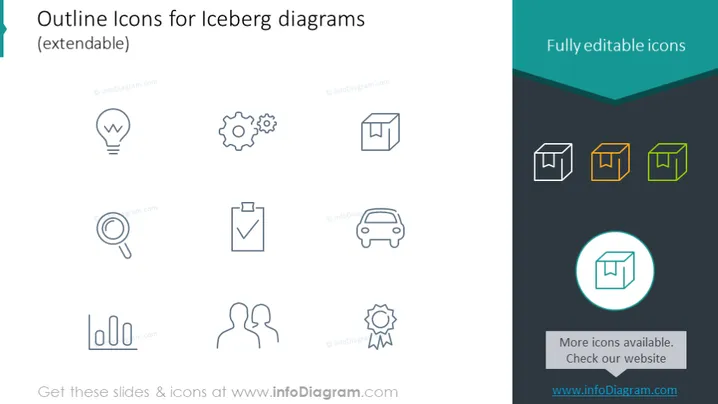
This slide presents a collection of simple outline icons designed for use in iceberg diagrams, indicating that they are extendable. Each icon represents a different concept: a light bulb for ideas, gears for processes, a checked clipboard for tasks or completion, a magnifying glass for analysis or search, cubes for building blocks or elements, a car for progress or travel, two figures for partnership or teamwork, and a badge for achievement or quality. These icons can be used to represent various elements of a business or a project in an iceberg diagram, which is typically used to illustrate that only a small part of a situation or problem is visible, while the bulk is hidden below the surface.
The slide has a clean, modern aesthetic with a clear division between the content areas. The use of color highlights the editability of icons and draws attention to specific elements, creating a visually appealing and functional design.



