
Your graphics add a nice touch to my presentations and I recently used them for one of my all-hands meetings. Your toolbox adds professionalism to my slides. Instead of using standard clipart.
Claude Jones, Director of Engineer, @Walmartlabs, USA

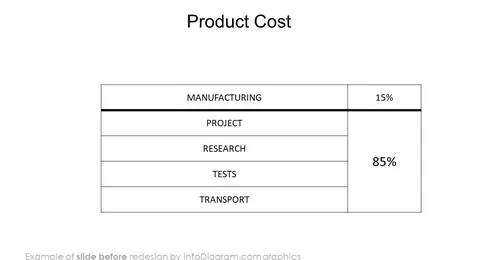
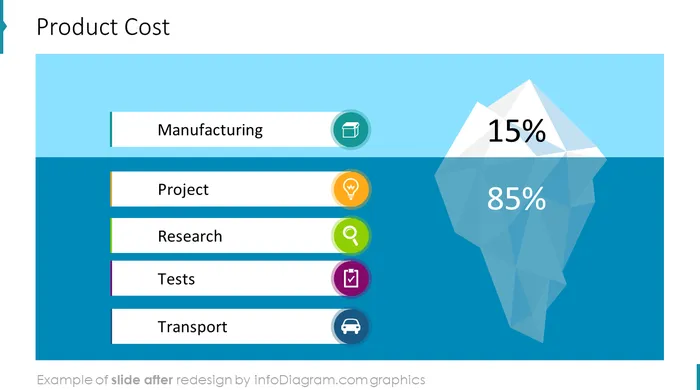
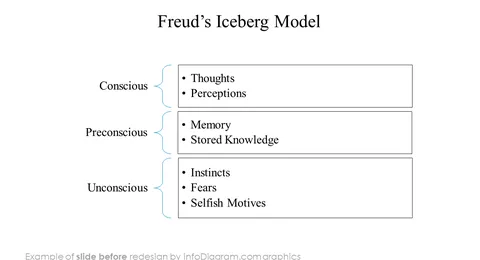
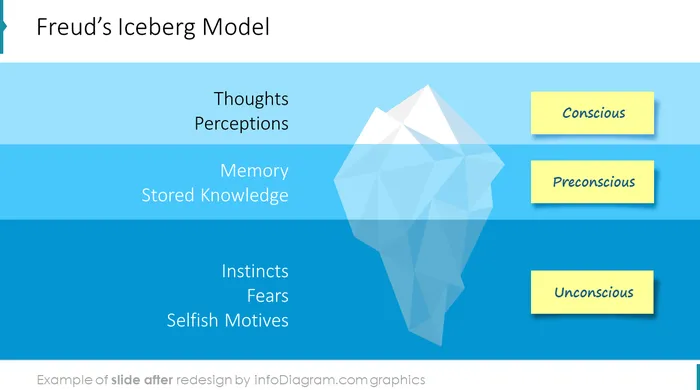
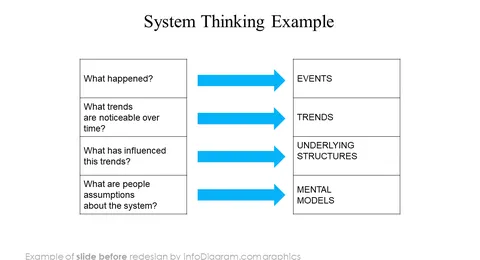
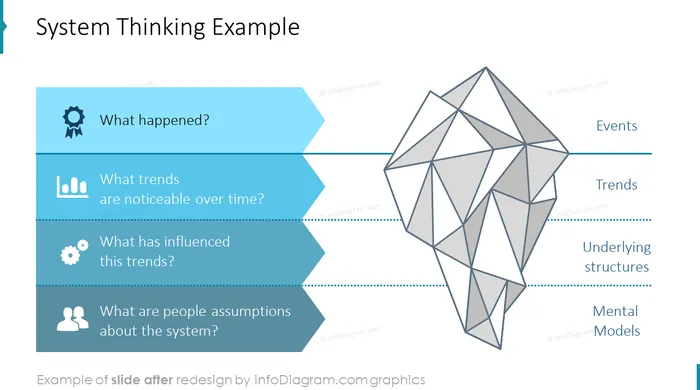
Before and after
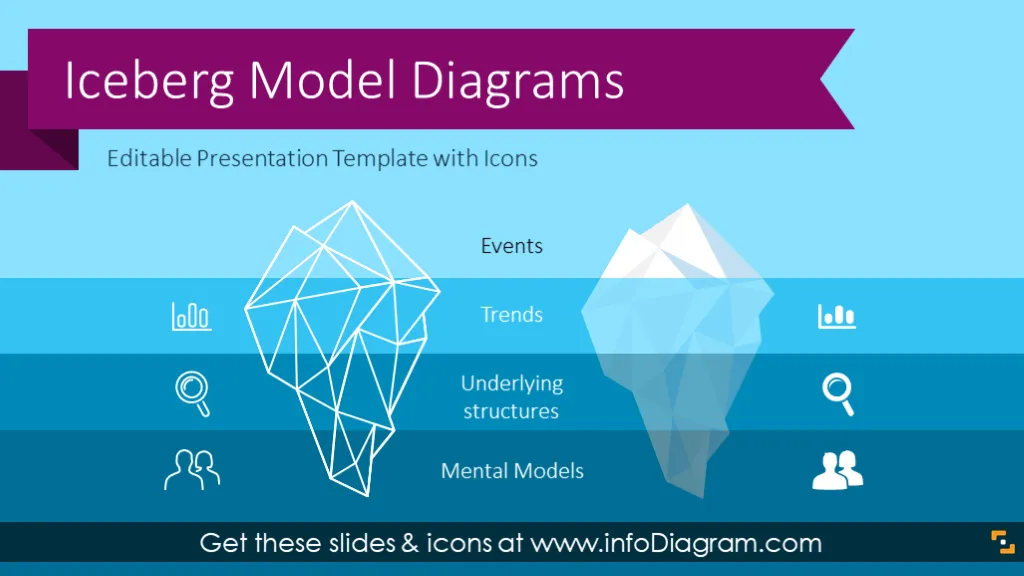
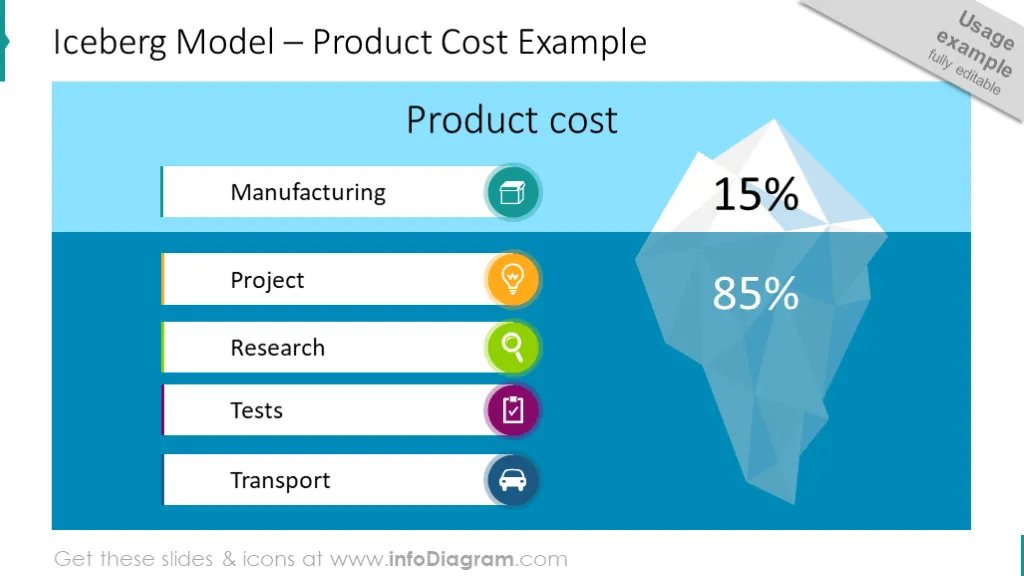
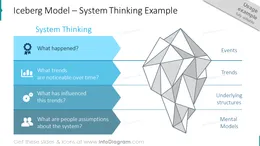
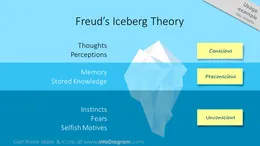
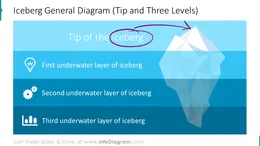
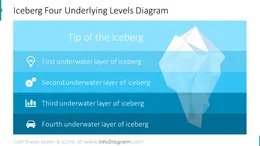
This blank iceberg diagram is a PowerPoint template you can use to present the analogy of a visible tip and hidden layers. The iceberg drawing is great for illustrating not only psychology theory but also various management and communication levels. The iceberg infographics can be adapted to match various layers.
This PowerPoint iceberg template slides collection includes a set of modern outline and flat icons you can use to represent the iceberg tip or hidden layers.
The visual metaphor of the iceberg has wide applications. It’s easy to grasp for your audience. It’s easy to modify the iceberg diagram, add or remove layers, change descriptions, and replace icons to fit the content. On the last slides, you have a set of several icons you can reuse or you can extend the icon collection by getting PPT icon set bundles (see Related Diagrams section).
The colors of iceberg shapes and icons are easy to change, thanks to that all graphics are in vector format. So you can adapt the slide content to your preferred branding colors. Just ensure the proper contrast of text and background to stay readable.
You can also add a simple animation to uncover underlying iceberg levels step by step.
You can use the iceberg analogy to represent various business areas:
See editing demonstration in our HowTo Videos.
Your graphics add a nice touch to my presentations and I recently used them for one of my all-hands meetings. Your toolbox adds professionalism to my slides. Instead of using standard clipart.
Claude Jones, Director of Engineer, @Walmartlabs, USA

I needed a fresh look at some of my slides. I've tried to find a way to create a paintbrush effect, to underline, accentuate, add some color and the handwritten markers were just the things. Very easy to use, easy to size, change the color. It was an affordable, perfect solution and I'm happy to recommend it.
Anonymous, US
The crisp, clean look of the graphics, and the fact that it allowed me to easily edit and change the colors to match the template was my main reason for purchasing them.
Brandie Jenkins, E-learning Developer, USA


You may also need
