

Your graphics add a nice touch to my presentations and I recently used them for one of my all-hands meetings. Your toolbox adds professionalism to my slides. Instead of using standard clipart.
Claude Jones, Director of Engineer, @Walmartlabs, USA

Your graphics add a nice touch to my presentations and I recently used them for one of my all-hands meetings. Your toolbox adds professionalism to my slides. Instead of using standard clipart.
Claude Jones, Director of Engineer, @Walmartlabs, USA
I needed a fresh look at some of my slides. I've tried to find a way to create a paintbrush effect, to underline, accentuate, add some color and the handwritten markers were just the things. Very easy to use, easy to size, change the color. It was an affordable, perfect solution and I'm happy to recommend it.
Anonymous, US
The crisp, clean look of the graphics, and the fact that it allowed me to easily edit and change the colors to match the template was my main reason for purchasing them.
Brandie Jenkins, E-learning Developer, USA
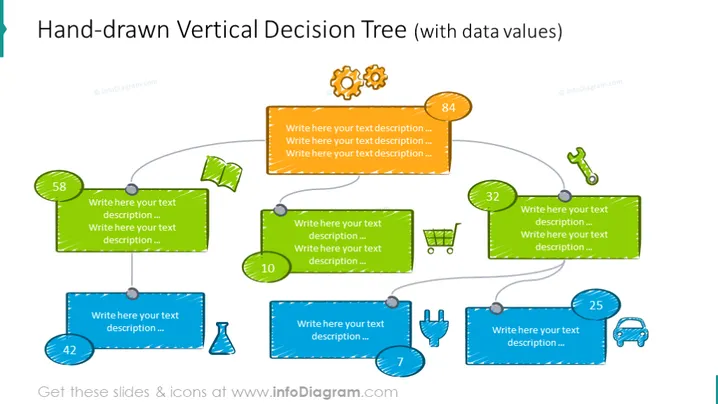
The slide shows a vertical decision tree designed to look hand-drawn, emphasizing a casual or creative approach to presenting options or decision logic. Each branch of the tree is represented by a colored rectangle with space to write text descriptions. Various icons alongside numbers inside circles are used to indicate specific steps or options, with arrows connecting these points to represent the flow from one decision to the next.
The overall look of the slide is playful and visually engaging, with a clear hand-drawn aesthetic that adds personality to the presentation. The color-coded rectangles, distinct icons, and annotated values contribute to an easy-to-understand visual representation of the decision-making process.



