

Your graphics add a nice touch to my presentations and I recently used them for one of my all-hands meetings. Your toolbox adds professionalism to my slides. Instead of using standard clipart.
Claude Jones, Director of Engineer, @Walmartlabs, USA

Your graphics add a nice touch to my presentations and I recently used them for one of my all-hands meetings. Your toolbox adds professionalism to my slides. Instead of using standard clipart.
Claude Jones, Director of Engineer, @Walmartlabs, USA
I needed a fresh look at some of my slides. I've tried to find a way to create a paintbrush effect, to underline, accentuate, add some color and the handwritten markers were just the things. Very easy to use, easy to size, change the color. It was an affordable, perfect solution and I'm happy to recommend it.
Anonymous, US
The crisp, clean look of the graphics, and the fact that it allowed me to easily edit and change the colors to match the template was my main reason for purchasing them.
Brandie Jenkins, E-learning Developer, USA
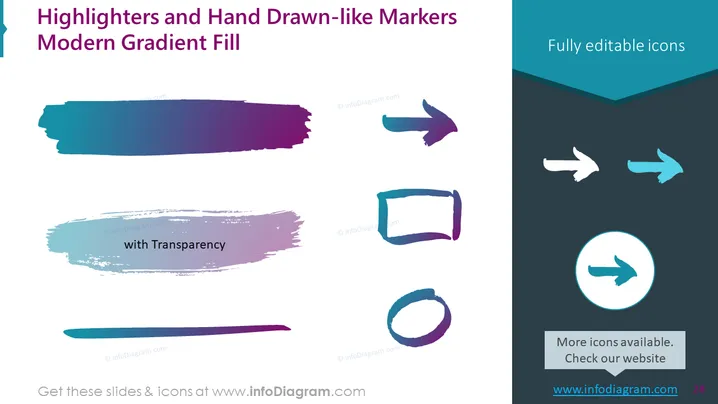
Slide Content: The PowerPoint slide titled "Highlighters and Hand Drawn-like Markers Modern Gradient Fill" showcases a variety of highlighter and marker effects. It features different graphic elements with gradient fills and transparency effects to mimic the appearance of hand-drawn markers, including stroke lines and shapes ideal for emphasizing certain areas of a presentation.
Graphical Look:
The slide has an asymmetric distribution of elements with the left side containing more of the drawn-like graphical elements and the right having a cleaner design with icons and text. This slide uses sharp edges, modern gradients, and a mix of bold and transparent colors which gives it a contemporary and dynamic appearance.
Use Cases:



