
Reviews
Your graphics add a nice touch to my presentations and I recently used them for one of my all-hands meetings. Your toolbox adds professionalism to my slides. Instead of using standard clipart.
I needed a fresh look at some of my slides. I've tried to find a way to create a paintbrush effect, to underline, accentuate, add some color and the handwritten markers were just the things. Very easy to use, easy to size, change the color. It was an affordable, perfect solution and I'm happy to recommend it.
The crisp, clean look of the graphics, and the fact that it allowed me to easily edit and change the colors to match the template was my main reason for purchasing them.
Description
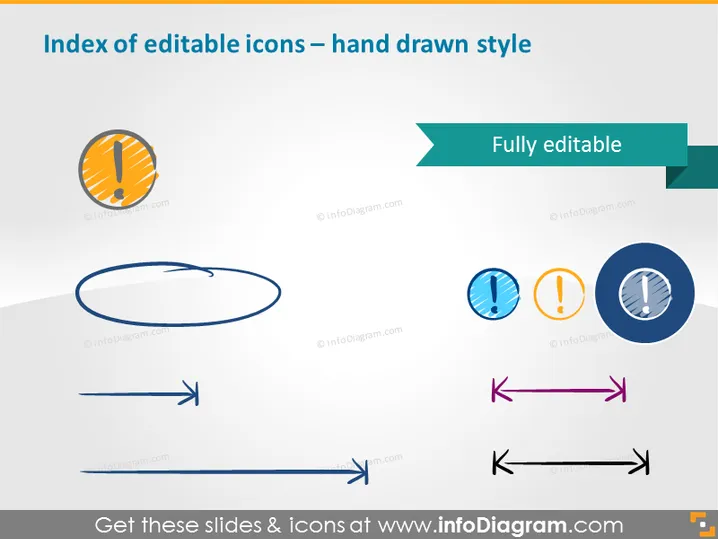
Index of editable icons – hand drawn style
Slide Content
The PowerPoint slide is titled "Index of editable icons – hand drawn style" indicating that the content includes a collection of icons that have been designed to mimic a hand-drawn aesthetic. The main highlights of the slide are the various hand-drawn style icons that are fully editable, which suggests they can be customized to fit the specific needs of a presentation.
Graphical Look
- The slide title is positioned at the top, using a bold and large font.
- Directly below the title is a teal-colored banner that spans part of the slide width, stating "Fully editable."
- There are three sets of icons showcased in a row-and-column layout:
- On the left, a single large circular arrow icon is depicted with a clockwise direction.
- In the middle column, three circular icons presented vertically, each containing a different symbol: an exclamation point, a warning sign, and a pencil.
- On the right, two different double-ended arrows (horizontal and diagonal) arranged vertically.
- All icons utilize a limited color palette with shades of blue, orange, and purple.
- The icons appear to have a drop shadow, giving a slight 3D effect on an otherwise flat background.
- The design elements are strategically placed against a pale gray background which provides contrast while allowing the colors of the icons to remain prominent.
The overall look of the slide is modern and minimalistic, with attention drawn to the colorful, hand-drawn style icons. The use of shadows and limited color palette enhances the visual appeal without overwhelming the viewer.
Use Cases
- To introduce new graphical resources during a design team meeting.
- As part of a branding presentation to showcase potential icons for a client's visual identity.
- In an instructional setting to demonstrate customizability in graphic design software.
- During creative workshops to illustrate the use of icons in improving visual communication in presentations.
How to Edit
How to edit text & colors

How to expand / shorten diagram

How to Replace Icons in infoDiagram PPT


