

Your graphics add a nice touch to my presentations and I recently used them for one of my all-hands meetings. Your toolbox adds professionalism to my slides. Instead of using standard clipart.
Claude Jones, Director of Engineer, @Walmartlabs, USA

Your graphics add a nice touch to my presentations and I recently used them for one of my all-hands meetings. Your toolbox adds professionalism to my slides. Instead of using standard clipart.
Claude Jones, Director of Engineer, @Walmartlabs, USA
I needed a fresh look at some of my slides. I've tried to find a way to create a paintbrush effect, to underline, accentuate, add some color and the handwritten markers were just the things. Very easy to use, easy to size, change the color. It was an affordable, perfect solution and I'm happy to recommend it.
Anonymous, US
The crisp, clean look of the graphics, and the fact that it allowed me to easily edit and change the colors to match the template was my main reason for purchasing them.
Brandie Jenkins, E-learning Developer, USA
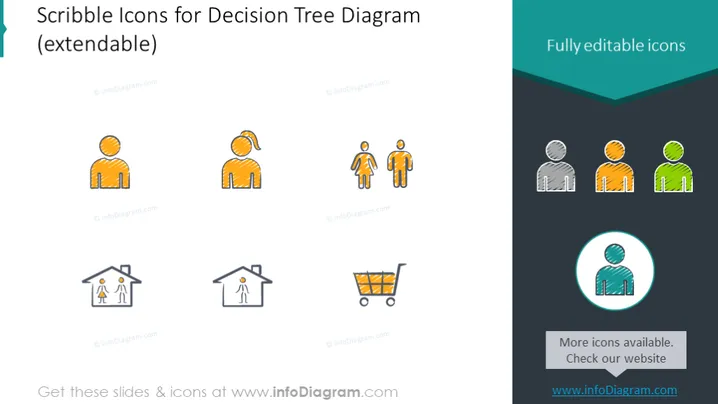
The PowerPoint slide presents a collection of hand-drawn style "Scribble Icons" to be used within a decision tree diagram, suggesting their potential for extension or customization within a presentation. These icons include various human figures, each conveying a different character or role based on their posture or additional elements (like a ponytail or shopping cart), and a representation of a house with two smaller figures inside, likely indicating a family or home scenario. The icons are described as "fully editable," and there is an additional note about more icons being available on their website, inviting further exploration for presentation needs.
The slide has a modern and simplistic design, with colorful icons that stand out against the white background. The consistent scribble style across the icons creates a coherent and visually appealing set.



