
Reviews
Ihre Grafiken verleihen meinen Präsentationen eine nette Note, und ich habe sie kürzlich für eines meiner All-Hands-Meetings verwendet. Ihre Toolbox verleiht meinen Folien Professionalität, anstatt Standard-Clipart zu verwenden.
Ich brauchte einen neuen Blick auf einige meiner Folien. Ich habe versucht, einen Weg zu finden, einen Pinselschlag-Effekt zu erzielen, um zu unterstreichen, hervorzuheben, Farbe hinzuzufügen, und die handgeschriebenen Markierungen waren genau das Richtige. Sehr einfach zu bedienen, leicht in der Größe zu ändern, die Farbe zu ändern. Es war eine erschwingliche, perfekte Lösung und ich empfehle sie gerne weiter.
Die klare, saubere Optik der Grafiken und die Tatsache, dass ich die Farben leicht bearbeiten und an die Vorlage anpassen konnte, war mein Hauptgrund für den Kauf.
Description
Ecosystem
Slide Content
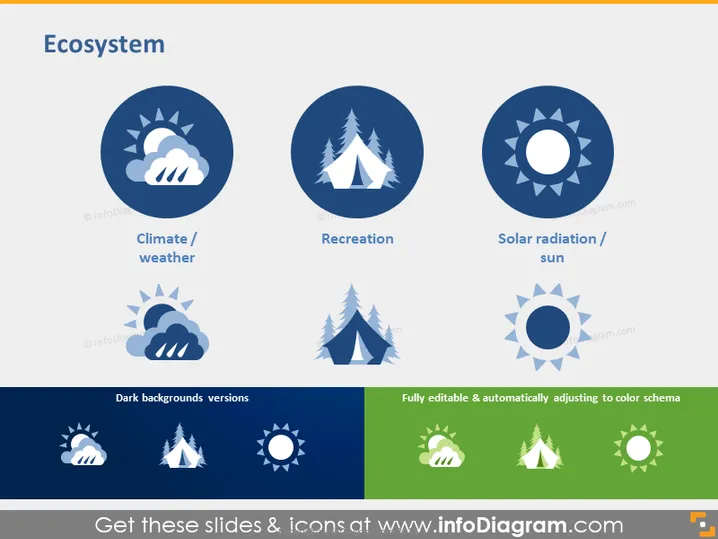
The PowerPoint slide is titled "Ecosystem" and presents three key elements critical for understanding different aspects of ecosystems: "Climate / weather," "Recreation," and "Solar radiation / sun." Each element is represented by an icon and a short description. The slide demonstrates the various factors that can affect an ecosystem, such as the climate conditions symbolized by the cloud and sun, recreational activities represented by a tree, and the importance of solar radiation conveyed through the sun icon.
Graphical Look
- Circle icons: three large circles with icons and two sets of smaller circles below depicting weather, trees, and the sun, indicating different aspects of an ecosystem.
- Color scheme: predominantly blue for the main part of the slide, with the lower section showcasing the same icons on a darker background and the icons' adaptability to a green color scheme.
- Text labels: each large circular icon is accompanied by a text label explaining the concept ("Climate / weather," "Recreation," "Solar radiation / sun").
- Additional feature indicators: there are text blocks below the icons saying "Dark backgrounds versions" and "Fully editable & automatically adjusting to color schema," illustrating the icons' versatility.
- Icon style: the icons are stylized and minimalistic, providing a clear visual representation of each concept without unnecessary details.
The slide has a clean and modern appearance with a strong visual hierarchy that focuses attention on the main concepts through the use of large icons and clear labeling. The choice of color and simple graphics contributes to the slide's professional and polished look.
Use Cases
- To present an environmental impact report with a focus on specific areas such as climate, leisure activities, and solar energy impact.
- As part of an educational presentation explaining different components of ecosystems to students or trainees.
- During a business meeting discussing potential investment opportunities in eco-tourism or renewable energy sectors.
- In a strategic planning session for an organization looking to align its operations with sustainable environmental practices .
How to Edit
How to edit text & colors

How to expand / shorten diagram

How to Replace Icons in infoDiagram PPT


