

Your graphics add a nice touch to my presentations and I recently used them for one of my all-hands meetings. Your toolbox adds professionalism to my slides. Instead of using standard clipart.
Claude Jones, Director of Engineer, @Walmartlabs, USA

Your graphics add a nice touch to my presentations and I recently used them for one of my all-hands meetings. Your toolbox adds professionalism to my slides. Instead of using standard clipart.
Claude Jones, Director of Engineer, @Walmartlabs, USA
I needed a fresh look at some of my slides. I've tried to find a way to create a paintbrush effect, to underline, accentuate, add some color and the handwritten markers were just the things. Very easy to use, easy to size, change the color. It was an affordable, perfect solution and I'm happy to recommend it.
Anonymous, US
The crisp, clean look of the graphics, and the fact that it allowed me to easily edit and change the colors to match the template was my main reason for purchasing them.
Brandie Jenkins, E-learning Developer, USA
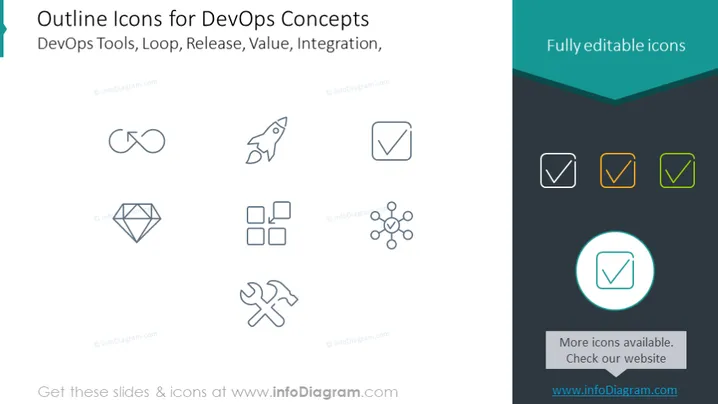
The slide displays icons representing various DevOps concepts such as DevOps Tools, Loop, Release, Value, and Integration. Each icon corresponds to one of the concepts: the two interconnected circles imply an infinite loop, referencing continuous processes; the rocket suggests deployment or release processes; the checkmark inside a box indicates successful completion or verification, possibly of a task or test; the diamond shape may symbolize value or quality; the four squares could represent various stages of development or integration; and the network of dots and connections hints at interconnected systems or integration.
The slide is minimalistic and uses neutral colors combined with subtle highlights to draw attention to specific icons. The consistent outline style of the icons provides a uniform and professional appearance.



