
Reviews
Sus gráficos añaden un toque agradable a mis presentaciones y recientemente los usé para una de mis reuniones generales. Su conjunto de herramientas añade profesionalismo a mis diapositivas. En lugar de usar imágenes prediseñadas estándar.
Necesitaba un aspecto fresco para algunas de mis diapositivas. Había intentado encontrar una forma de crear un efecto de pincel, de subrayar, acentuar, añadir algo de color y los marcadores escritos a mano fueron justo lo que necesitaba. Muy fácil de usar, fácil de ajustar el tamaño, cambiar el color. Fue una solución asequible y perfecta, y estoy feliz de recomendarla.
El aspecto nítido y limpio de los gráficos, y el hecho de que me permitiera editar y cambiar fácilmente los colores para que coincidieran con la plantilla fue mi principal razón para comprarlos.
Description
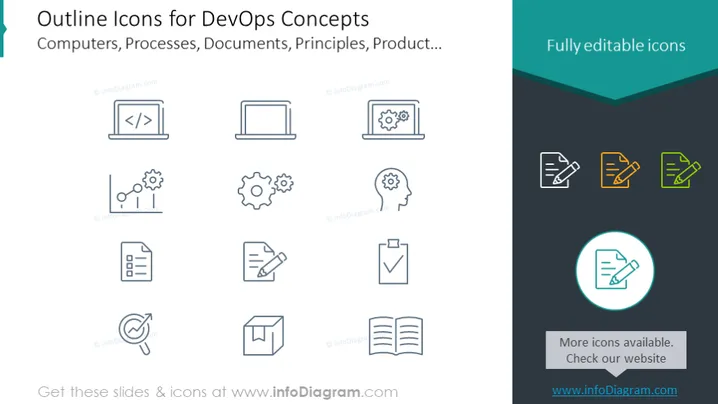
Outline Icons for DevOps Concepts
Slide Content
The PowerPoint slide presents a set of outline icons for DevOps concepts, indicating elements like computers, processes, documents, principles, and products. These icons symbolize various aspects of the DevOps methodology. For example, an icon with "< />" on a monitor represents coding or software development, while gear icons imply processes or automation. Document icons likely indicate documentation or reporting, and cyclic arrows could signify continuous integration or deployment practices, illustrating the ongoing nature of DevOps processes.
Graphical Look
- The slide has a plain white background.
- At the top, the slide title is in bold, dark text.
- There are eight pairs of icons, each with a duplicate: one set in light grey and the other highlighted in color (yellow, green, or blue).
- The icons are simple, outline-style graphics, representing concepts such as coding, laptops, settings gears, documents, and checklists.
- There is a highlight box with a prominent color teal or cyan around one icon.
- A diagonal dark teal banner is in the upper right corner, containing white text.
- There is additional descriptive text to the right, in smaller font, under the "Fully editable icons" phrase.
The overall look of the slide is minimalist and professional, with a clean and organized layout emphasizing the icons. The use of color is restrained, drawing attention to the color-highlighted feature and reinforcing visual interest without being overpowering.
Use Cases
- To introduce DevOps concepts in a training or educational presentation.
- As part of an IT or software development team's project kickoff meeting to describe tools and processes.
- In a sales proposal to highlight the technologies and methodologies employed in a service offering.
- During an internal company update or strategy meeting to discuss improvements in the development and operations workflow.
How to Edit
How to edit text & colors

How to expand / shorten diagram

How to Replace Icons in infoDiagram PPT


