
Your graphics add a nice touch to my presentations and I recently used them for one of my all-hands meetings. Your toolbox adds professionalism to my slides. Instead of using standard clipart.
Claude Jones, Director of Engineer, @Walmartlabs, USA
Your graphics add a nice touch to my presentations and I recently used them for one of my all-hands meetings. Your toolbox adds professionalism to my slides. Instead of using standard clipart.
Claude Jones, Director of Engineer, @Walmartlabs, USA
I needed a fresh look at some of my slides. I've tried to find a way to create a paintbrush effect, to underline, accentuate, add some color and the handwritten markers were just the things. Very easy to use, easy to size, change the color. It was an affordable, perfect solution and I'm happy to recommend it.
Anonymous, US
The crisp, clean look of the graphics, and the fact that it allowed me to easily edit and change the colors to match the template was my main reason for purchasing them.
Brandie Jenkins, E-learning Developer, USA
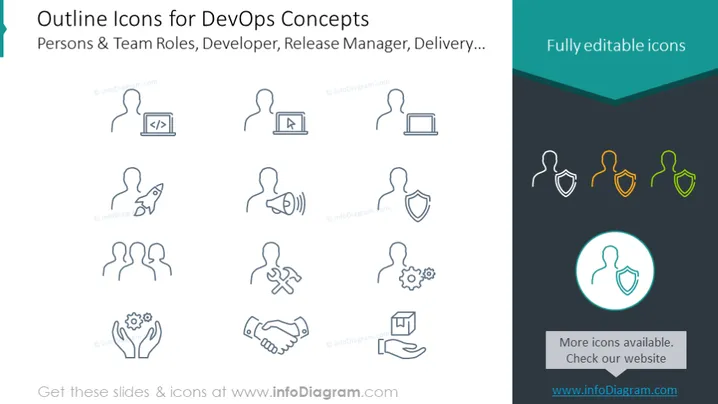
The PowerPoint slide presents a collection of "Outline Icons for DevOps Concepts" focusing on Persons & Team Roles, Developer, Release Manager, Delivery, and more. These icons represent various roles and activities within the DevOps ecosystem, such as coding, deployment, monitoring, teamwork, security, settings customization, continuous integration, and customer feedback. For example, the coding icon typically signifies development work, while the shield icon suggests security or protection. The teamwork icon is indicative of collaboration, and the handshake icon implies partnership or agreement.
The slide has a clean and minimalist design, with a structured layout that clearly separates each icon. The use of light blue outlines for icons against a white background provides a professional and uncluttered appearance.




