

Your graphics add a nice touch to my presentations and I recently used them for one of my all-hands meetings. Your toolbox adds professionalism to my slides. Instead of using standard clipart.
Claude Jones, Director of Engineer, @Walmartlabs, USA

Your graphics add a nice touch to my presentations and I recently used them for one of my all-hands meetings. Your toolbox adds professionalism to my slides. Instead of using standard clipart.
Claude Jones, Director of Engineer, @Walmartlabs, USA
I needed a fresh look at some of my slides. I've tried to find a way to create a paintbrush effect, to underline, accentuate, add some color and the handwritten markers were just the things. Very easy to use, easy to size, change the color. It was an affordable, perfect solution and I'm happy to recommend it.
Anonymous, US
The crisp, clean look of the graphics, and the fact that it allowed me to easily edit and change the colors to match the template was my main reason for purchasing them.
Brandie Jenkins, E-learning Developer, USA
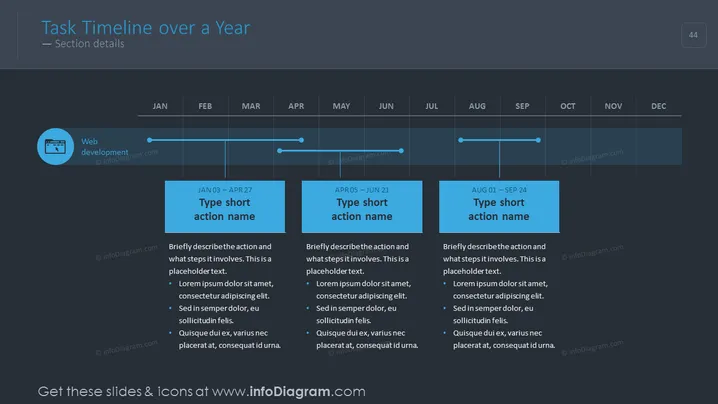
The slide titled "Task Timeline over a Year" is designed to illustrate a timeline of tasks or projects spanning an entire year. The slide breaks down the timeline into three distinct phases signified by blue boxes, each labeled with the duration from start to end dates and a placeholder for a short action name. Underneath each box, there is a brief description and bullet points about the action, illustrating specific steps or notable aspects of that phase. This can aid in providing a snapshot of key developments and expectations over the months.
The slide employs a clean and modern design with a simple color scheme, primarily using shades of blue, white, and grey text. The use of space is balanced, with text and graphical elements presented clearly to facilitate easy readability and comprehension.



