

Your graphics add a nice touch to my presentations and I recently used them for one of my all-hands meetings. Your toolbox adds professionalism to my slides. Instead of using standard clipart.
Claude Jones, Director of Engineer, @Walmartlabs, USA

Your graphics add a nice touch to my presentations and I recently used them for one of my all-hands meetings. Your toolbox adds professionalism to my slides. Instead of using standard clipart.
Claude Jones, Director of Engineer, @Walmartlabs, USA
I needed a fresh look at some of my slides. I've tried to find a way to create a paintbrush effect, to underline, accentuate, add some color and the handwritten markers were just the things. Very easy to use, easy to size, change the color. It was an affordable, perfect solution and I'm happy to recommend it.
Anonymous, US
The crisp, clean look of the graphics, and the fact that it allowed me to easily edit and change the colors to match the template was my main reason for purchasing them.
Brandie Jenkins, E-learning Developer, USA
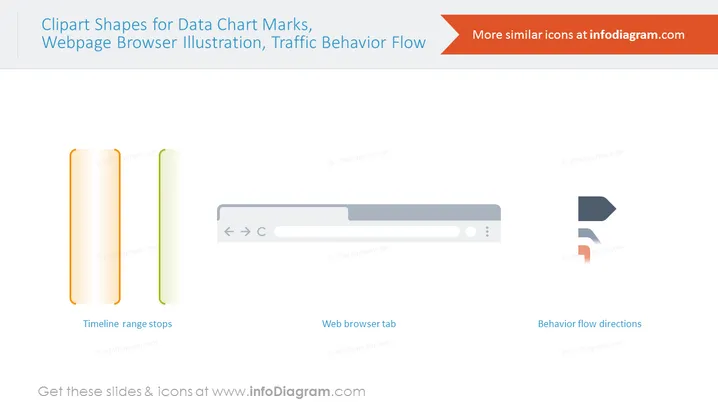
The slide is a collection of three distinct graphical elements, each accompanied by a label that describes its intended use. "Timeline range stops" represents a visual tool for marking the beginning and end of a period on a timeline, crucial for highlighting durations or significant events. "Web browser tab" depicts a simplified version of a browser interface, which can be used to illustrate web-related topics or online navigation scenarios. Lastly, "Behavior flow directions" consists of two arrow icons, indicating movement or direction, often utilized in flowcharts or to display sequential steps in a process.
The slide has a clean, modern look, using gradient and flat design elements for visual appeal. The use of gradients in the timeline markers adds depth, while the flat design of the browser and arrows maintains simplicity and focus on their symbolic functions.



