
Reviews
Your slides are my 'secret sauce' when it comes to visualising my ideas to clients. I'm saving so much time.
InfoDiagram has been a wonderful resource since I found the product site a few years ago.
Your slides often generate good comments and ideas from my team that improve the final slides.
Description
Content of Lewin’s Change Model Diagrams Template
Slide Content
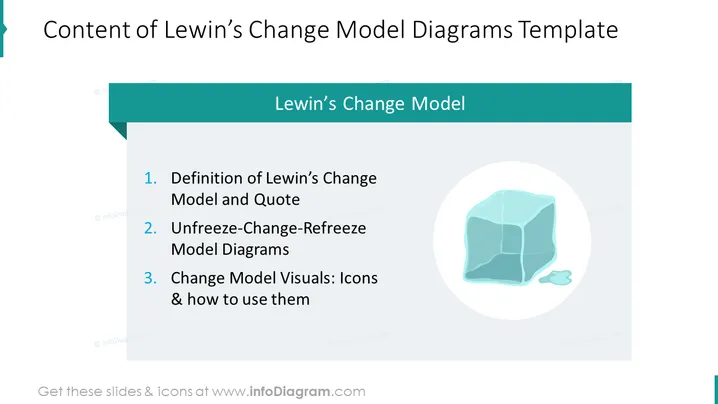
The slide is an outline for a presentation on Lewin's Change Model. The slide lists three key points:
- The definition of Lewin's Change Model and a supporting quote explain the foundational concepts of the model.
- Unfreeze-Change-Refreeze Model Diagrams detail the three-stage process of change that Lewin proposes.
- Change Model Visuals: Icons & how to use them suggest tools for illustrating and implementing the model's concepts visually in presentations or documents.
Graphical Look
- The slide background is white with a teal-colored header.
- The main title is aligned to the left in large, bold, dark text.
- A smaller subtitle is beneath the main title in a lighter shade of teal.
- There are three numbered points, each starting with bolded titles followed by explanatory text, in a bulleted list format.
- To the right, there is a graphic of an ice cube within a circle, placed against a light blue overlay.
- The slide has a minimalist design with ample white space and a clean, modern look.
The overall look of the slide is clean and professional with a cool color palette centered around teal and light blue shades, providing a visual theme that complements the content related to change, which is often symbolized by ice melting.
Use Cases
- Introducing the concept of Lewin's Change Model in organizational change management workshops.
- Outlining the agenda for a training session on implementing change within a company.
- Summarizing the sections of a detailed report or proposal focusing on strategies for change management.
- Setting the stage for a case study presentation that will utilize Lewin’s Change Model as a framework for analysis.
How to Edit
How to edit text & colors

How to expand / shorten diagram

How to Replace Icons in infoDiagram PPT


