
Reviews
Ihre Grafiken verleihen meinen Präsentationen eine nette Note, und ich habe sie kürzlich für eines meiner All-Hands-Meetings verwendet. Ihre Toolbox verleiht meinen Folien Professionalität, anstatt Standard-Clipart zu verwenden.
Ich brauchte einen neuen Blick auf einige meiner Folien. Ich habe versucht, einen Weg zu finden, einen Pinselschlag-Effekt zu erzielen, um zu unterstreichen, hervorzuheben, Farbe hinzuzufügen, und die handgeschriebenen Markierungen waren genau das Richtige. Sehr einfach zu bedienen, leicht in der Größe zu ändern, die Farbe zu ändern. Es war eine erschwingliche, perfekte Lösung und ich empfehle sie gerne weiter.
Die klare, saubere Optik der Grafiken und die Tatsache, dass ich die Farben leicht bearbeiten und an die Vorlage anpassen konnte, war mein Hauptgrund für den Kauf.
Description
Unfortunately, there's no text visible in the image provided that would constitute a slide title for me to transcribe. However, I can describe the content and graphical look of the slide.
Slide Content
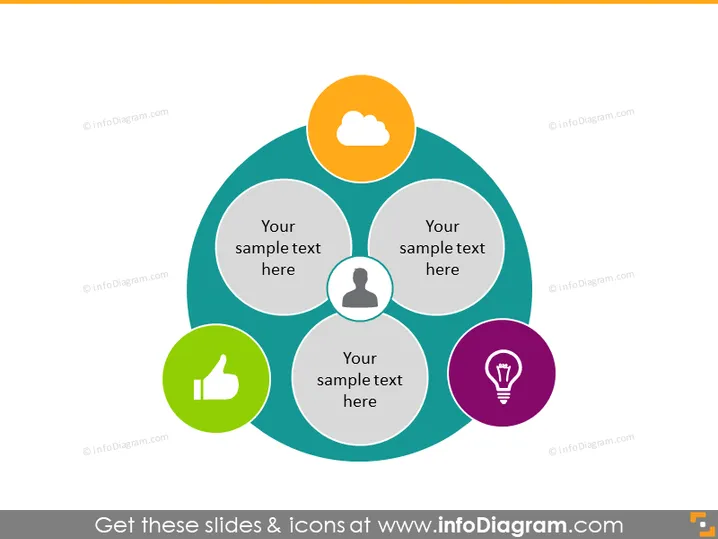
The PowerPoint slide seems to be designed to represent four connected concepts or ideas, each associated with an icon. These icons suggest topics like cloud computing or connectivity, user or customer profiles, approval or positive feedback, and innovative ideas or problem-solving. Placeholder text beneath each icon indicates where a presenter would add specific information related to these icons, making the slide versatile for different presentations.
Graphical Look
- The slide uses a color palette consisting of blues, greens, orange, and purple.
- Four circular shapes with icons are arranged in a central circular formation, almost like a Venn diagram overlapping in the middle where a larger grey circle sits, serving as a focal point that connects them all.
- The icons are simple and include a cloud, a person silhouette, a thumbs-up, and a lightbulb, each circled with a matching color to their background shapes.
- The background is a plain, light grey, ensuring that the colorful graphics stand out.
The overall look of the slide is modern and professional. The design uses simplistic shapes and icons to convey connections between different ideas or concepts in a clear and visually appealing manner.
Use Cases
- To showcase a business model that consists of four interconnected components or services.
- For presenting the key pillars of a strategic plan or company values.
- In marketing presentations to illustrate the areas of customer engagement or product features.
- During workshops or educational sessions to explain concepts that are interrelated in a cycle or ecosystem.
How to Edit
How to edit text & colors

How to expand / shorten diagram

How to Replace Icons in infoDiagram PPT


