

Your graphics add a nice touch to my presentations and I recently used them for one of my all-hands meetings. Your toolbox adds professionalism to my slides. Instead of using standard clipart.
Claude Jones, Director of Engineer, @Walmartlabs, USA

Your graphics add a nice touch to my presentations and I recently used them for one of my all-hands meetings. Your toolbox adds professionalism to my slides. Instead of using standard clipart.
Claude Jones, Director of Engineer, @Walmartlabs, USA
I needed a fresh look at some of my slides. I've tried to find a way to create a paintbrush effect, to underline, accentuate, add some color and the handwritten markers were just the things. Very easy to use, easy to size, change the color. It was an affordable, perfect solution and I'm happy to recommend it.
Anonymous, US
The crisp, clean look of the graphics, and the fact that it allowed me to easily edit and change the colors to match the template was my main reason for purchasing them.
Brandie Jenkins, E-learning Developer, USA
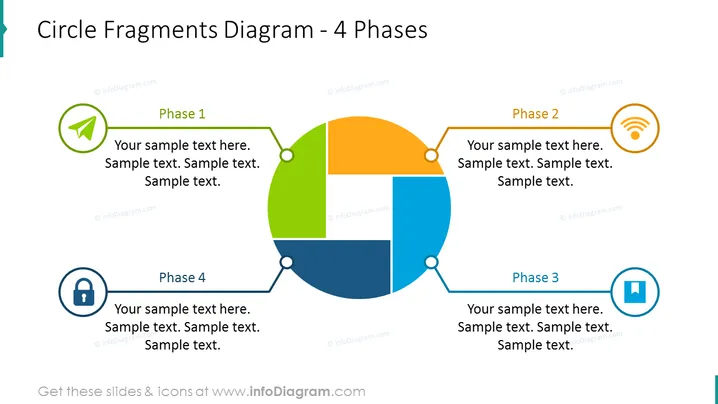
The slide features a Circle Fragments Diagram illustrating 4 Phases that can represent a process or lifecycle. Each phase is labeled with a unique color and an associated icon symbolizing the phase's theme. Phase 1 is green with a graduation cap icon, suggesting a learning or initiation phase. Phase 2 is orange with a wireless symbol, possibly indicating a communication or expansion phase. Phase 3 is blue with a pause icon, perhaps reflecting a review or pause in the process. Phase 4 is dark blue with a padlock icon, which could signify a conclusion or securing the results of the process. Placeholder text for detailed descriptions is provided under each phase's title.
The slide is clean and modern, with a clear focus on the central circle diagram which uses color coding and icons to differentiate between the phases. The icons are simple and symbolic, aiding quick association with each phase's purpose or theme.



