

Your graphics add a nice touch to my presentations and I recently used them for one of my all-hands meetings. Your toolbox adds professionalism to my slides. Instead of using standard clipart.
Claude Jones, Director of Engineer, @Walmartlabs, USA

Your graphics add a nice touch to my presentations and I recently used them for one of my all-hands meetings. Your toolbox adds professionalism to my slides. Instead of using standard clipart.
Claude Jones, Director of Engineer, @Walmartlabs, USA
I needed a fresh look at some of my slides. I've tried to find a way to create a paintbrush effect, to underline, accentuate, add some color and the handwritten markers were just the things. Very easy to use, easy to size, change the color. It was an affordable, perfect solution and I'm happy to recommend it.
Anonymous, US
The crisp, clean look of the graphics, and the fact that it allowed me to easily edit and change the colors to match the template was my main reason for purchasing them.
Brandie Jenkins, E-learning Developer, USA
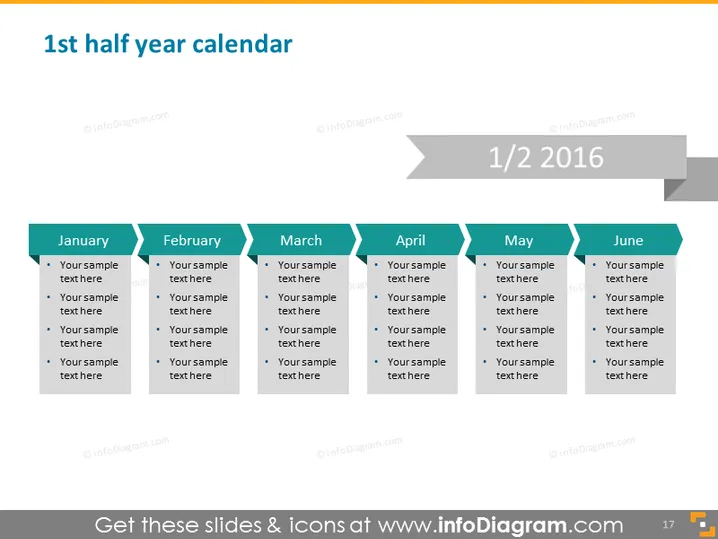
The PowerPoint slide titled "1st half year calendar" outlines the months from January to June. Each month is represented as a separate column with space for bullet points beneath them, presumably for detailed scheduling or event planning. These sections are placeholders for textual content relevant to each month—potentially for monthly goals, key dates, or tasks.
The slide has a professional, minimalistic design with a muted color palette.
The slide exudes a sense of order and clarity, facilitating the tracking of time-sensitive information over the first half of a year. The gradient and shadow effects add a degree of depth to the otherwise flat design.



