

Your graphics add a nice touch to my presentations and I recently used them for one of my all-hands meetings. Your toolbox adds professionalism to my slides. Instead of using standard clipart.
Claude Jones, Director of Engineer, @Walmartlabs, USA

Your graphics add a nice touch to my presentations and I recently used them for one of my all-hands meetings. Your toolbox adds professionalism to my slides. Instead of using standard clipart.
Claude Jones, Director of Engineer, @Walmartlabs, USA
I needed a fresh look at some of my slides. I've tried to find a way to create a paintbrush effect, to underline, accentuate, add some color and the handwritten markers were just the things. Very easy to use, easy to size, change the color. It was an affordable, perfect solution and I'm happy to recommend it.
Anonymous, US
The crisp, clean look of the graphics, and the fact that it allowed me to easily edit and change the colors to match the template was my main reason for purchasing them.
Brandie Jenkins, E-learning Developer, USA
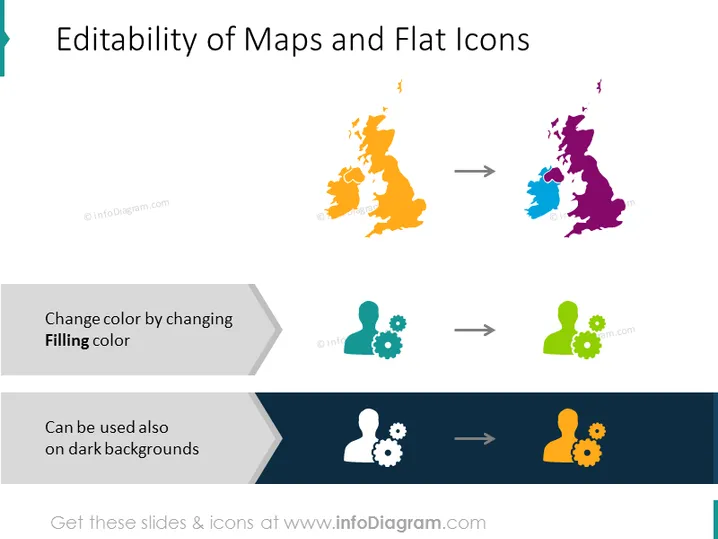
The slide demonstrates the adaptability of map graphics and icons in terms of color editing to suit different design needs, including use on dark backgrounds. The first example showcases a map changing color, implying geographic customizability for presentations. The next two examples feature a user icon with gears, highlighting the ability to alter icon colors for better contrast and visibility against various backgrounds.
The slide looks professional and is visually easy to understand. It uses a limited color palette for clarity and focuses primarily on demonstrating the concept of editability.



