
Reviews
Sus gráficos añaden un toque agradable a mis presentaciones y recientemente los usé para una de mis reuniones generales. Su conjunto de herramientas añade profesionalismo a mis diapositivas. En lugar de usar imágenes prediseñadas estándar.
Necesitaba un aspecto fresco para algunas de mis diapositivas. Había intentado encontrar una forma de crear un efecto de pincel, de subrayar, acentuar, añadir algo de color y los marcadores escritos a mano fueron justo lo que necesitaba. Muy fácil de usar, fácil de ajustar el tamaño, cambiar el color. Fue una solución asequible y perfecta, y estoy feliz de recomendarla.
El aspecto nítido y limpio de los gráficos, y el hecho de que me permitiera editar y cambiar fácilmente los colores para que coincidieran con la plantilla fue mi principal razón para comprarlos.
Description
Slide Title
Unfortunately, there is no explicit slide title present in the image provided.
Slide Content
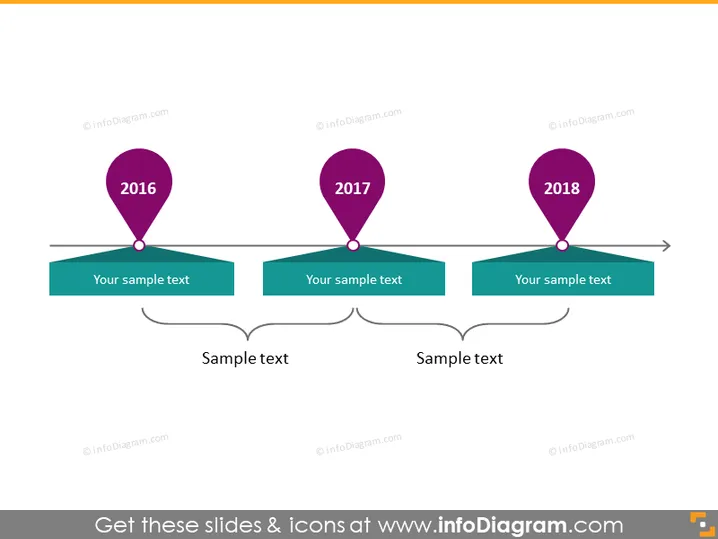
The PowerPoint slide depicts a timeline with three milestones for the years 2016, 2017, and 2018. Each year is marked with a specific location pin icon, suggesting significant events or stages. Below each year, there is a text box for adding descriptive information about each milestone. This helps one to explain the significance of each year on the timeline. Additionally, there are two interconnected text boxes at the bottom, potentially for summarizing or drawing connections between the milestones.
Graphical Look
- Three map pin icons in a shade of purple, each labeled with a year (2016, 2017, 2018), connect to boxes that ostensibly correspond to the specific event or point in time.
- Each pin icon is connected to a green rectangular shape, designed to hold text, representing the chronological sequencing of events or milestones.
- A horizontal arrow runs through the width of the slide, underlining the green text boxes, emphasizing the forward progression of time.
- Two separate cloud-like shapes at the bottom of the slide are joined by a double-headed arrow, suggesting a relationship or correlation between the concepts they represent.
The slide has a clean, professional appearance, with a minimalist style that avoids clutter. The use of bold colors for the pins and connection to their respective text boxes makes the timeline visually appealing and easy to follow.
Use Cases
- To display the chronological progression of a project, highlighting key achievements or deliverables.
- In a corporate history presentation to illustrate the company's important milestones over the years.
- To summarize the phases of product development in a business pitch or investor update.
- For educational purposes, to visually represent historical events or periods in a teaching presentation.
How to Edit
How to edit text & colors

How to expand / shorten diagram

How to Replace Icons in infoDiagram PPT


