
Your graphics add a nice touch to my presentations and I recently used them for one of my all-hands meetings. Your toolbox adds professionalism to my slides. Instead of using standard clipart.
Claude Jones, Director of Engineer, @Walmartlabs, USA
Your graphics add a nice touch to my presentations and I recently used them for one of my all-hands meetings. Your toolbox adds professionalism to my slides. Instead of using standard clipart.
Claude Jones, Director of Engineer, @Walmartlabs, USA
I needed a fresh look at some of my slides. I've tried to find a way to create a paintbrush effect, to underline, accentuate, add some color and the handwritten markers were just the things. Very easy to use, easy to size, change the color. It was an affordable, perfect solution and I'm happy to recommend it.
Anonymous, US
The crisp, clean look of the graphics, and the fact that it allowed me to easily edit and change the colors to match the template was my main reason for purchasing them.
Brandie Jenkins, E-learning Developer, USA
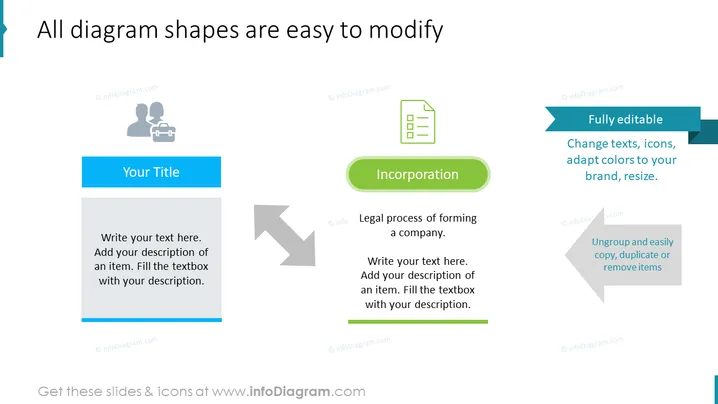
The slide provides instructions on how to modify diagram shapes with three distinct sections, each demonstrating a particular editing feature using placeholder text and an accompanying icon. The first section titled "Your Title" exemplifies text entry, the second section named "Incorporation" represents an editable element describing the legal process of forming a company, and the third section labeled "Fully editable" emphasizes the ability to change text, icons, colors, and size, and also the ease of ungrouping, copying, duplicating, or removing items.
The slide presents a professional and user-friendly design intended to showcase customizable features within a presentation. Its simple layout and use of icons make it easily understandable at a glance.




