

Your graphics add a nice touch to my presentations and I recently used them for one of my all-hands meetings. Your toolbox adds professionalism to my slides. Instead of using standard clipart.
Claude Jones, Director of Engineer, @Walmartlabs, USA

Your graphics add a nice touch to my presentations and I recently used them for one of my all-hands meetings. Your toolbox adds professionalism to my slides. Instead of using standard clipart.
Claude Jones, Director of Engineer, @Walmartlabs, USA
I needed a fresh look at some of my slides. I've tried to find a way to create a paintbrush effect, to underline, accentuate, add some color and the handwritten markers were just the things. Very easy to use, easy to size, change the color. It was an affordable, perfect solution and I'm happy to recommend it.
Anonymous, US
The crisp, clean look of the graphics, and the fact that it allowed me to easily edit and change the colors to match the template was my main reason for purchasing them.
Brandie Jenkins, E-learning Developer, USA
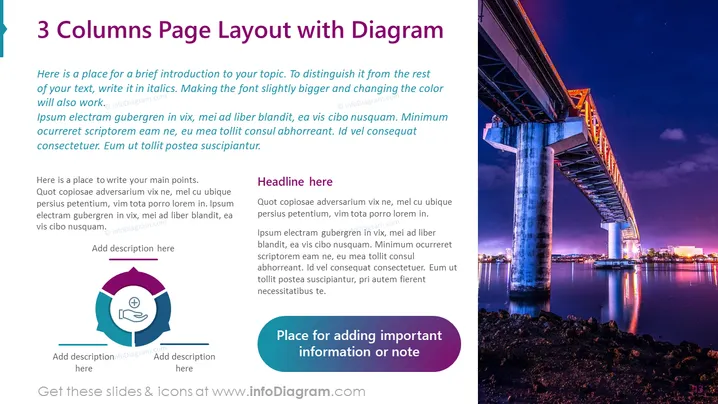
Slide Content: The slide is titled "3 Columns Page Layout with Diagram" and appears to be a template for presenting content in a structured way. The layout contains a brief introduction at the top, emphasizing the distinction of text attributes such as italics, larger font size, and color change. It suggests placing key points underneath in three distinct columns. Each column features a placeholder for headlines, followed by blocks of generic text, which are examples of where to input information related to the presentation's topic. There is also a space for adding important information or notes.
Graphical Look:
The overall look of the slide is modern and professional with a color scheme that balances cool tones with a vibrant image. The structured layout promotes clarity and the organization of information, making it visually appealing and easy to follow.
Use Cases:



