

Your graphics add a nice touch to my presentations and I recently used them for one of my all-hands meetings. Your toolbox adds professionalism to my slides. Instead of using standard clipart.
Claude Jones, Director of Engineer, @Walmartlabs, USA

Your graphics add a nice touch to my presentations and I recently used them for one of my all-hands meetings. Your toolbox adds professionalism to my slides. Instead of using standard clipart.
Claude Jones, Director of Engineer, @Walmartlabs, USA
I needed a fresh look at some of my slides. I've tried to find a way to create a paintbrush effect, to underline, accentuate, add some color and the handwritten markers were just the things. Very easy to use, easy to size, change the color. It was an affordable, perfect solution and I'm happy to recommend it.
Anonymous, US
The crisp, clean look of the graphics, and the fact that it allowed me to easily edit and change the colors to match the template was my main reason for purchasing them.
Brandie Jenkins, E-learning Developer, USA
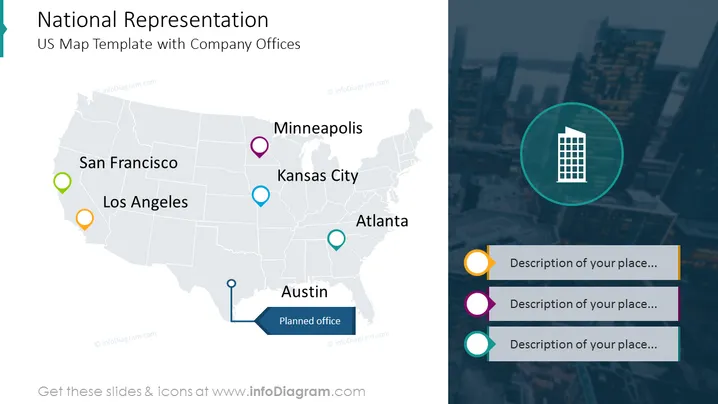
O slide apresenta um layout de duas colunas onde a parte maior exibe um mapa com os locais marcados onde os escritórios da empresa estão localizados. Cada escritório é marcado com um alfinete colorido, o mesmo código de cor é utilizado no lado direito do slide onde as descrições dos escritórios estão colocadas. Além disso, a coluna da direita é enriquecida com um fundo de imagem.
Todas as formas e dados apresentados no slide são totalmente editáveis no PowerPoint.



