

Your graphics add a nice touch to my presentations and I recently used them for one of my all-hands meetings. Your toolbox adds professionalism to my slides. Instead of using standard clipart.
Claude Jones, Director of Engineer, @Walmartlabs, USA

Your graphics add a nice touch to my presentations and I recently used them for one of my all-hands meetings. Your toolbox adds professionalism to my slides. Instead of using standard clipart.
Claude Jones, Director of Engineer, @Walmartlabs, USA
I needed a fresh look at some of my slides. I've tried to find a way to create a paintbrush effect, to underline, accentuate, add some color and the handwritten markers were just the things. Very easy to use, easy to size, change the color. It was an affordable, perfect solution and I'm happy to recommend it.
Anonymous, US
The crisp, clean look of the graphics, and the fact that it allowed me to easily edit and change the colors to match the template was my main reason for purchasing them.
Brandie Jenkins, E-learning Developer, USA
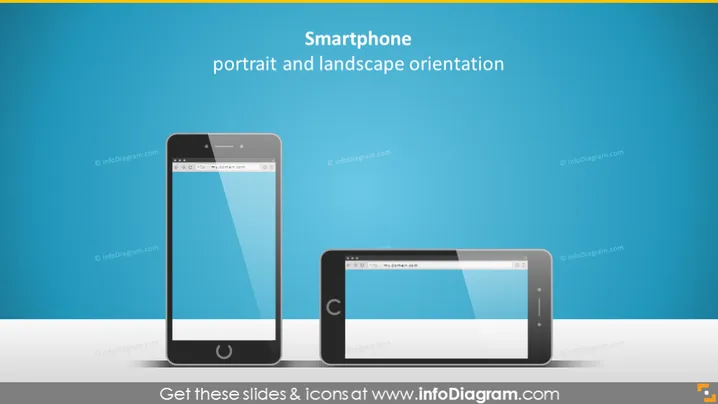
O slide do PowerPoint apresenta o conceito de orientação de smartphone, destacando especificamente os dois modos comuns: retrato e paisagem. A orientação retrato é caracterizada pela altura da tela sendo maior que sua largura, adequada para rolar feeds ou ler. A orientação paisagem, por outro lado, tem uma proporção mais ampla, sendo ideal para assistir a vídeos e jogar, proporcionando uma experiência visual mais ampla.
http://my.domain.com é exibido nas telas dos celulares, indicando um endereço da web genérico.A aparência geral do slide é elegante e profissional, empregando um estilo minimalista com foco na comparação visual entre as duas orientações de smartphone.



