
Your graphics add a nice touch to my presentations and I recently used them for one of my all-hands meetings. Your toolbox adds professionalism to my slides. Instead of using standard clipart.
Claude Jones, Director of Engineer, @Walmartlabs, USA

Your graphics add a nice touch to my presentations and I recently used them for one of my all-hands meetings. Your toolbox adds professionalism to my slides. Instead of using standard clipart.
Claude Jones, Director of Engineer, @Walmartlabs, USA

I needed a fresh look at some of my slides. I've tried to find a way to create a paintbrush effect, to underline, accentuate, add some color and the handwritten markers were just the things. Very easy to use, easy to size, change the color. It was an affordable, perfect solution and I'm happy to recommend it.
Anonymous, US
The crisp, clean look of the graphics, and the fact that it allowed me to easily edit and change the colors to match the template was my main reason for purchasing them.
Brandie Jenkins, E-learning Developer, USA
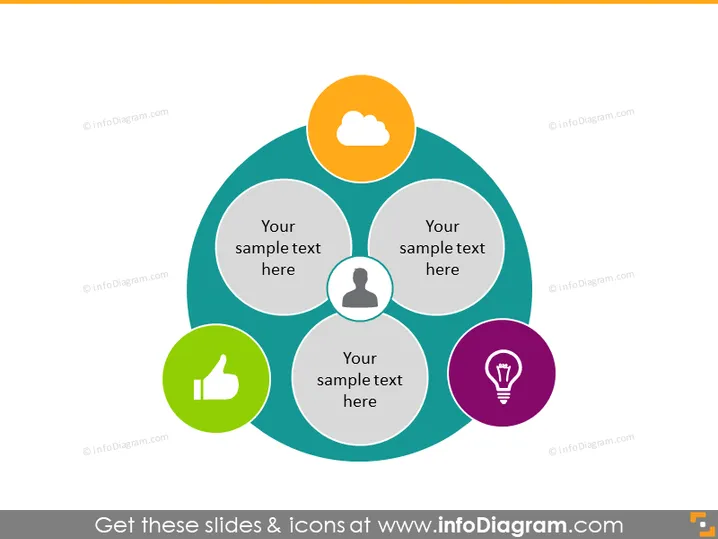
O slide do PowerPoint parece ter sido projetado para representar quatro conceitos ou ideias conectados, cada um associado a um ícone. Esses ícones sugerem tópicos como computação em nuvem ou conectividade, perfis de usuários ou clientes, aprovação ou feedback positivo, e ideias inovadoras ou resolução de problemas. Texto de espaçador abaixo de cada ícone indica onde um apresentador adicionaria informações específicas relacionadas a esses ícones, tornando o slide versátil para diferentes apresentações.


