
Your graphics add a nice touch to my presentations and I recently used them for one of my all-hands meetings. Your toolbox adds professionalism to my slides. Instead of using standard clipart.
Claude Jones, Director of Engineer, @Walmartlabs, USA
Your graphics add a nice touch to my presentations and I recently used them for one of my all-hands meetings. Your toolbox adds professionalism to my slides. Instead of using standard clipart.
Claude Jones, Director of Engineer, @Walmartlabs, USA
I needed a fresh look at some of my slides. I've tried to find a way to create a paintbrush effect, to underline, accentuate, add some color and the handwritten markers were just the things. Very easy to use, easy to size, change the color. It was an affordable, perfect solution and I'm happy to recommend it.
Anonymous, US
The crisp, clean look of the graphics, and the fact that it allowed me to easily edit and change the colors to match the template was my main reason for purchasing them.
Brandie Jenkins, E-learning Developer, USA
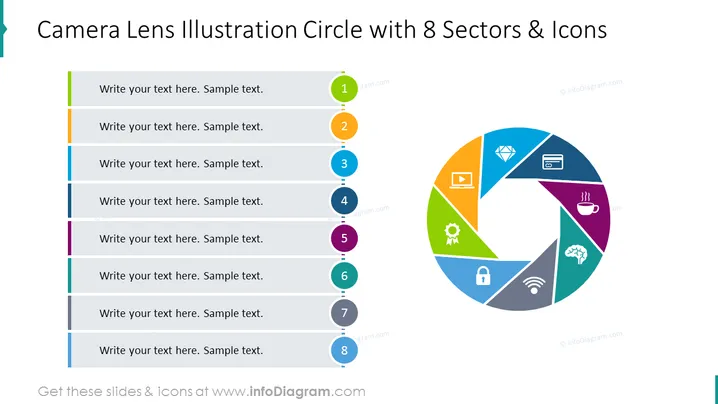
O slide do PowerPoint, intitulado "Ilustração de Lente de Câmera Círculo com 8 Setores & Ícones," parece dividir um processo ou conceito em oito partes, cada uma correspondendo a uma cor e ícone diferentes. Esses setores provavelmente são utilizados para representar diferentes aspectos ou etapas de um assunto que está sendo discutido, que pode variar desde processos de trabalho até categorias de produtos. Os espaços reservados sugerem onde o texto explicativo pode ser adicionado para fornecer mais detalhes sobre cada parte.
A aparência geral do slide é moderna e dinâmica, com um centro visual colorido e envolvente que visa capturar a atenção e organizar informações de forma eficaz.




