

Your graphics add a nice touch to my presentations and I recently used them for one of my all-hands meetings. Your toolbox adds professionalism to my slides. Instead of using standard clipart.
Claude Jones, Director of Engineer, @Walmartlabs, USA

Your graphics add a nice touch to my presentations and I recently used them for one of my all-hands meetings. Your toolbox adds professionalism to my slides. Instead of using standard clipart.
Claude Jones, Director of Engineer, @Walmartlabs, USA
I needed a fresh look at some of my slides. I've tried to find a way to create a paintbrush effect, to underline, accentuate, add some color and the handwritten markers were just the things. Very easy to use, easy to size, change the color. It was an affordable, perfect solution and I'm happy to recommend it.
Anonymous, US
The crisp, clean look of the graphics, and the fact that it allowed me to easily edit and change the colors to match the template was my main reason for purchasing them.
Brandie Jenkins, E-learning Developer, USA
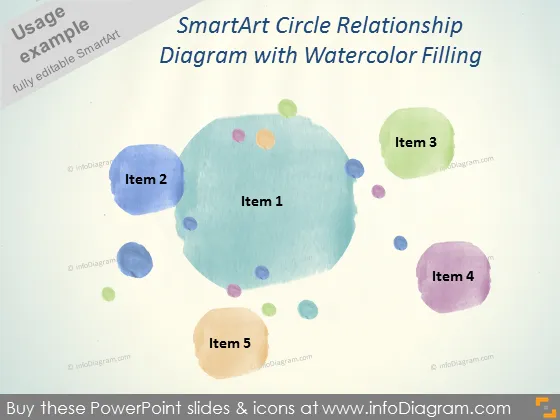
O slide apresenta um Diagrama de Relacionamento em Círculo SmartArt, sugerindo um conceito central (Item 1) cercado por quatro elementos ou componentes adicionais (Itens 2 a 5). Cada item parece significar uma parte de um todo e poderia representar estágios, processos ou ideias interconectadas em uma relação não linear, onde o item central é talvez o conceito principal ou o foco principal.
A aparência geral do slide é artística e relaxante devido ao estilo aquarelado, tornando-o esteticamente agradável e envolvente. O uso de cores e a disposição oferecem uma estrutura casual, mas organizada, para transmitir informações.



