
Your graphics add a nice touch to my presentations and I recently used them for one of my all-hands meetings. Your toolbox adds professionalism to my slides. Instead of using standard clipart.
Claude Jones, Director of Engineer, @Walmartlabs, USA

Your graphics add a nice touch to my presentations and I recently used them for one of my all-hands meetings. Your toolbox adds professionalism to my slides. Instead of using standard clipart.
Claude Jones, Director of Engineer, @Walmartlabs, USA

I needed a fresh look at some of my slides. I've tried to find a way to create a paintbrush effect, to underline, accentuate, add some color and the handwritten markers were just the things. Very easy to use, easy to size, change the color. It was an affordable, perfect solution and I'm happy to recommend it.
Anonymous, US
The crisp, clean look of the graphics, and the fact that it allowed me to easily edit and change the colors to match the template was my main reason for purchasing them.
Brandie Jenkins, E-learning Developer, USA
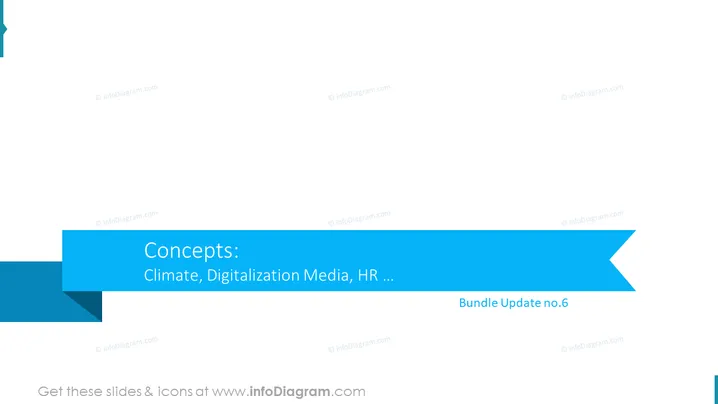
O slide do PowerPoint é intitulado "Conceitos:" e parece ser uma lista em tópicos que descreve vários temas importantes ou áreas temáticas que estão sendo apresentadas ou discutidas. Os conceitos listados incluem "Clima," que implica um foco em preocupações ambientais ou mudanças climáticas; "Mídia Digitalização," sugerindo uma discussão sobre a integração da tecnologia digital na mídia; "RH..." indica que a lista continua em outro slide ou seção, e pode envolver recursos humanos entre outros assuntos.
O slide tem uma aparência limpa e profissional com um forte foco visual devido aos tons azuis contrastantes da faixa do banner. O texto minimalista e os gráficos grandes fazem uma apresentação impactante e fácil de ler.


