
Your graphics add a nice touch to my presentations and I recently used them for one of my all-hands meetings. Your toolbox adds professionalism to my slides. Instead of using standard clipart.
Claude Jones, Director of Engineer, @Walmartlabs, USA

Your graphics add a nice touch to my presentations and I recently used them for one of my all-hands meetings. Your toolbox adds professionalism to my slides. Instead of using standard clipart.
Claude Jones, Director of Engineer, @Walmartlabs, USA

I needed a fresh look at some of my slides. I've tried to find a way to create a paintbrush effect, to underline, accentuate, add some color and the handwritten markers were just the things. Very easy to use, easy to size, change the color. It was an affordable, perfect solution and I'm happy to recommend it.
Anonymous, US
The crisp, clean look of the graphics, and the fact that it allowed me to easily edit and change the colors to match the template was my main reason for purchasing them.
Brandie Jenkins, E-learning Developer, USA
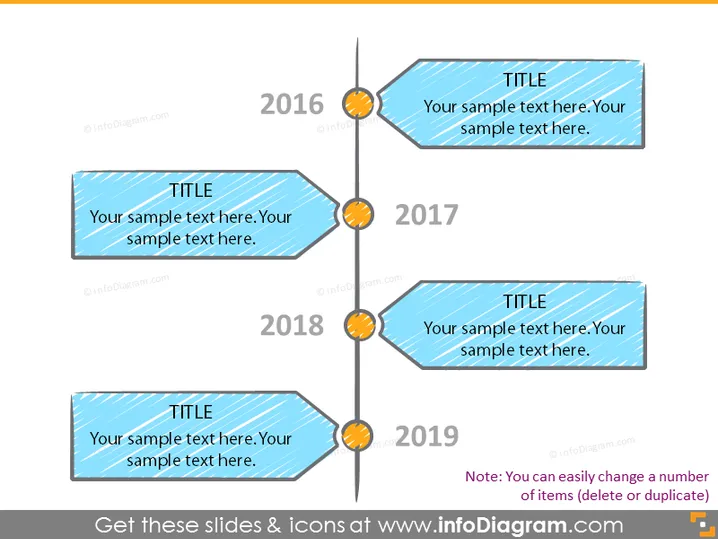
O slide do PowerPoint apresenta uma linha do tempo de 2016 a 2019, com marcadores individuais para cada ano conectados por uma linha vertical. Cada marcador apresenta uma caixa de texto com dois espaços reservados: um para um título e outro para texto descritivo. Este tipo de layout de slide é tipicamente usado para mostrar progresso, destacar marcos ou esboçar eventos históricos ao longo do período selecionado.
A aparência geral do slide é moderna e dinâmica, graças às formas de seta e cores vibrantes. O uso de sombras dá um leve efeito 3D aos gráficos.


