

Your graphics add a nice touch to my presentations and I recently used them for one of my all-hands meetings. Your toolbox adds professionalism to my slides. Instead of using standard clipart.
Claude Jones, Director of Engineer, @Walmartlabs, USA


Before and after
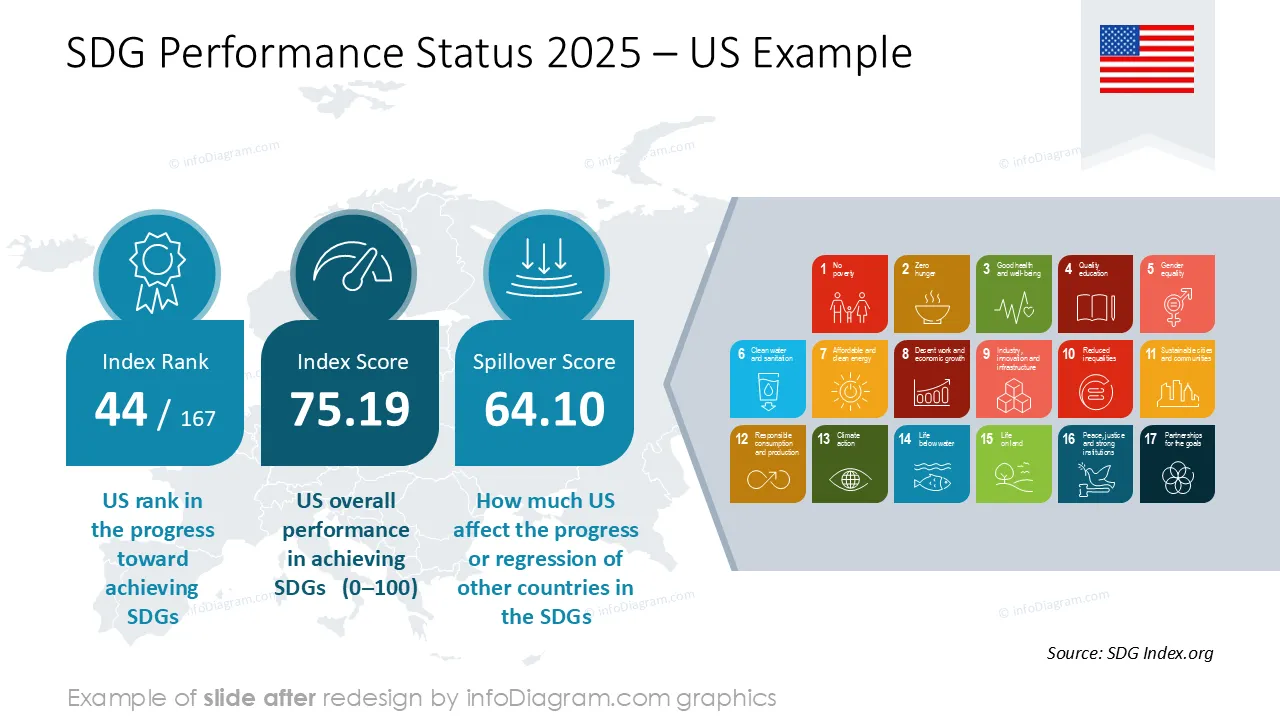
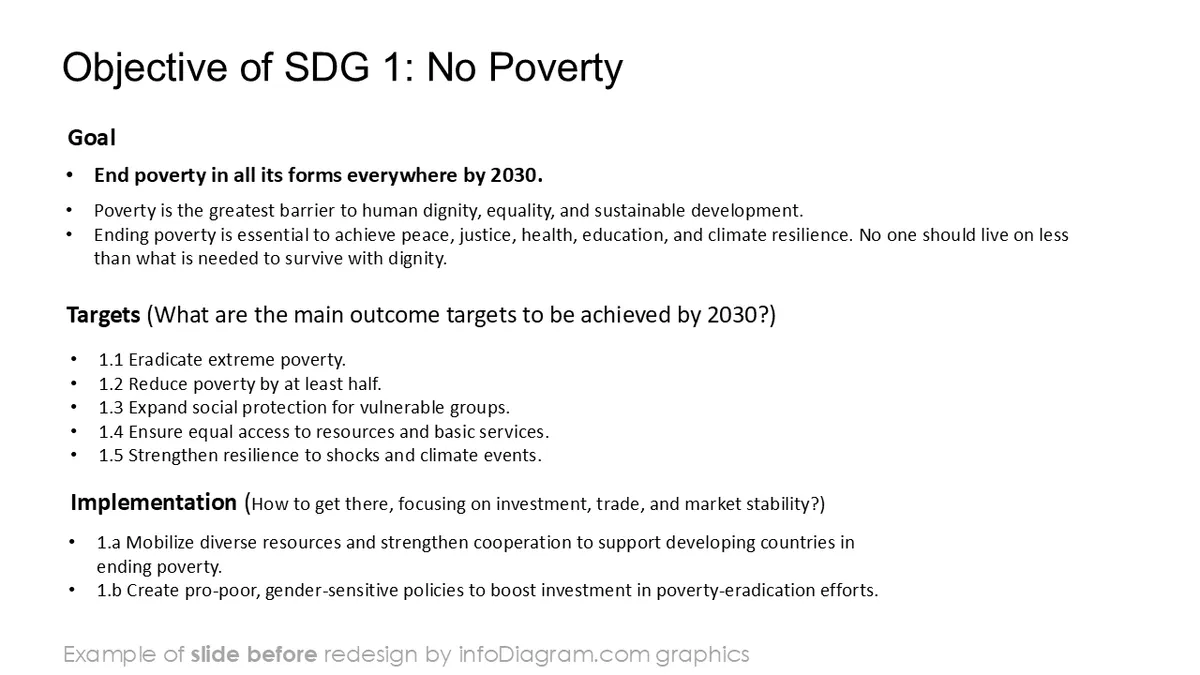
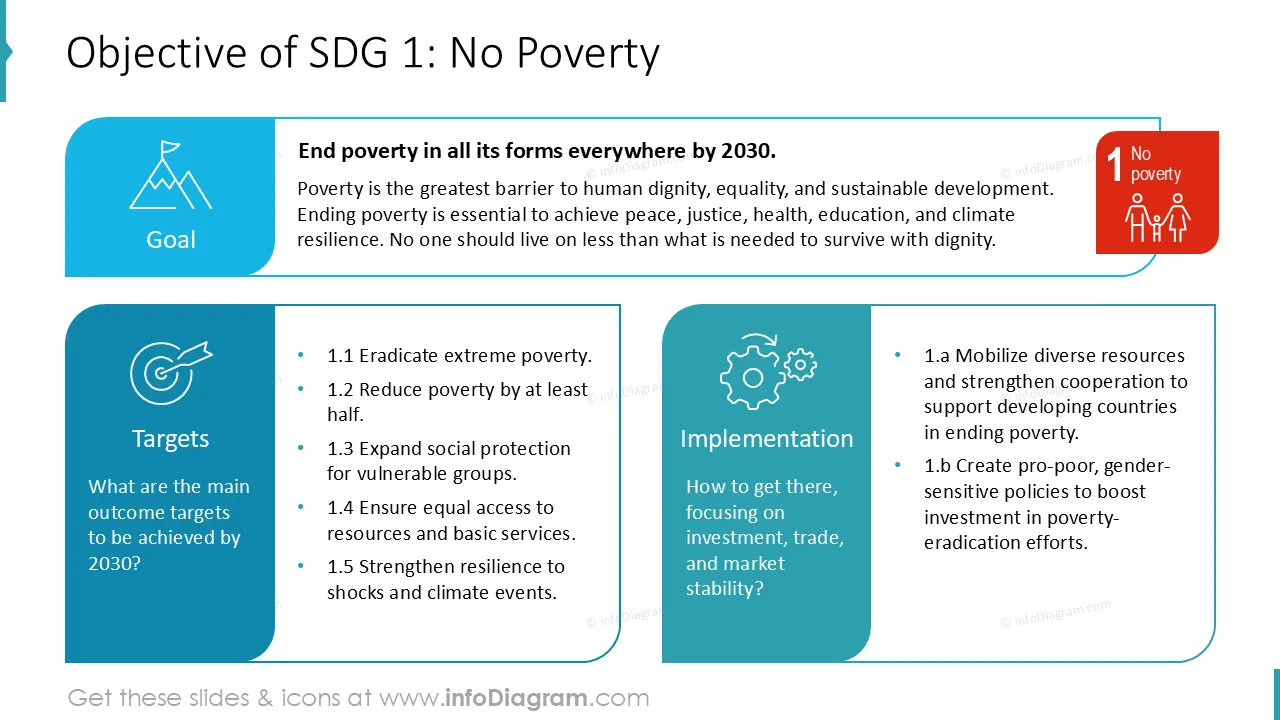
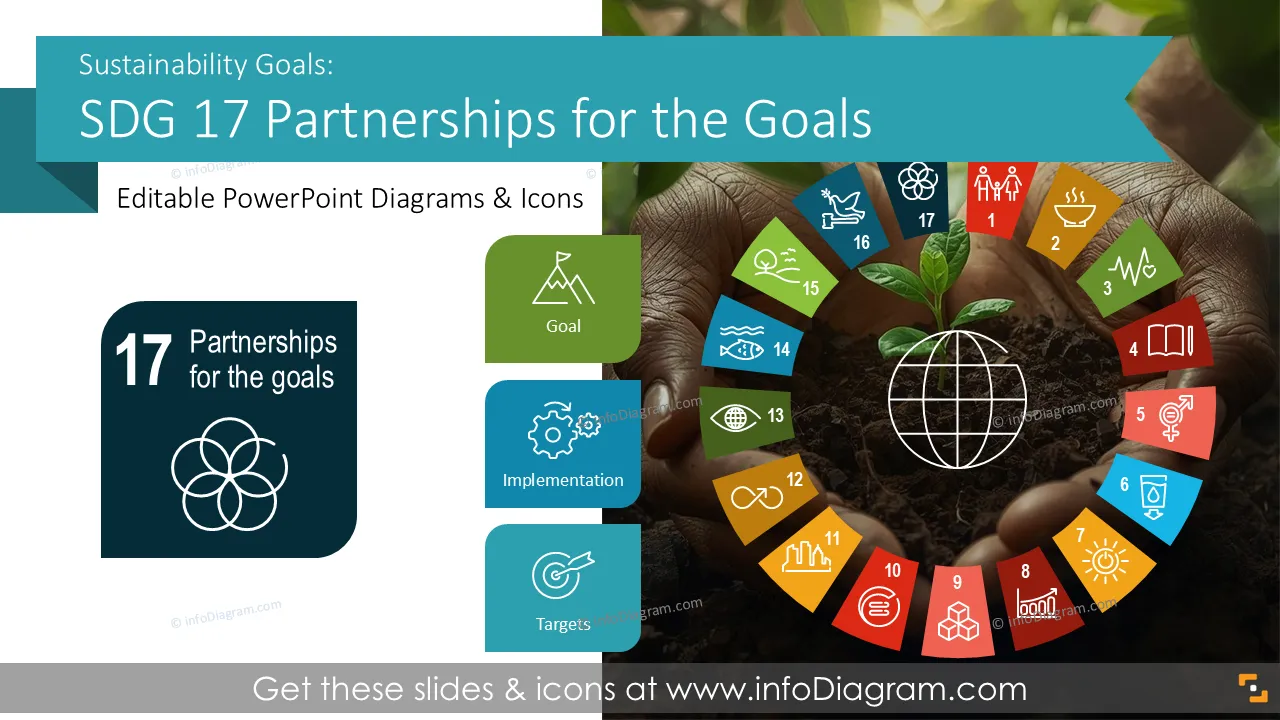
Você está apresentando seus esforços de colaboração em sustentabilidade, parcerias e impacto compartilhado entre setores? Use nosso deck pré-desenhado dos Objetivos de Desenvolvimento Sustentável ODS 17 Parcerias para os Objetivos que incorpora metas de parceria, indicadores e visuais de progresso de forma clara e consistente.
Este deck de slides do PowerPoint é projetado em um estilo profissional com ilustrações vetoriais coloridas e ícones de linha. Todas as formas gráficas podem ser recoloridas e redimensionadas sem perda de qualidade.
O ODS 17 é um Objetivo de Desenvolvimento Sustentável das Nações Unidas focado no fortalecimento das parcerias globais para apoiar o desenvolvimento sustentável. Ele abrange a colaboração entre governos, setor privado e sociedade civil, incluindo finanças, tecnologia, dados e capacitação.
O ODS 17 fornece uma estrutura comum para acompanhar as contribuições das parcerias e o progresso coletivo usando metas e indicadores definidos.
Os tópicos de parceria geralmente envolvem múltiplos stakeholders, iniciativas e fontes de dados. Slides visuais ajudam a estruturar modelos de colaboração complexos e resultados compartilhados. Apresentar com gráficos e diagramas claros torna os papéis, contribuições e progresso fáceis de entender. Adicionar ícones e usar layouts estruturados apoia o alinhamento entre parceiros e públicos.
Ter um deck de slides de PowerPoint consistente economiza tempo e melhora a clareza de suas apresentações.
Veja situações em que você pode aplicar esta apresentação dos ODS:
Todos os gráficos são editáveis para modificar o tamanho, cores e texto. Além disso, você pode expandir a coleção com símbolos PPT adicionais (veja a seção Diagramas Relacionados).
Você pode facilmente modificar todos os elementos:
Your graphics add a nice touch to my presentations and I recently used them for one of my all-hands meetings. Your toolbox adds professionalism to my slides. Instead of using standard clipart.
Claude Jones, Director of Engineer, @Walmartlabs, USA
I needed a fresh look at some of my slides. I've tried to find a way to create a paintbrush effect, to underline, accentuate, add some color and the handwritten markers were just the things. Very easy to use, easy to size, change the color. It was an affordable, perfect solution and I'm happy to recommend it.
Anonymous, US
The crisp, clean look of the graphics, and the fact that it allowed me to easily edit and change the colors to match the template was my main reason for purchasing them.
Brandie Jenkins, E-learning Developer, USA



Também pode precisar de