

Your graphics add a nice touch to my presentations and I recently used them for one of my all-hands meetings. Your toolbox adds professionalism to my slides. Instead of using standard clipart.
Claude Jones, Director of Engineer, @Walmartlabs, USA

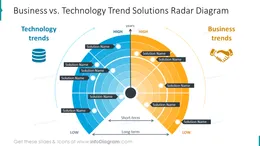
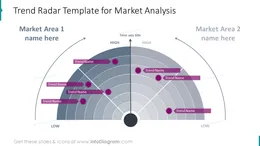
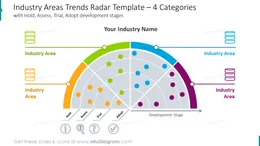
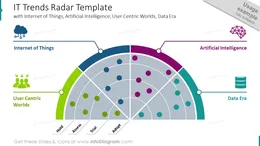
Before and after
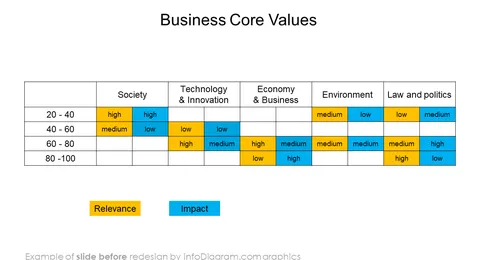
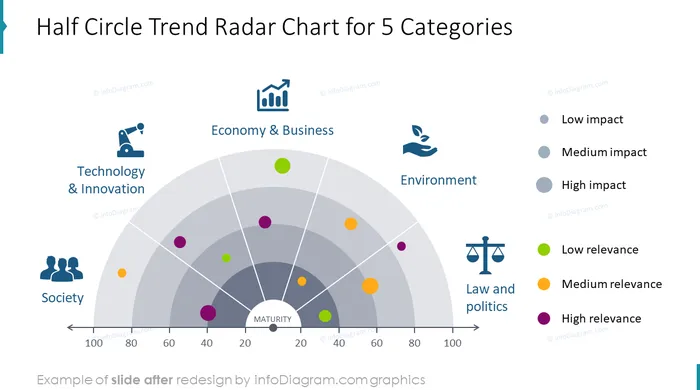
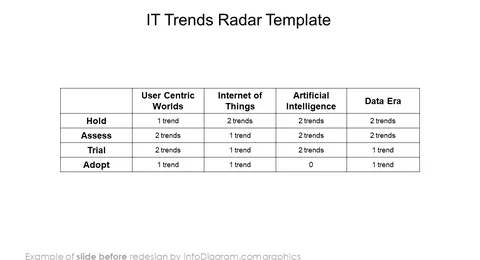
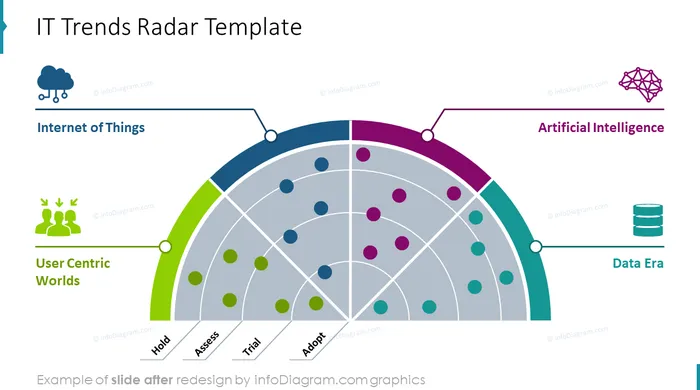
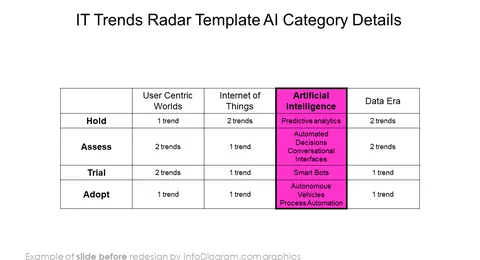
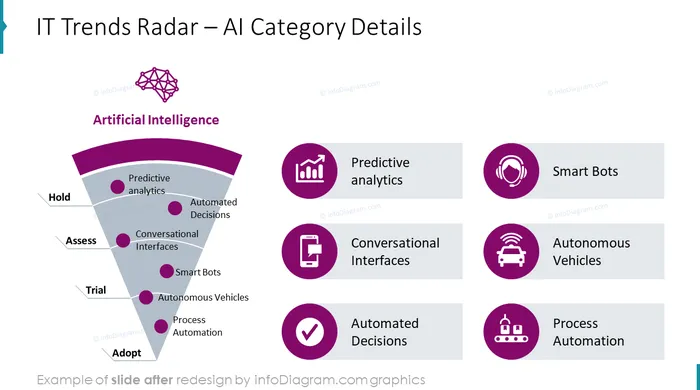
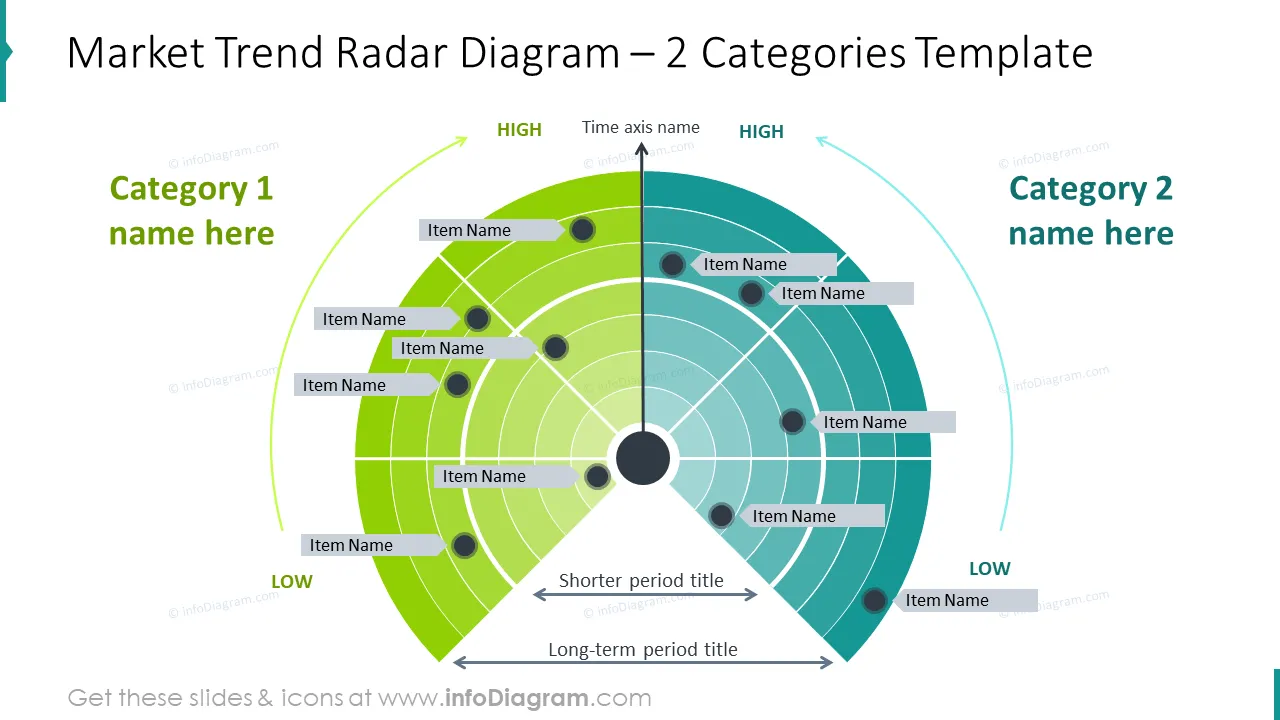
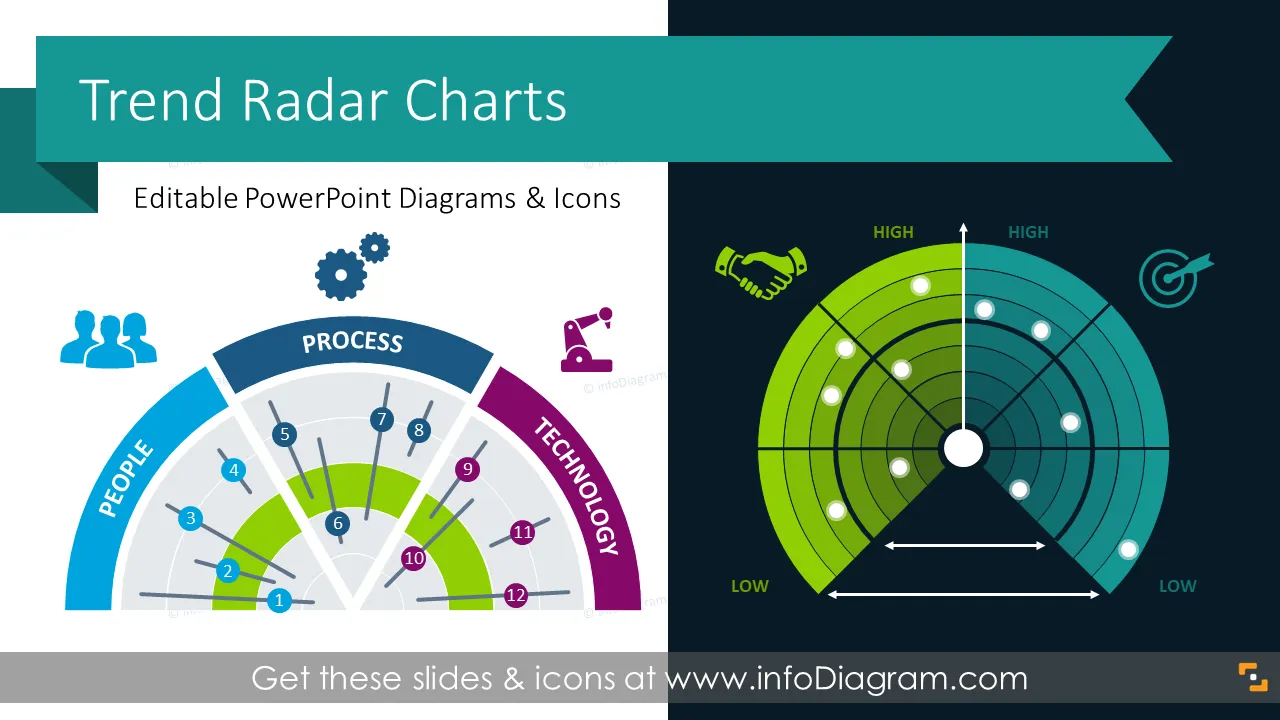
Need to talk about business or general market trends? Business Trend Radar Charts Are great for showing future trend estimations. We’ve designed PPT diagrams that you can use to illustrate trends and analysis engagingly.
Radar charts are perfect for showing market trends. You can easily present a comparison of several categories, performance metrics, and industry trends with its help. You can either use the whole radar trends template to show the overview of all categories to compare them or break it down to focus attention on a specific category or industry and underline more details. Regardless of the approach chosen, integrating radar charts into your presentation design enhances coherence and captivates your audience's attention. Leveraging this visual tool enables you to infuse creativity into your presentation, fostering engagement and fostering a deeper understanding of complex trends and data. You can find more about the concept here: Wikipedia Trend Radar Article
These diagrams will help you put your ideas into graphics and save you lots of time on the design.
Try using those PowerPoint illustrations to present your content visually in an elegant way.
All graphics are editable, so you can modify the colors and text. We also added a general icon collection at the end of the presentation deck. Optionally you can also extend the collection by more PPT symbols (see Related Diagrams section).
Fully editable in PowerPoint set of vector shapes fully editable by using built-in PowerPoint tools, including
See the editing demonstration in our HowTo Videos.
Check out our blog related to the deck:
Your graphics add a nice touch to my presentations and I recently used them for one of my all-hands meetings. Your toolbox adds professionalism to my slides. Instead of using standard clipart.
Claude Jones, Director of Engineer, @Walmartlabs, USA
I needed a fresh look at some of my slides. I've tried to find a way to create a paintbrush effect, to underline, accentuate, add some color and the handwritten markers were just the things. Very easy to use, easy to size, change the color. It was an affordable, perfect solution and I'm happy to recommend it.
Anonymous, US
The crisp, clean look of the graphics, and the fact that it allowed me to easily edit and change the colors to match the template was my main reason for purchasing them.
Brandie Jenkins, E-learning Developer, USA



You may also need