

Your graphics add a nice touch to my presentations and I recently used them for one of my all-hands meetings. Your toolbox adds professionalism to my slides. Instead of using standard clipart.
Claude Jones, Director of Engineer, @Walmartlabs, USA

Before and after
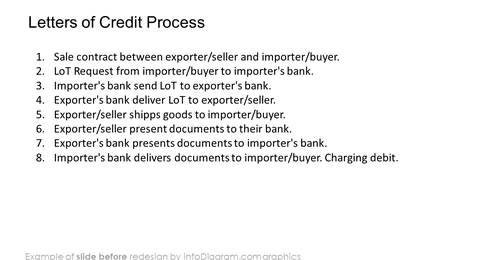
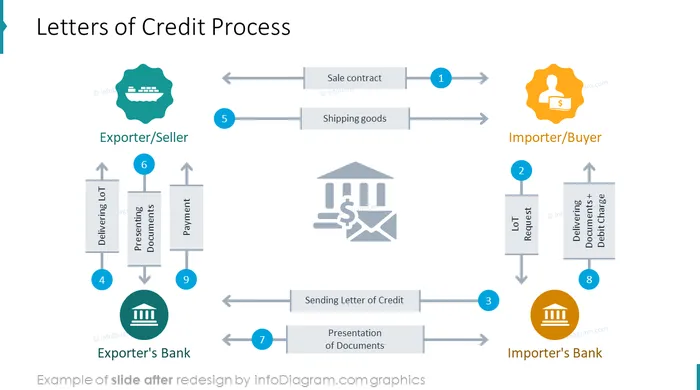
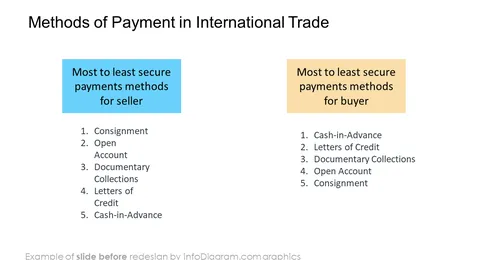
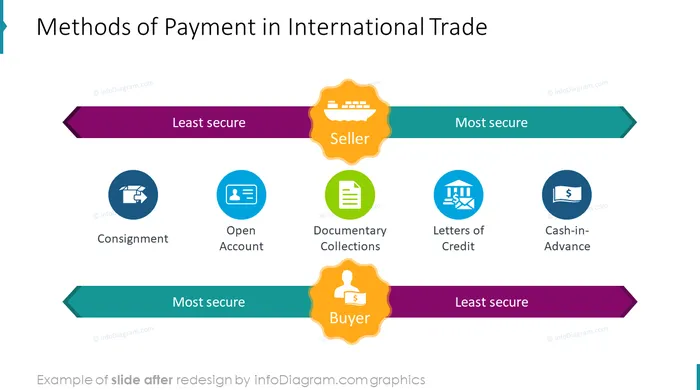
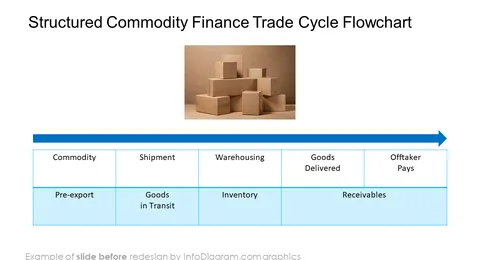
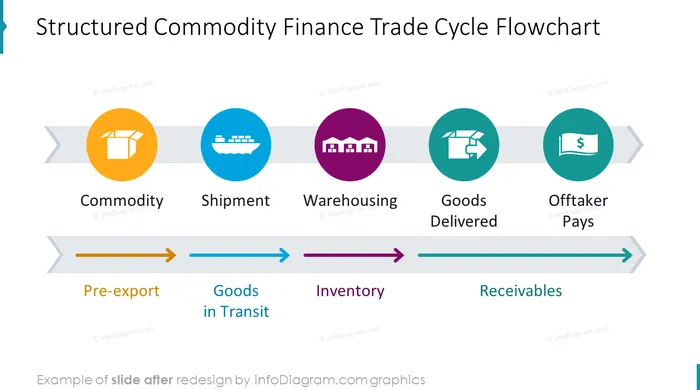
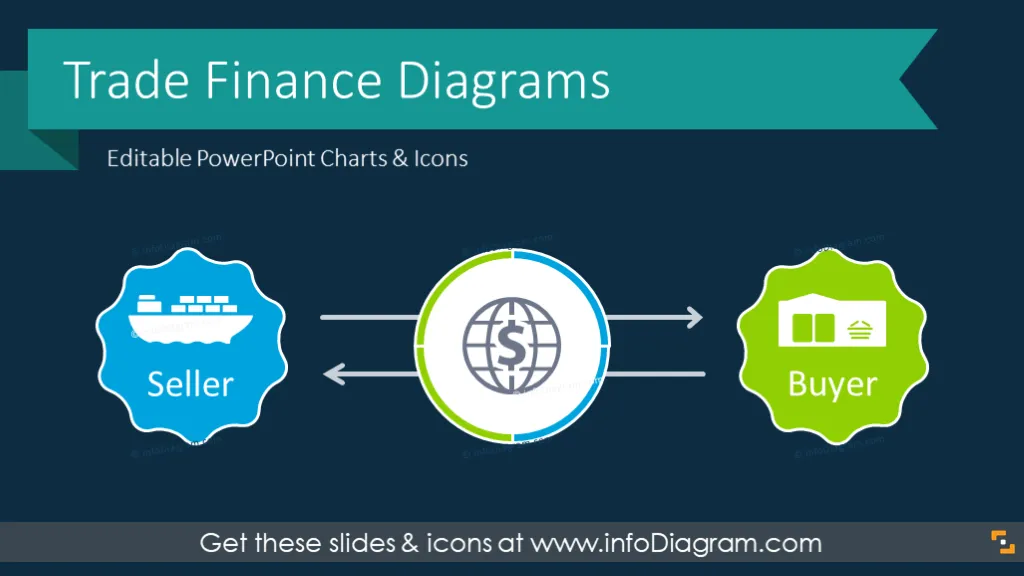
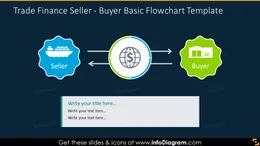
Template for presenting how trade finance works with visual illustrations of relations between sellers, buyers and intermediaries. This slide deck includes PowerPoint editable flow charts and lists that help to present essential global trading concepts.
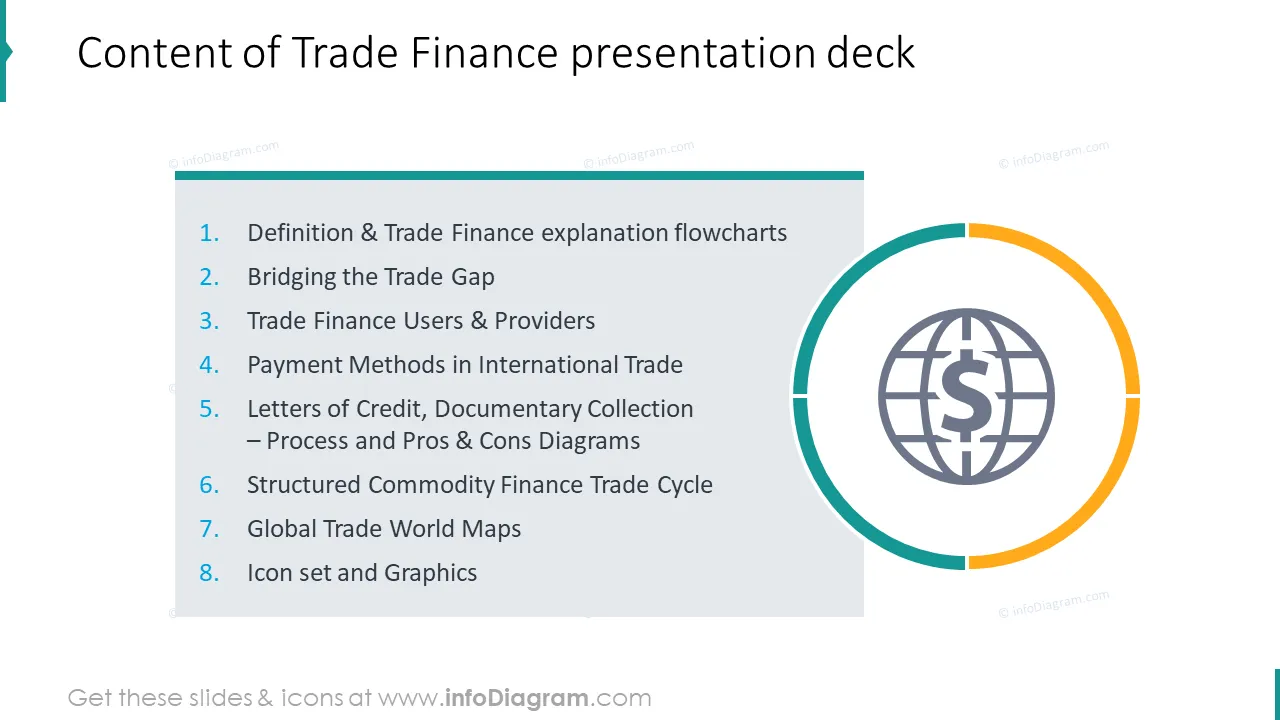
The Trade Finance PowerPoint template contains:
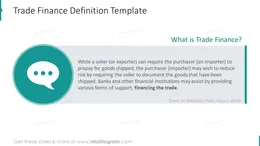
It’s a way of financing international trade flows. Trade Finance allows sellers to prepay for goods shipped. It also lowers the risk for the purchaser by providing documents confirming the goods that have been shipped. There are a set of intermediaries involved such as banks and other financial institutions. They provide various forms of support financing the trade.
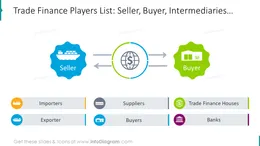
Using visual charts helps to illustrate how trade finance mechanisms work in an engaging way for your audience. You can present key trade providers and users illustrated by specific symbols to engage listeners in better understanding of the topic. For that, we added a set of business icons you can reuse. This set can be extended by getting additional PPT icon set bundles (see Related Diagrams section).
Colors of these diagram shapes and icons are fully editable (all graphics is a vector format). So you can change them to colors of your template or company brand.
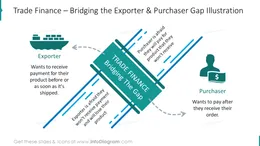
Diagrams set for Trade Finance contains ready-made slides:
Fully editable in PowerPoint set of vector shapes fully editable by using built-in PowerPoint tools, including
See editing demonstration in our HowTo Videos.
Your graphics add a nice touch to my presentations and I recently used them for one of my all-hands meetings. Your toolbox adds professionalism to my slides. Instead of using standard clipart.
Claude Jones, Director of Engineer, @Walmartlabs, USA
I needed a fresh look at some of my slides. I've tried to find a way to create a paintbrush effect, to underline, accentuate, add some color and the handwritten markers were just the things. Very easy to use, easy to size, change the color. It was an affordable, perfect solution and I'm happy to recommend it.
Anonymous, US
The crisp, clean look of the graphics, and the fact that it allowed me to easily edit and change the colors to match the template was my main reason for purchasing them.
Brandie Jenkins, E-learning Developer, USA



You may also need