

Your graphics add a nice touch to my presentations and I recently used them for one of my all-hands meetings. Your toolbox adds professionalism to my slides. Instead of using standard clipart.
Claude Jones, Director of Engineer, @Walmartlabs, USA

Before and after
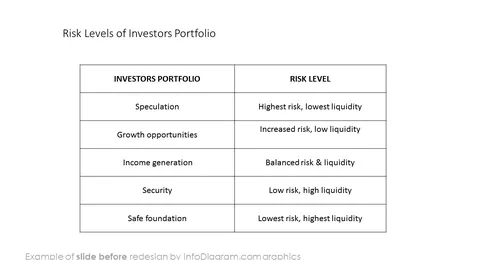
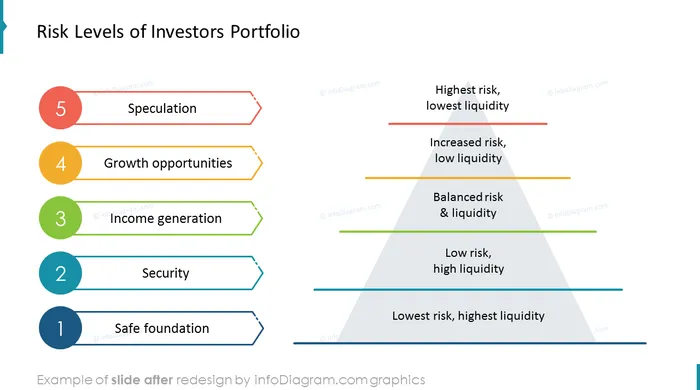
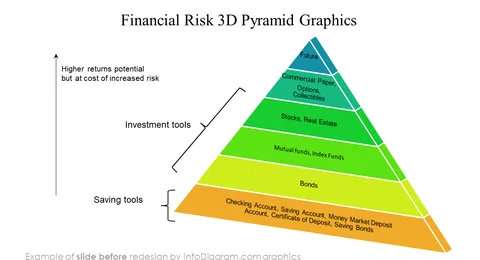
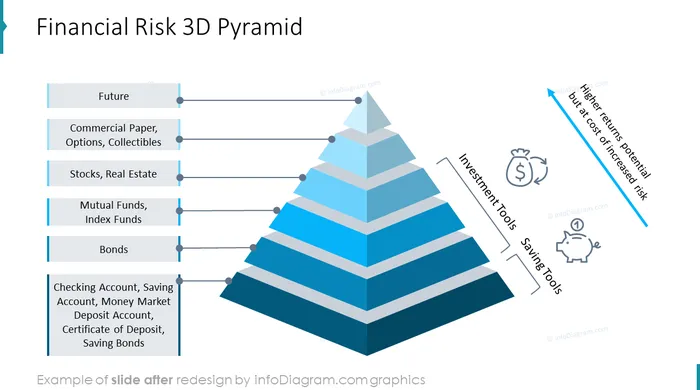
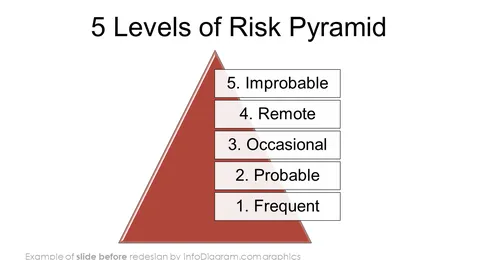
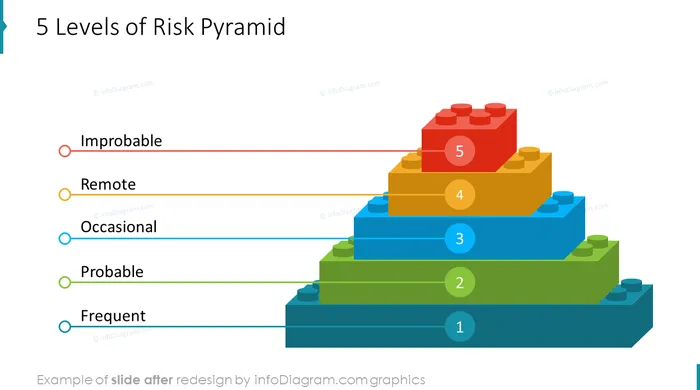
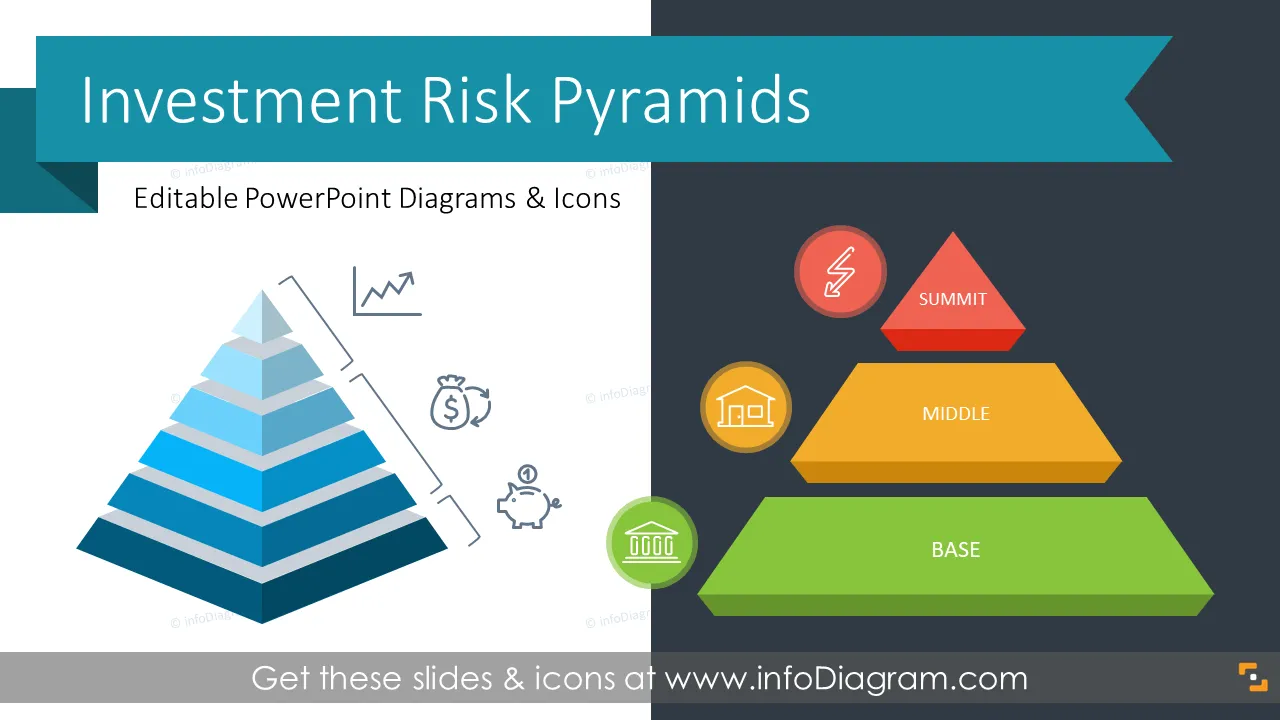
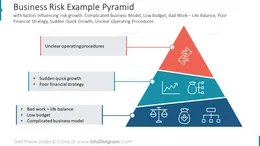
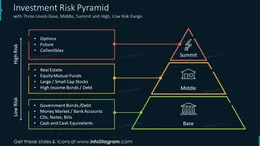
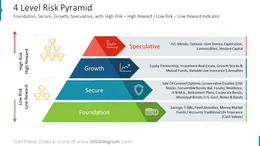
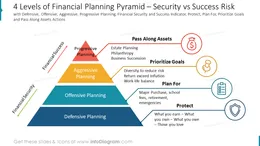
Need to present a risk/reward analysis for your business? A great way to show the various levels of risk is through visualization forming a pyramid. Use our creative pyramid of investment risk and icons to help your audience understand your risk profile assessment or risk mitigation approach.
This PowerPoint presentation template on Risk Investment Pyramids contains visual slides with:
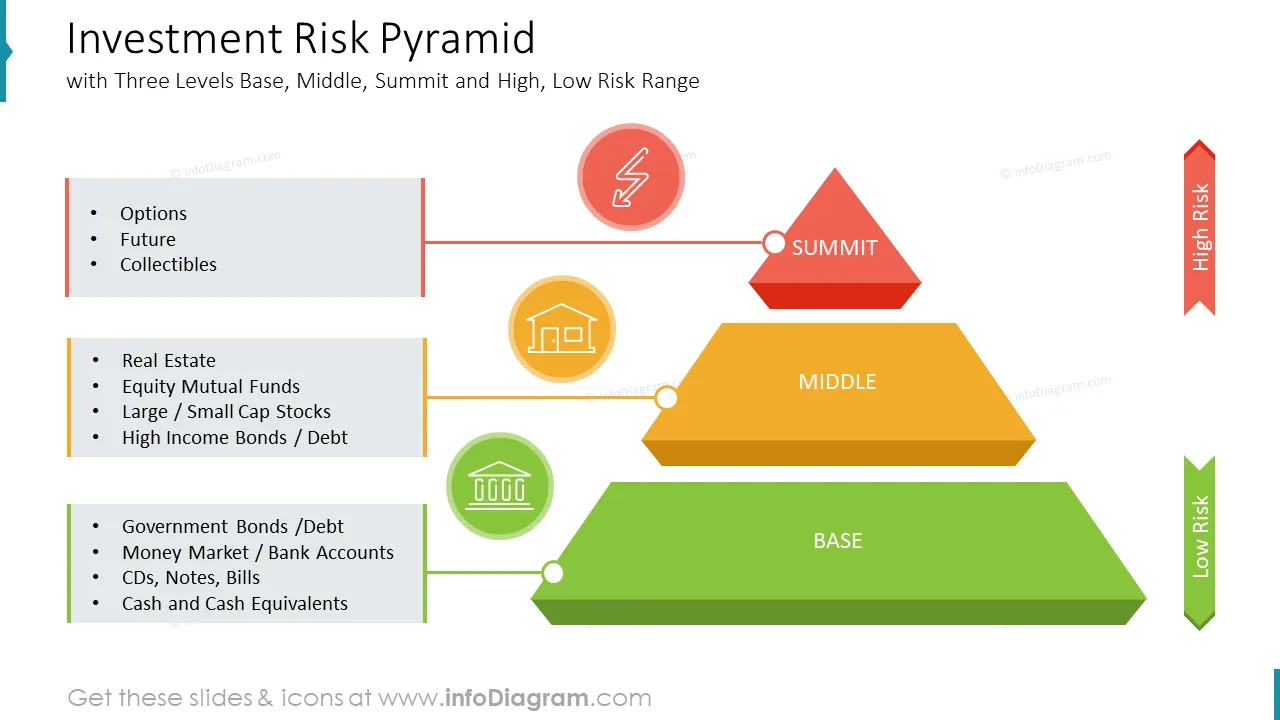
A risk pyramid is a portfolio strategy that allocates assets according to the relative risk levels of the types of investments. The pyramid, representing the investor's portfolio, has three distinct tiers: low-risk assets at the bottom such as cash and money markets; moderately risky assets like stocks and bonds in the middle; and high-risk speculative assets like derivatives at the top.
Anything that threatens a company's ability to achieve its financial goals is considered a business risk. A risk pyramid used for investment or business risk evaluation gives investors, shareholders, or management a good insight into assets or risk factors portfolio. If your want to successfully explain various risk levels and the potential rewards to be gained using our pre-designed pyramids with 3,4,6 tiers where the bottom of the risk pyramid represents low-risk investments or decisions and the top of the pyramid is reserved for high-risk investments or decisions.
You can reuse our infographics and tailor them to your needs in order to upgrade your presentation slides. The majority of our slides have a space for your text/comments, so it is effortless to extend the presented ideas. We also include detailed instructions on how to alter the content, values, colors, and look and feel of our slides.
Using infographics and pre-designed slides will help you make information more readily digestible and set the correct tone for the subject.
Try using those PowerPoint illustrations to present your content visually in an elegant way.
All graphics are editable, so you can modify the colors and text. We also added a general icon collection at the end of the presentation deck. Optionally you can also extend the collection by more PPT symbols (see Related Diagrams section).
Fully editable in PowerPoint set of vector shapes fully editable by using built-in PowerPoint tools, including
See editing demonstration in our HowTo Videos.
Your graphics add a nice touch to my presentations and I recently used them for one of my all-hands meetings. Your toolbox adds professionalism to my slides. Instead of using standard clipart.
Claude Jones, Director of Engineer, @Walmartlabs, USA
I needed a fresh look at some of my slides. I've tried to find a way to create a paintbrush effect, to underline, accentuate, add some color and the handwritten markers were just the things. Very easy to use, easy to size, change the color. It was an affordable, perfect solution and I'm happy to recommend it.
Anonymous, US
The crisp, clean look of the graphics, and the fact that it allowed me to easily edit and change the colors to match the template was my main reason for purchasing them.
Brandie Jenkins, E-learning Developer, USA



You may also need