

Your graphics add a nice touch to my presentations and I recently used them for one of my all-hands meetings. Your toolbox adds professionalism to my slides. Instead of using standard clipart.
Claude Jones, Director of Engineer, @Walmartlabs, USA

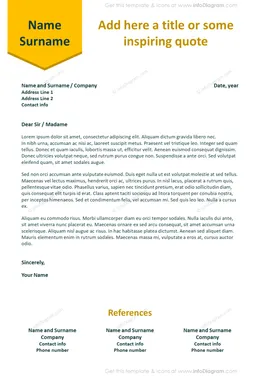
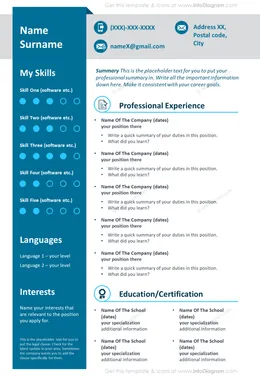
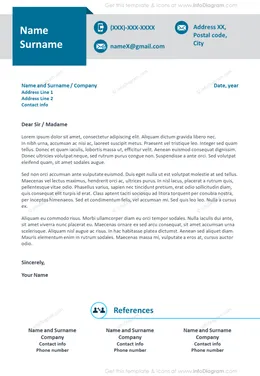
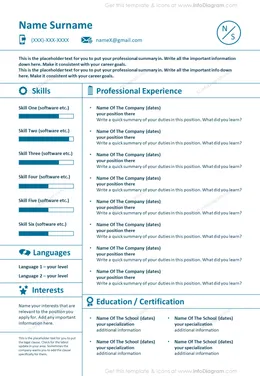
Before and after
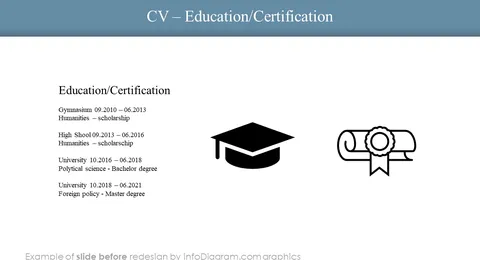
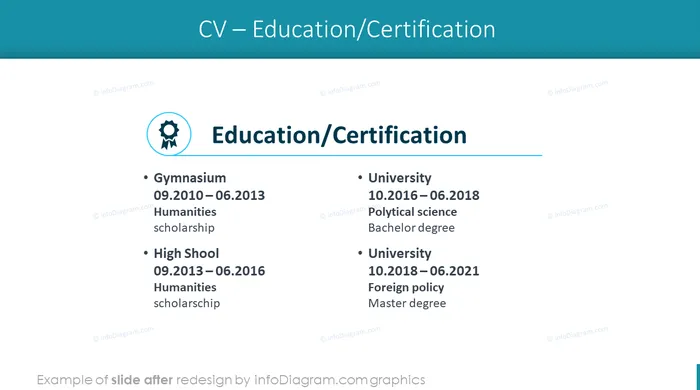
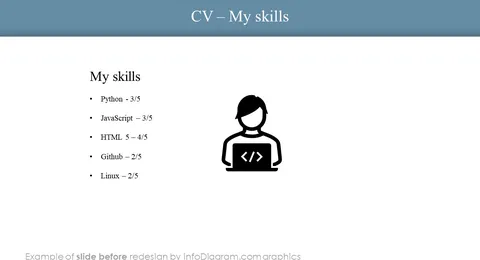
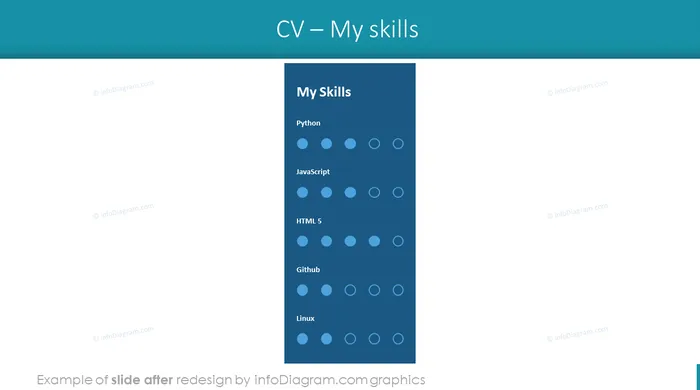
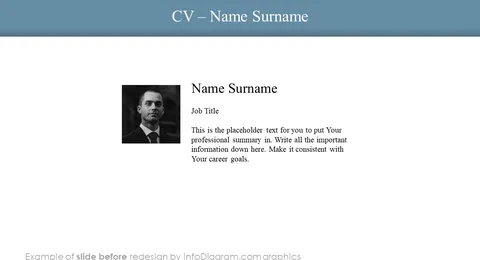
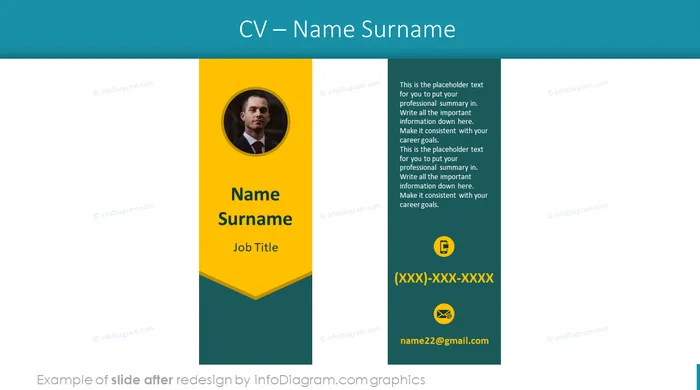
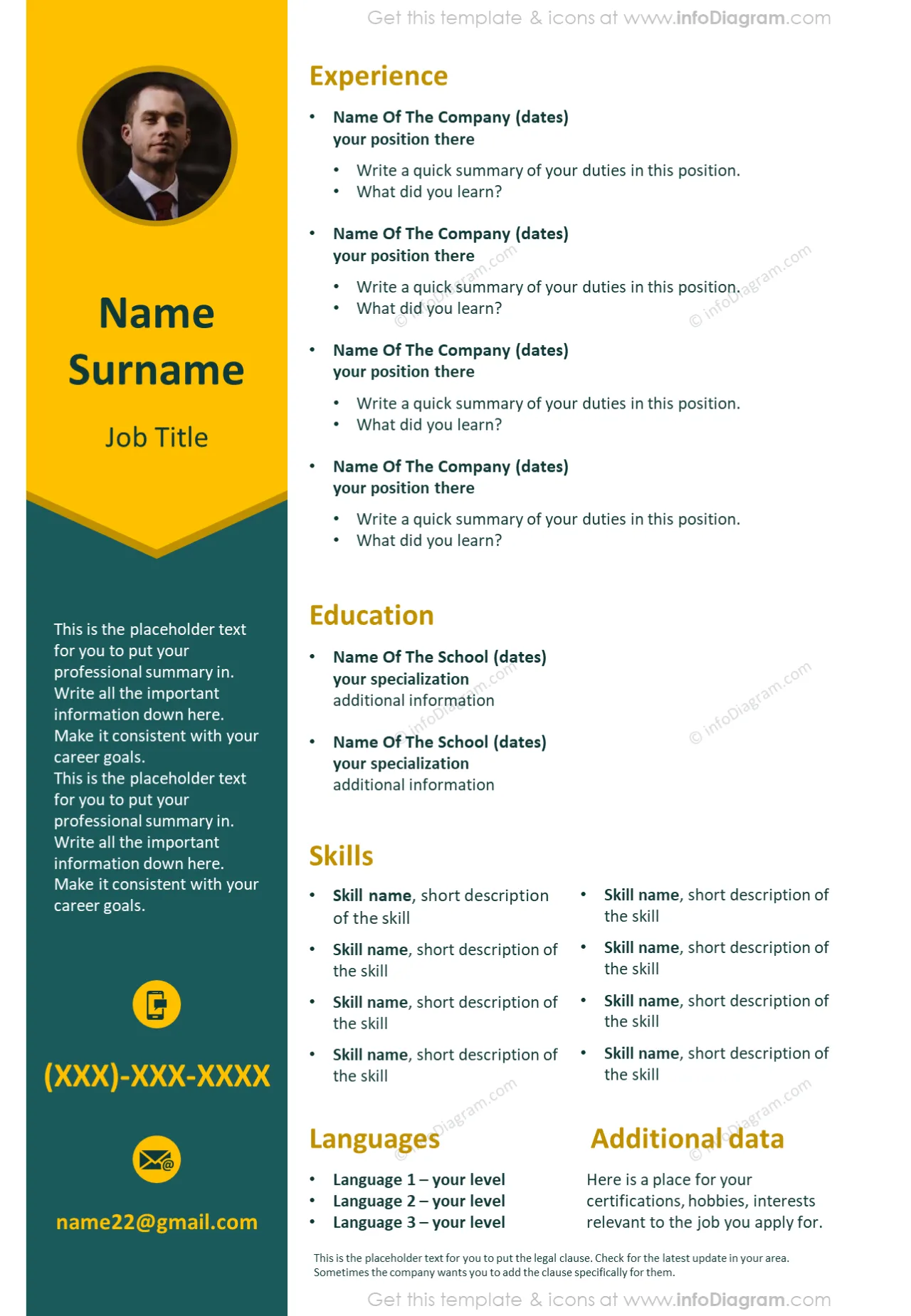
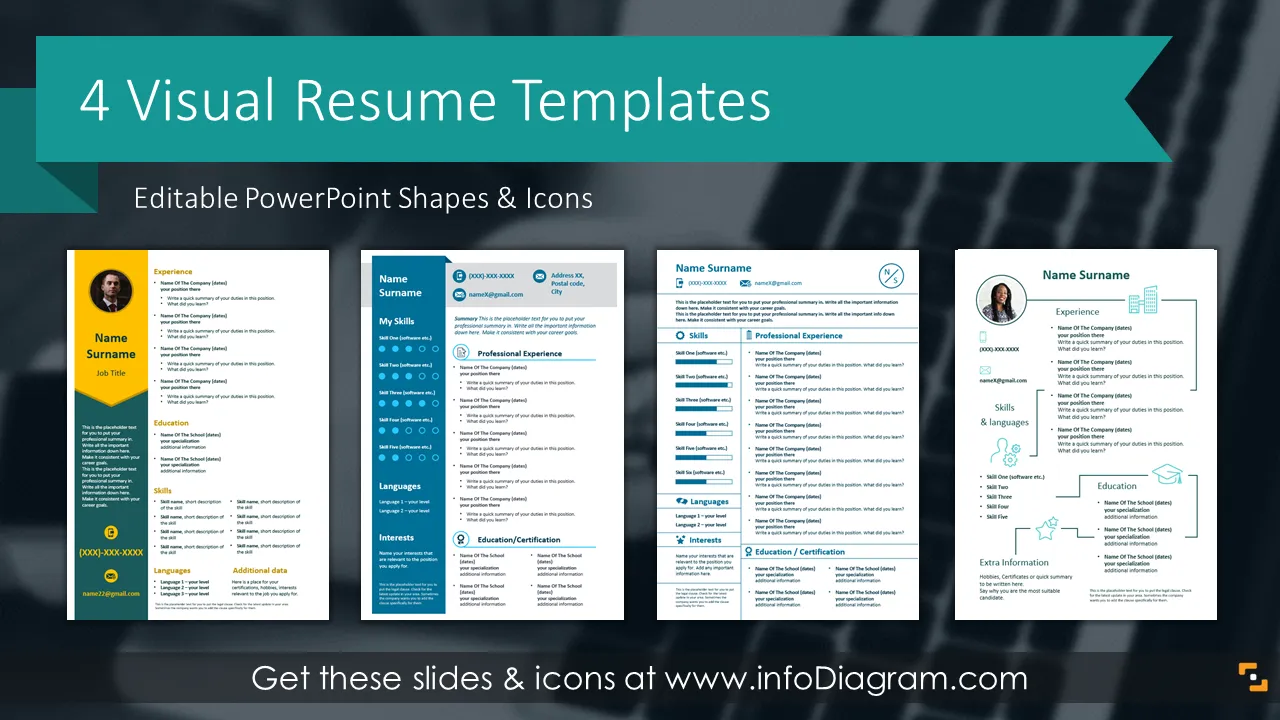
Job hunting can be a very long and complex process. To help you out a bit, we designed this Resume PowerPoint Template. A very small percentage of resumes make it past the first round. If you use professionally-designed slides, you can be sure you'll be on the top of the list. Adding visual elements and vivid shapes will help your CV to stand out from a standard resume made in Word. Express your key experience and skills with graphics rather than text only. You can make a visual CV quickly using PowerPoint tools, with adjusted slide size to portrait.
This Resume PowerPoint Template contains:
Format: fully editable vector shapes (modify colors of diagrams and icons, resize without quality loss)
Recruiters get hundreds of CVs every day. If you want your resume to stand out, our CV templates are at your disposal. We created four different resumes for you to choose from. All of them include a place for self-presentation, working experience, education, certification, job skills, interests, and additional data you want to mention. While you work on the content of your job application, we took care of the design, so you don't have to worry about how it'll look like and if it makes an impression. While working on a CV it's hard to reduce the amount of text, visuals and shapes will make it look both engaging and informative. You will also find four letter layouts that you can use to write cover, motivation, or references.
Using diagram visualizations will help you reduce the amount of text and replace it with easily-understood visuals.
Try using those PowerPoint illustrations to present your content visually in an elegant way.
All graphics are editable, so you can modify the colors and text. We also added a general icon collection at the end of the presentation deck. Optionally you can also extend the collection by more PPT symbols (see Related Diagrams section).
Fully editable in PowerPoint set of vector shapes fully editable by using built-in PowerPoint tools, including
See editing demonstration in our HowTo Videos.
Your graphics add a nice touch to my presentations and I recently used them for one of my all-hands meetings. Your toolbox adds professionalism to my slides. Instead of using standard clipart.
Claude Jones, Director of Engineer, @Walmartlabs, USA
I needed a fresh look at some of my slides. I've tried to find a way to create a paintbrush effect, to underline, accentuate, add some color and the handwritten markers were just the things. Very easy to use, easy to size, change the color. It was an affordable, perfect solution and I'm happy to recommend it.
Anonymous, US
The crisp, clean look of the graphics, and the fact that it allowed me to easily edit and change the colors to match the template was my main reason for purchasing them.
Brandie Jenkins, E-learning Developer, USA



You may also need