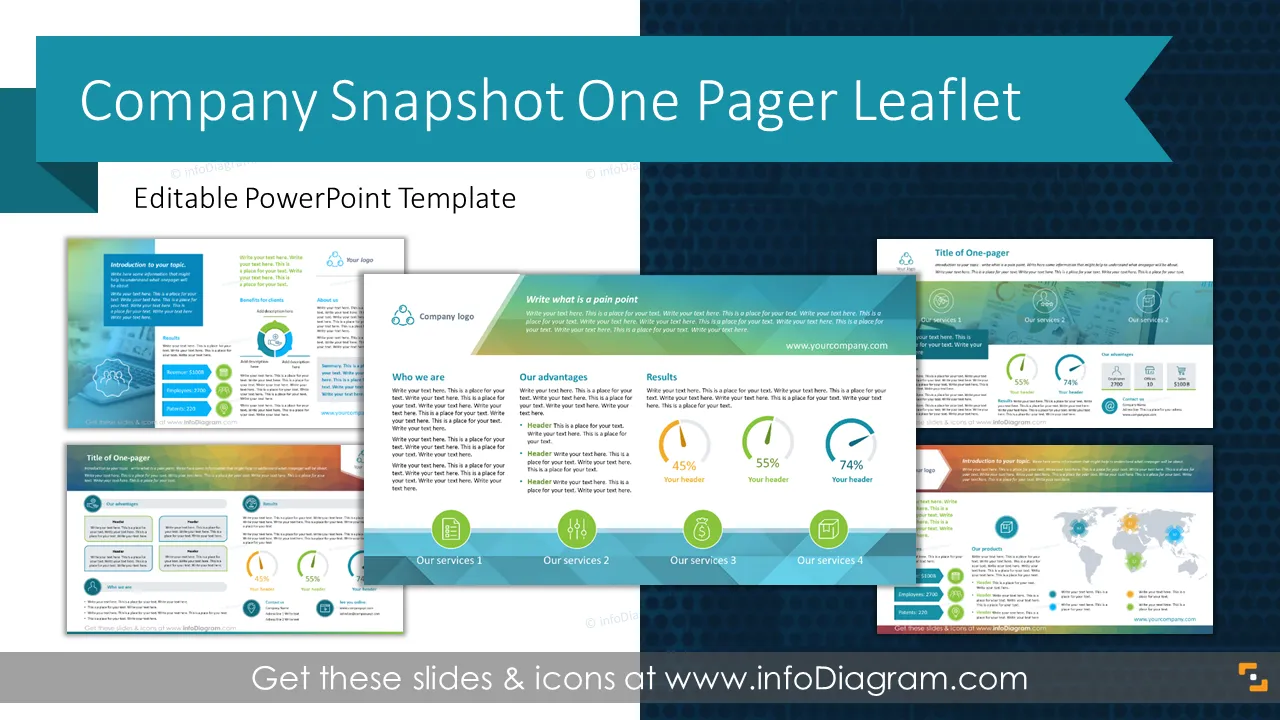
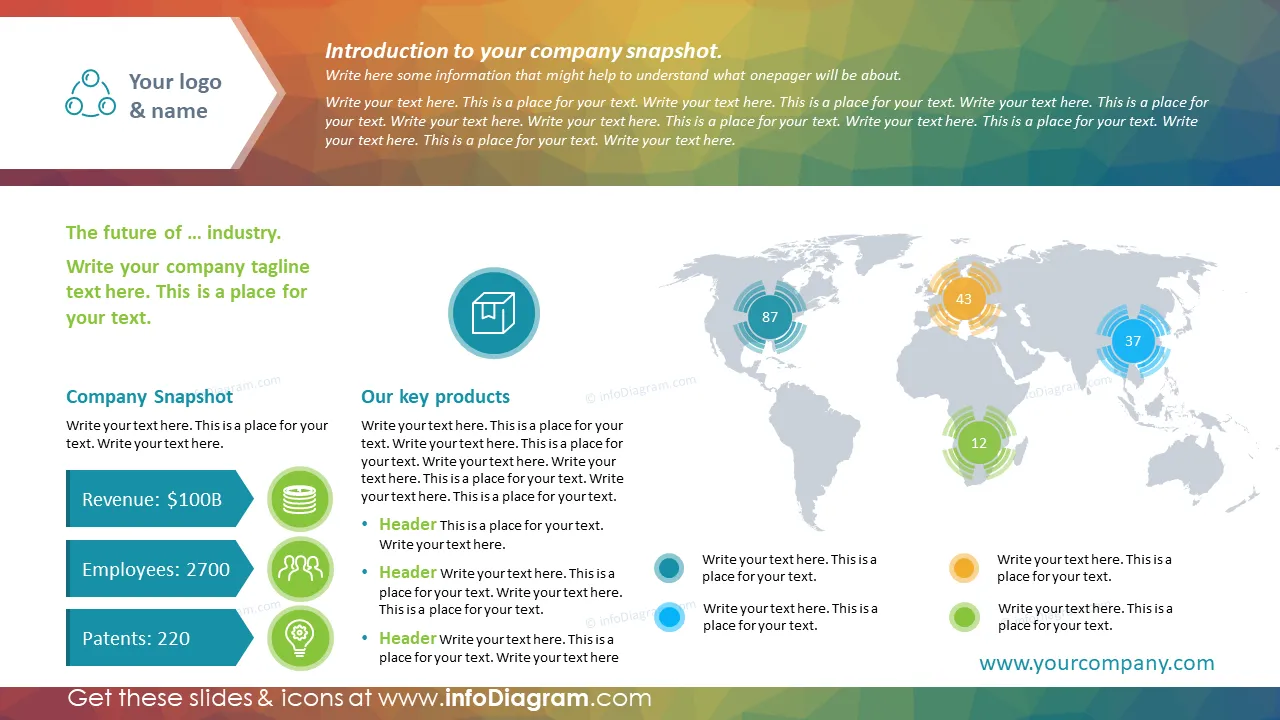
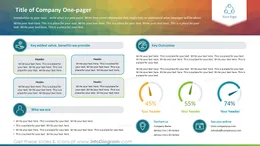
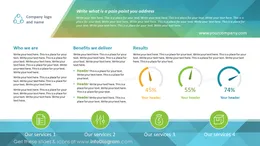
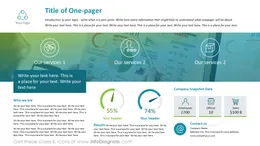
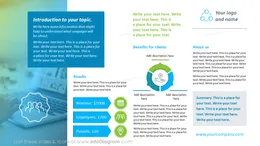
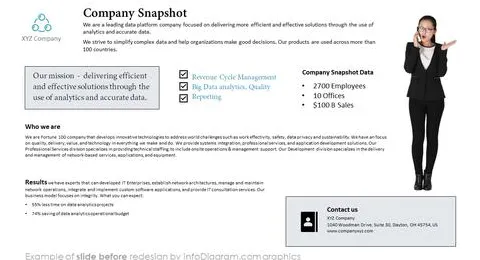
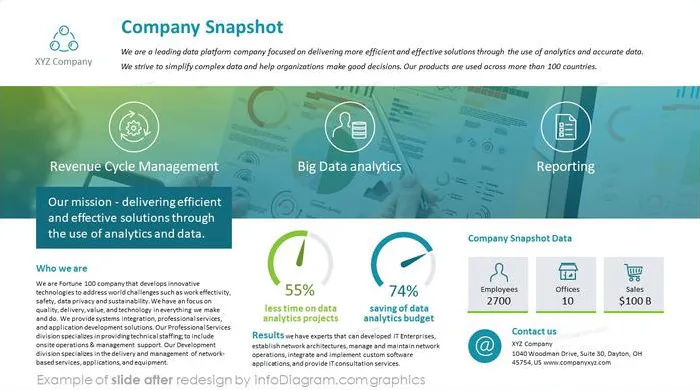
The One Pager Leaflet Presentation can be used to present your business as a one-page overview with a place for essential company snapshot facts. We have designed this PowerPoint template to help you quickly present your company information concisely as a one-page document. This one-pager is easy to edit or print, too.
The Company One Pager template for PowerPoint contains visual slides with:
- 5 layouts for presenting company important information on one page, in leaflet format, including content such as business locations, key facts, outcomes, benefits, results, and more.
- To ensure that you're offering a professional look, the template is designed in a modern flat graphics style.
- 25 outline topic-specific icons to express related concepts visually e.g. Metrics, Product, Process, Adjusting, Sales, Benefits, Location, Rating, and much more.
- Instructions on how to modify those one-pagers using standard PowerPoint editing tools.
- The structure is fully editable vector shapes (modify colors of diagrams and icons, resize without quality loss)
Authors of this Company Snapshot One Pager Leaflet PPT Template
- Design by infoDiagram designer.
Contact: here
What is a company One-Pager leaflet presentation?
The One-Pager presents one topic such as relevant information regarding the company, products, services, projects, or ideas. These slides can be printed and handed over during a meeting, sent in PDF format to clients or prospects, or placed on a web page to download.
Why use the One Pager format for company presentations?
One sheet template is popular because it informs the target audience of what the company is doing, what are the key facts, financial profile, and contact information. You can add your brand logo and present the values your company represents.
Where can you use Business One Pager graphics?
Using one-sheet template graphics and chart graphs will help you organize information and present your ideas in an eye-catching way.
These templates can be used:
- If you are a marketer who wants to present products, services, or ideas.
- Small company owners who want to make a first impression by presenting or pitching their business information.
- Managers and trainers can use these templates if they need to show the results of the project in a brief attention-grabbing document.
- Anyone who wants to summarize business overview, product, or service information on a single page.
Try using those PowerPoint illustrations to present your content visually elegantly and effectively. You can edit the graphics and modify the colors and text. We also added a general icon collection at the end of the presentation deck. Optionally you can also extend the collection by more PPT symbols (see Related Diagrams section).
These templates are fully editable in PowerPoint. You can customize a set of vector shapes by using built-in PowerPoint tools, including changing the color of all shapes filling and their outline, including icons, adding shadows, changing shape and size, rotating, flipping the object, putting shapes behind or on top of the text.
Further resources
To deepen your understanding and skills, we suggest exploring additional materials such as our blog and YouTube video, which are trusted sources dedicated to refining presentation decks: