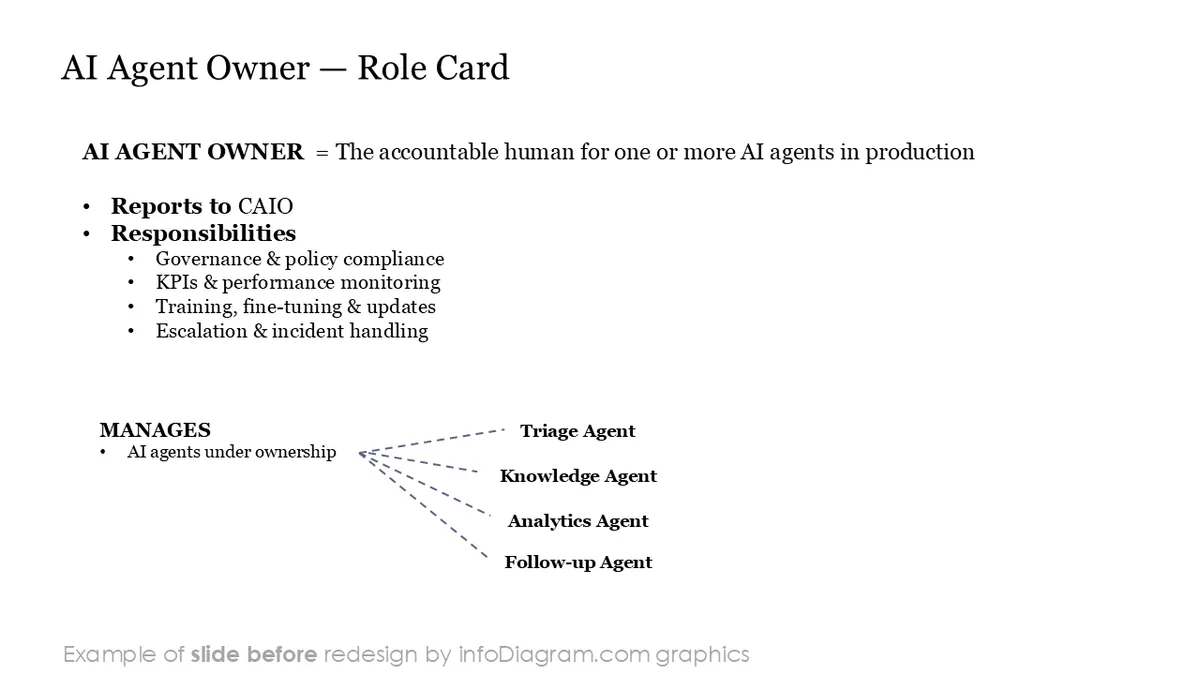
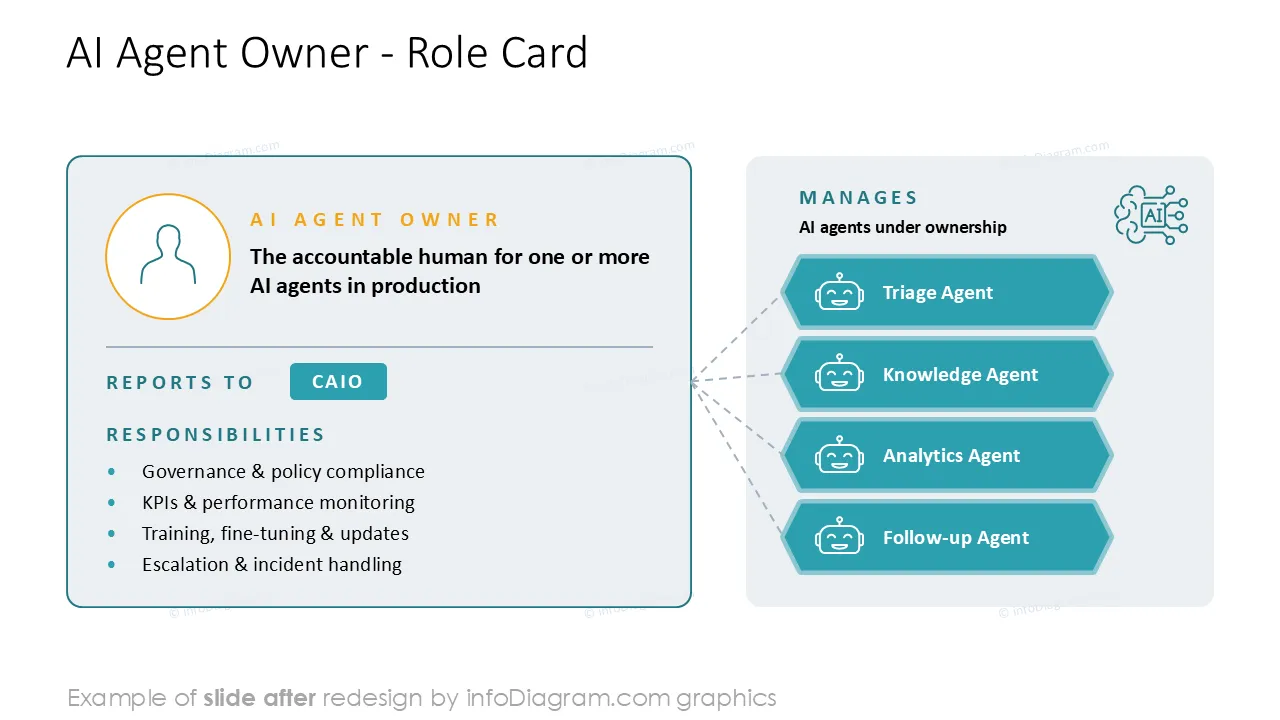
These editable org chart templates help you present hybrid team structures using clean, professional infographics.
You can reuse these slides to quickly build a modern AI-era organization map in PowerPoint.
The template includes:
- 24 editable vector diagrams of organization structures
- editable icons for both human roles and AI agent roles (e.g. Chief AI Officer, AI Agent Owner, AI Ethics Lead, prompt engineer, data steward, plus AI agents such as triage, knowledge, routing, and analytics agents).
- Instruction on modifying those diagrams using standard PowerPoint editing tools.
This PowerPoint slide deck is designed in an elegant flat style with colorful vector illustrations and outline icons. All graphic shapes can be recolored and resized without quality loss.
Where to use organization structure diagrams with humans and AI agents
If you need to show how your organization works in the AI era, consider presenting them using modern org chart templates for hybrid human and AI agent teams.
You can use these org charts to present many aspects of the AI-era organization:
- where AI agents sit alongside human employees
- who owns and oversees each agent
- how reporting and escalation lines work
- human-in-the-loop review points
- AI governance and ethics structures
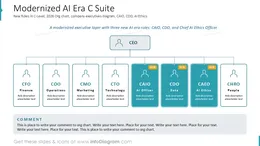
- the updated 2026 C-suite (including the Chief AI Officer)
- how roles and responsibilities are shared between people and AI.
Useful for workforce planning, restructuring decks, AI transformation roadmaps, operating-model design, board presentations, onboarding, and stakeholder updates.
AI Agent Org Chart Template Contents
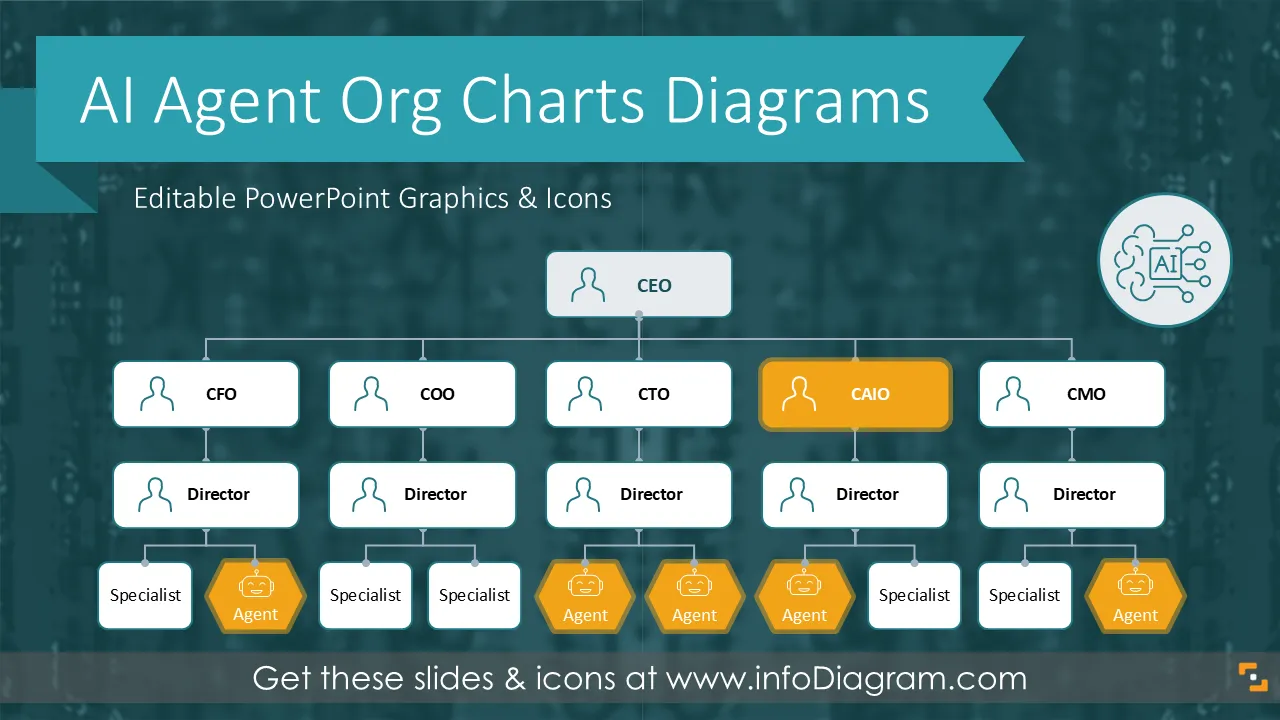
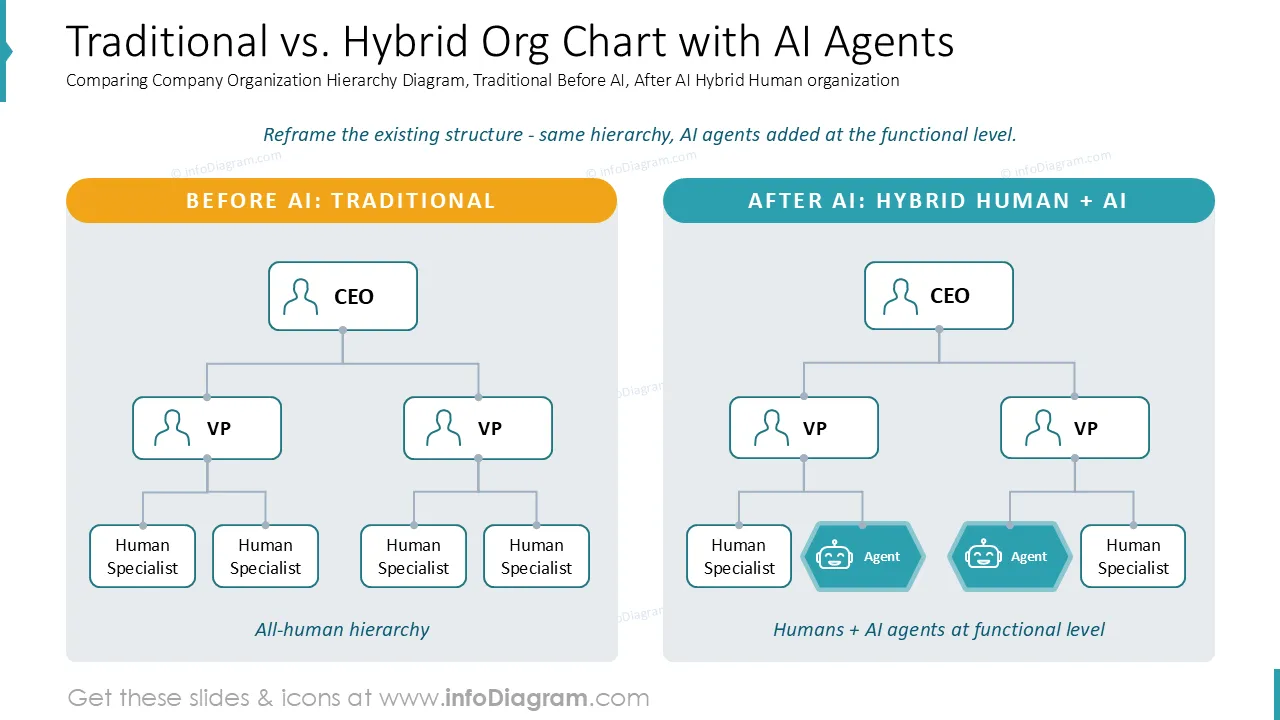
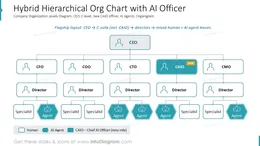
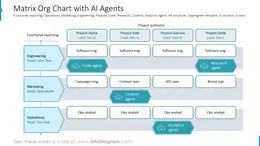
This slide deck includes hybrid org charts that combine human employees and AI agents in one structure, shown in several layouts: a hierarchical chart with AI agents added at the functional level, a hybrid team "pod" with humans and agents reporting to a human lead, a matrix structure with AI agents in project cells, and an AI governance reporting line running from the board through the Chief AI Officer to individual AI Agent Owners.
You can modify all org charts in PowerPoint, as all templates are editable. Feel free to remove or add human roles, AI agents, departments, or reporting lines. You can also adjust the chart colors to align with your logo or corporate palette.
There are 24 predesigned org charts editable in PowerPoint and a set of additional graphics for presenting AI-era teams:
- Hybrid Hierarchical Org Chart with humans and AI agents, including the 2026 C-suite (CEO, CFO, COO, plus Chief AI Officer and Chief Data Officer)
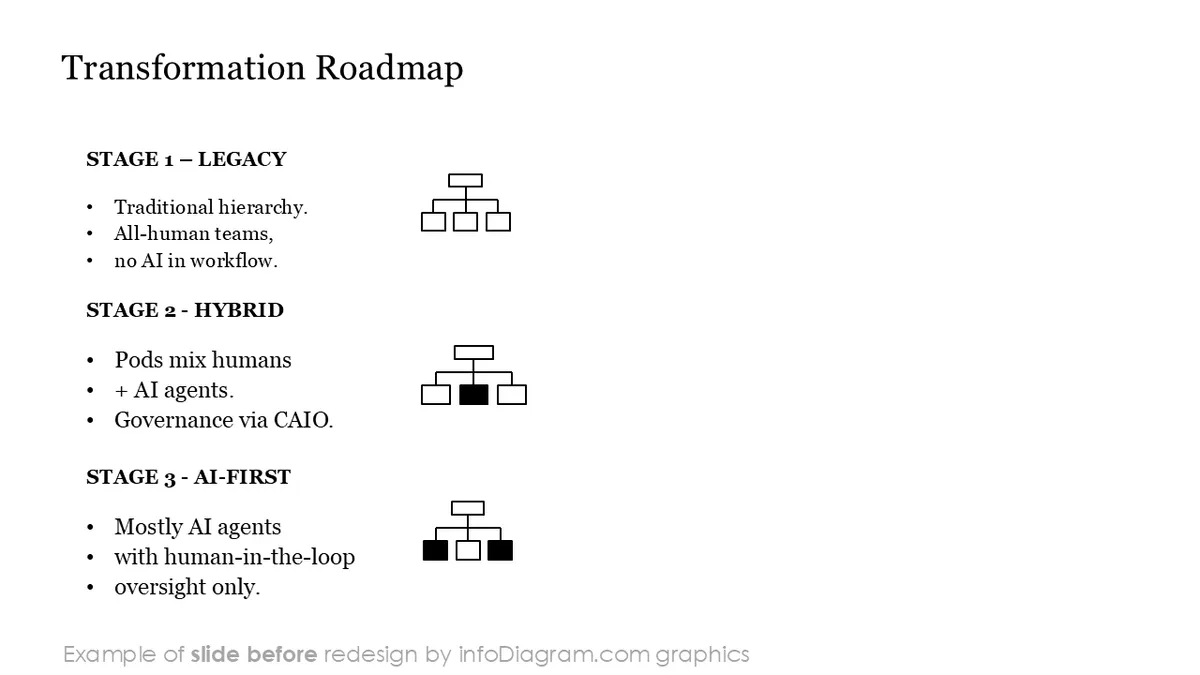
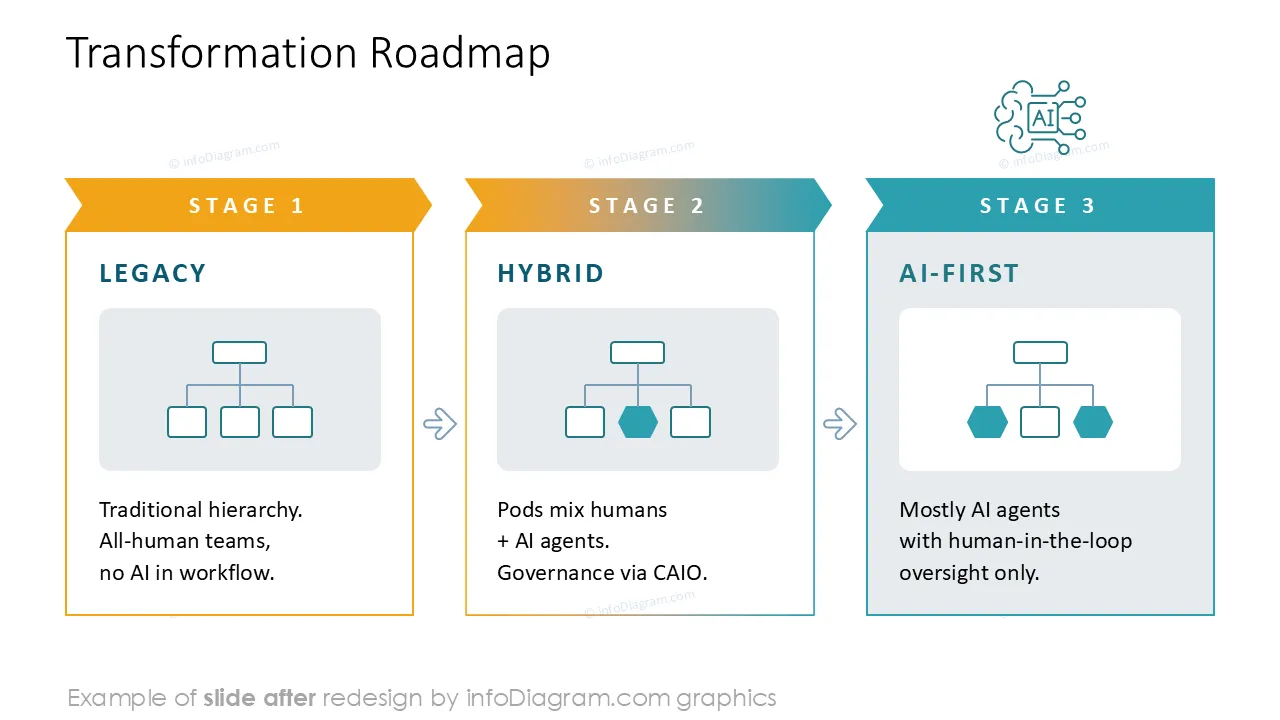
- Before / After diagram: traditional org chart vs. AI-era hybrid org chart
- Hybrid team "pod" structure - human lead with a mix of human specialists and AI agents
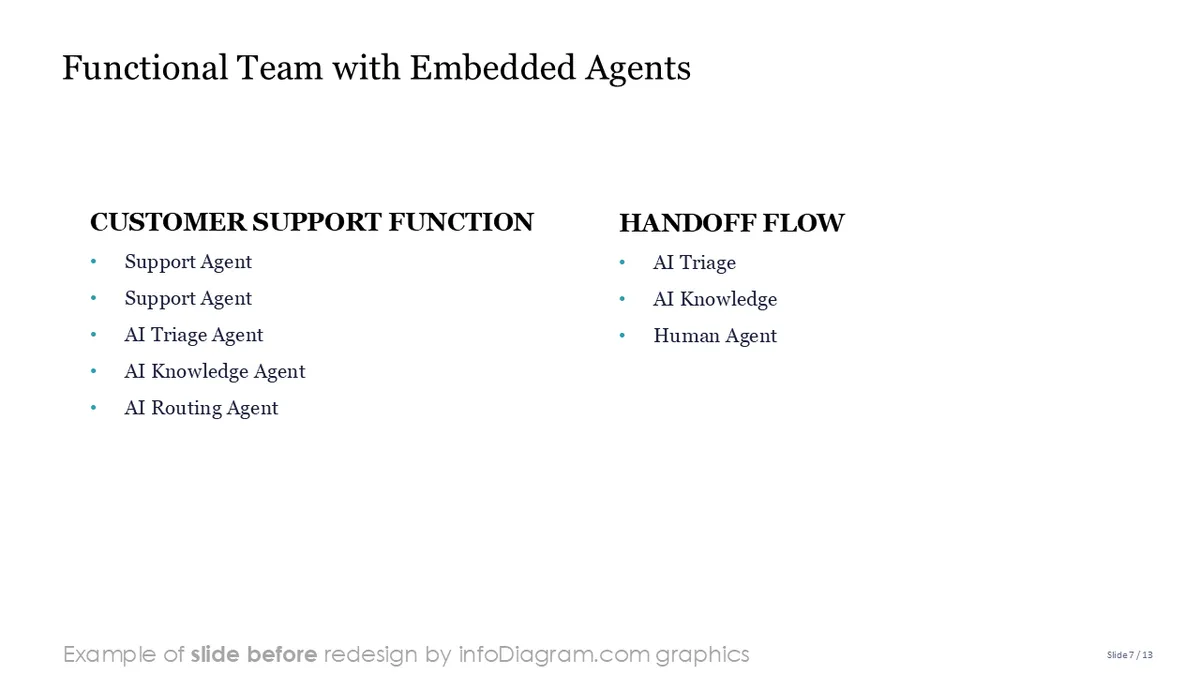
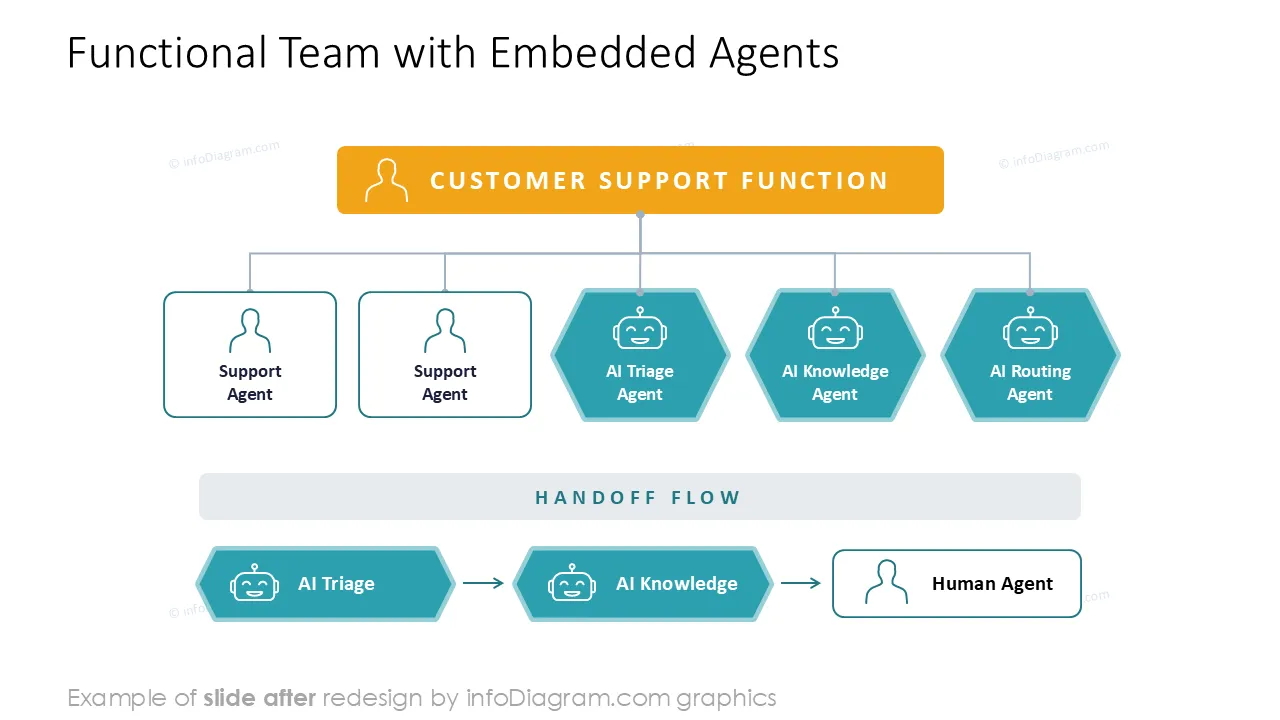
- Functional team with embedded AI agents (e.g. triage, knowledge, routing, follow-up agents) and handoff arrows
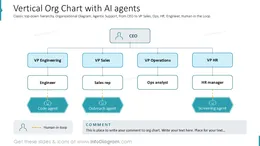
- Human-in-the-loop reporting diagram showing review, approval, and escalation
- AI governance reporting line: Board → AI Ethics Committee → Chief AI Officer → AI Agent Owners
- Matrix org chart with AI agents placed in the relevant project cells
- RACI matrix template for hybrid human–AI teams
- Editable role icons for new human roles: Chief AI Officer, AI Agent Owner, AI Ethics Lead, AI Trainer, prompt engineer, data steward, AI governance specialist
- Editable AI agent icons: triage agent, knowledge agent, routing agent, follow-up agent, research agent, analytics agent, orchestrator agent
- Hand-drawn markers and sticky-note graphics to highlight a role, agent, or oversight point
Format: fully editable vector shapes (customize colors of templates and icons, resize without image quality loss).
Benefits of creating an AI-era org chart in PowerPoint:
- Flexible changes to reflect a fast-evolving AI workforce — adding, replacing, or removing an AI agent or human role is just a matter of quick and simple shape editing.
- Clearly present how decisions flow between humans and AI agents, where oversight sits, and who is accountable for each agent.
- Communicate your AI transformation to stakeholders, employees, and the board in a way that is concrete and visual rather than abstract.
Fully editable in PowerPoint
Set of vector shapes fully editable using built-in PowerPoint tools, including:
- changing the color of the icon filling and its outline
- adding shadows
- changing shape and size, rotating, flipping the object
- putting shapes behind or on top of text
See editing demonstration in our HowTo Videos section above
Authors