
FINANCIAL REPORTS
PPT visuals to present your key numbers
Present Your Topic Visually:
Reviews
Ihre Grafiken verleihen meinen Präsentationen eine nette Note, und ich habe sie kürzlich für eines meiner All-Hands-Meetings verwendet. Ihre Toolbox verleiht meinen Folien Professionalität, anstatt Standard-Clipart zu verwenden.
Ich brauchte einen neuen Blick auf einige meiner Folien. Ich habe versucht, einen Weg zu finden, einen Pinselschlag-Effekt zu erzielen, um zu unterstreichen, hervorzuheben, Farbe hinzuzufügen, und die handgeschriebenen Markierungen waren genau das Richtige. Sehr einfach zu bedienen, leicht in der Größe zu ändern, die Farbe zu ändern. Es war eine erschwingliche, perfekte Lösung und ich empfehle sie gerne weiter.
Die klare, saubere Optik der Grafiken und die Tatsache, dass ich die Farben leicht bearbeiten und an die Vorlage anpassen konnte, war mein Hauptgrund für den Kauf.
Usage example
Description
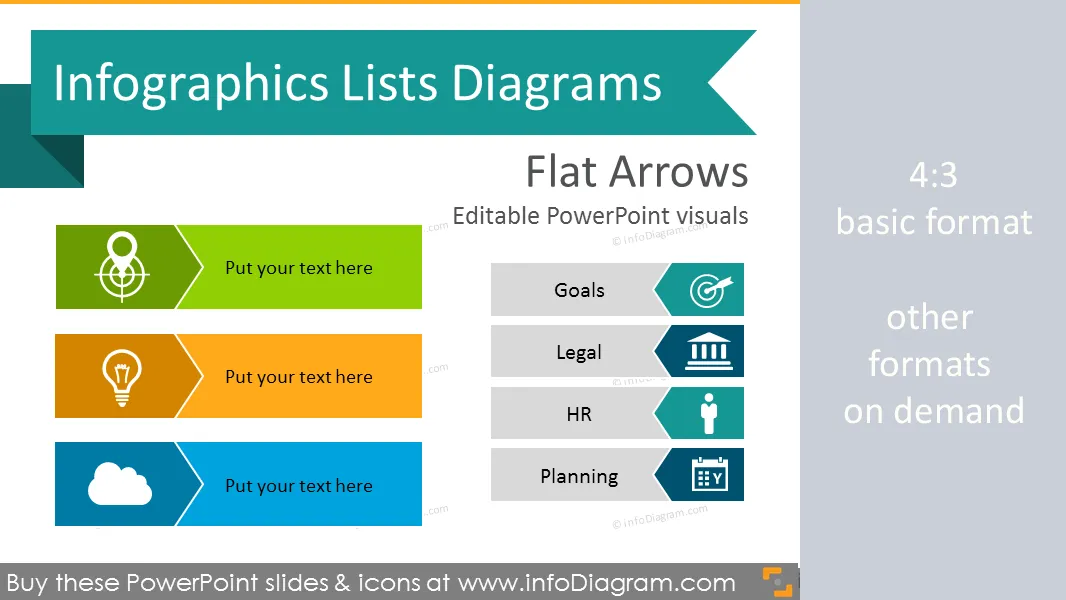
Set of arrow shape list diagrams for infographics made in Powerpoint
- 14 variations of flat lists diagrams
- text placeholders for item sets with list title, for comparisons or agendas
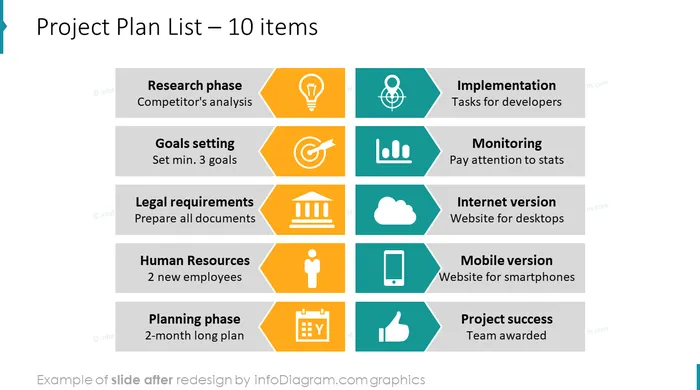
- 10 universal flat icon symbols for infographics: man, thumbs up, magnifier for analysis or search concept, bullseye for objectives and goals concept, calendar, institution, mobile telephone, data chart symbol
- fully editable style, size and colors
Content:
Diagram shapes for creating infographics lists in Powerpoint presentations.
- Bulletpoint killers, placed in 1 and 2 columns, cascade view
- Flat Arrow Strip List – 3,4 and more items with text placeholders
- Diagram shapes for creating lists in Powerpoint
- Templates for project plan check-list example
- Arrow Diagram templates for different number of items
- List diagrams for comparisons or longer agendas in two columns
- Monocolor and multiple color lists
- Index of Flat Icons Applied (extendable)
All shapes can be edited using PowerPoint set of vector shapes fully editable by using built-in PPT tools, including
- changing color of the icon filling and its outline
- adding shadows
- changing shape and size, rotating, flipping the object
- putting shapes behind or on top of text
See editing demonstration in our HowTo Videos.
Authors
- Design:infoDiagram designers, Contact via infoDiagram.com
Slides included in this PowerPoint Presentation:
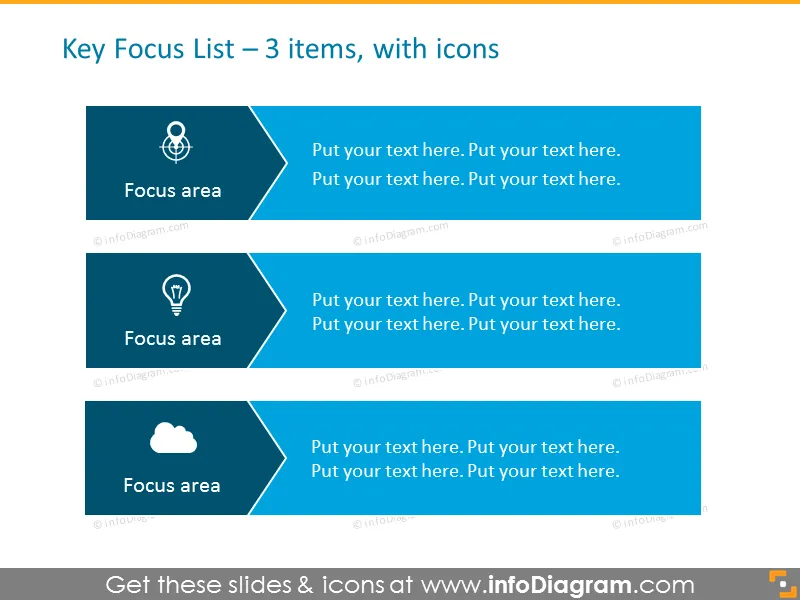
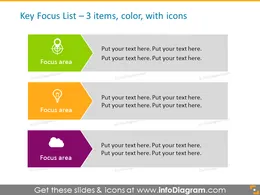
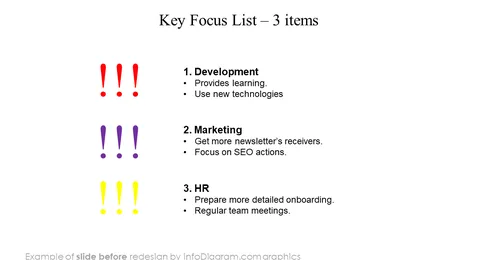
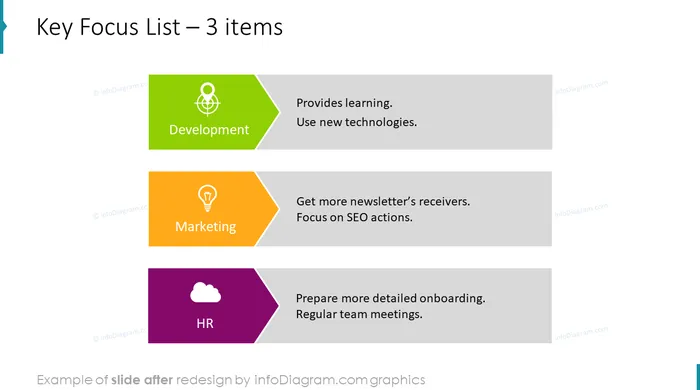
- Key Focus List - 3 Items PPT Template
- Arrow Diagram Template in color for placing 3 items, with icons
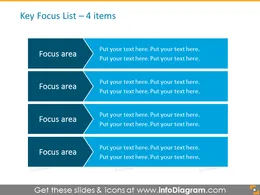
- Smartart Template List for placing 4 items
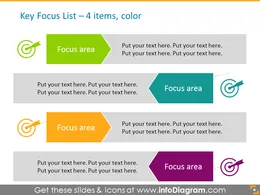
- Arrows Smart Art in Color - 4 Items Template
- Activity-on-arrow Diagram template for PowerPoint
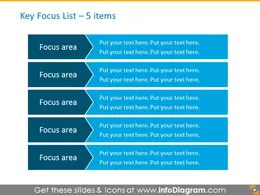
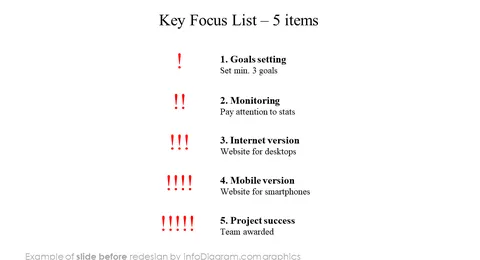
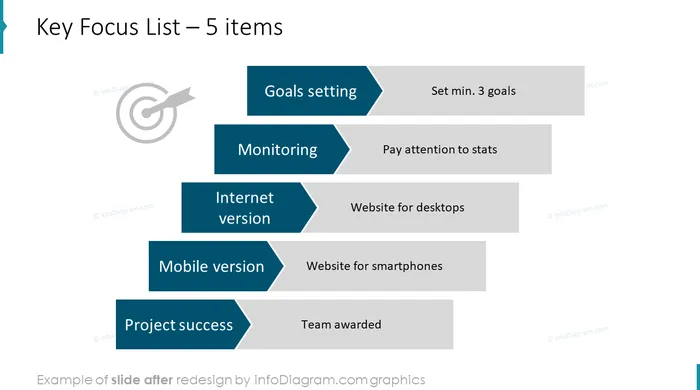
- Colorful Arrow Diagram Template - 5 Items
- List for placing Activities on Arrows on two sides
- Arrow Diagram Activity - Cascade Downward Slide
- Activity-on-arrow Diagram template for placing items cascade upwards
- List for placing Activities on Arrows for 10 items
- Arrows Diagram Template for 10 items in 2 columns in grey color with numbers for Powerpoint
- List for placing Activities on Arrows opposite each other Diagram Template
- Arrows List Template - 10 Items, 2 Rows, Joint Set
- Arrow Diagram Example for Project plan with icons - project phases in 2 columns
- Index of Flat Icons Applied (extendable)
- PowerPoint editable vector shapes, adaptable charts, example of editing
How to Edit
How to edit text & colors

How to expand / shorten diagram

How to Replace Icons in infoDiagram PPT


