Cover and narrative setup
Usage example
Deck preview
What the deck looks like in practice
This template does not have a dedicated before/after case study, so we show the strongest slides from the actual deck instead.
Cover and narrative setup

Core structure and talking points
Polished visual slide from the deck
Description
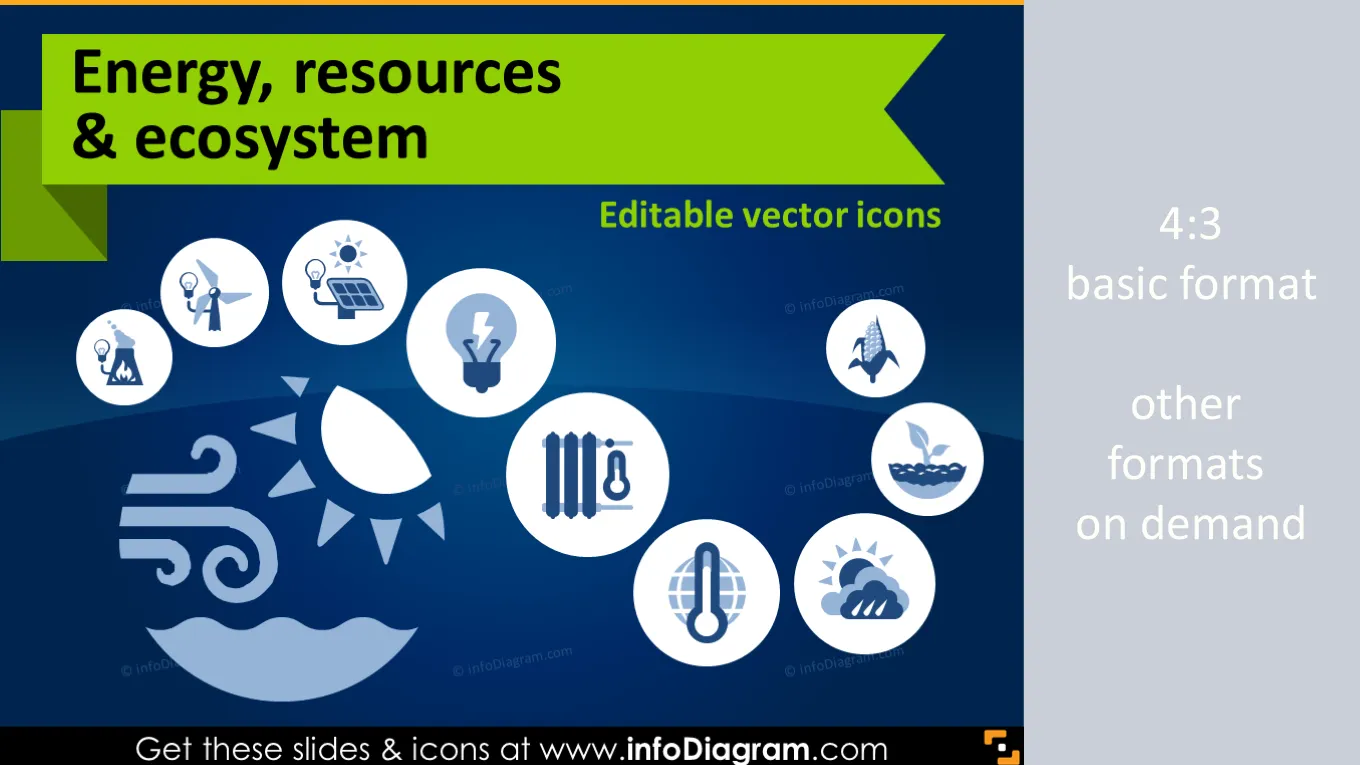
Energy and Ecology icons and visuals for green energy industry and ecosystems related presentations.
- 21 editable pictogram symbols for various energy, resources and ecosystems concepts.
- Electricity production, power station types, Energy by type of fuel, Ecosystem and environment
- Energy and natural resources related examples
- Graphical style: Simple flat icons, metro UI style
- Format: fully editable vector shapes in PowerPoint (color, filling, size - no quality loss when zoomed)
Editable Pictograms of Energy & resources related Ecology sectors
Icons for visualizing ecology related topics. All symbols are as clipart pictures - fully editable in PowerPoint.
Package content:
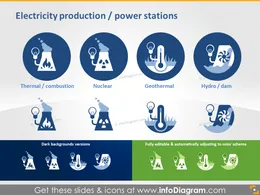
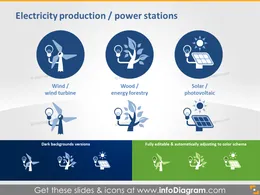
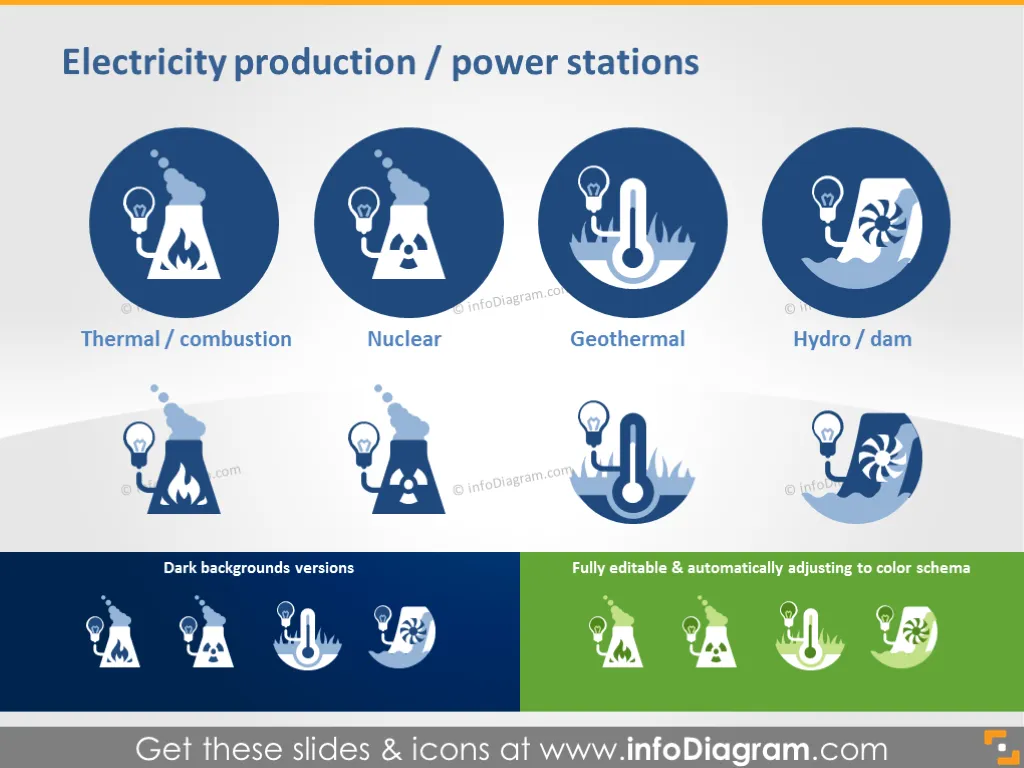
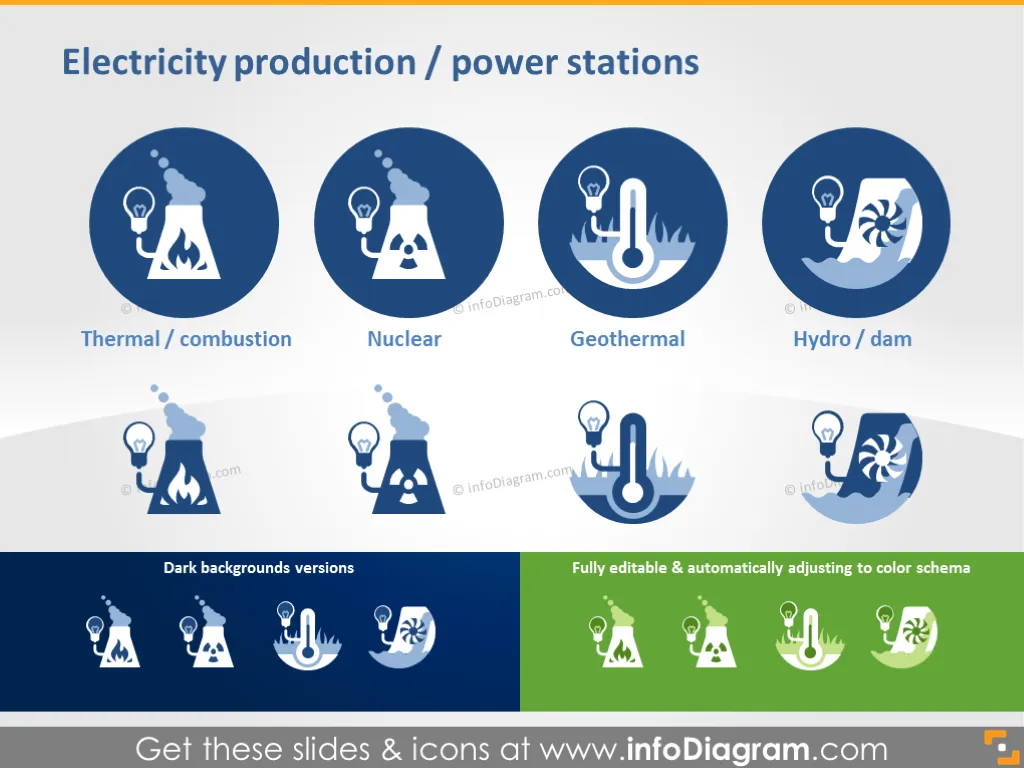
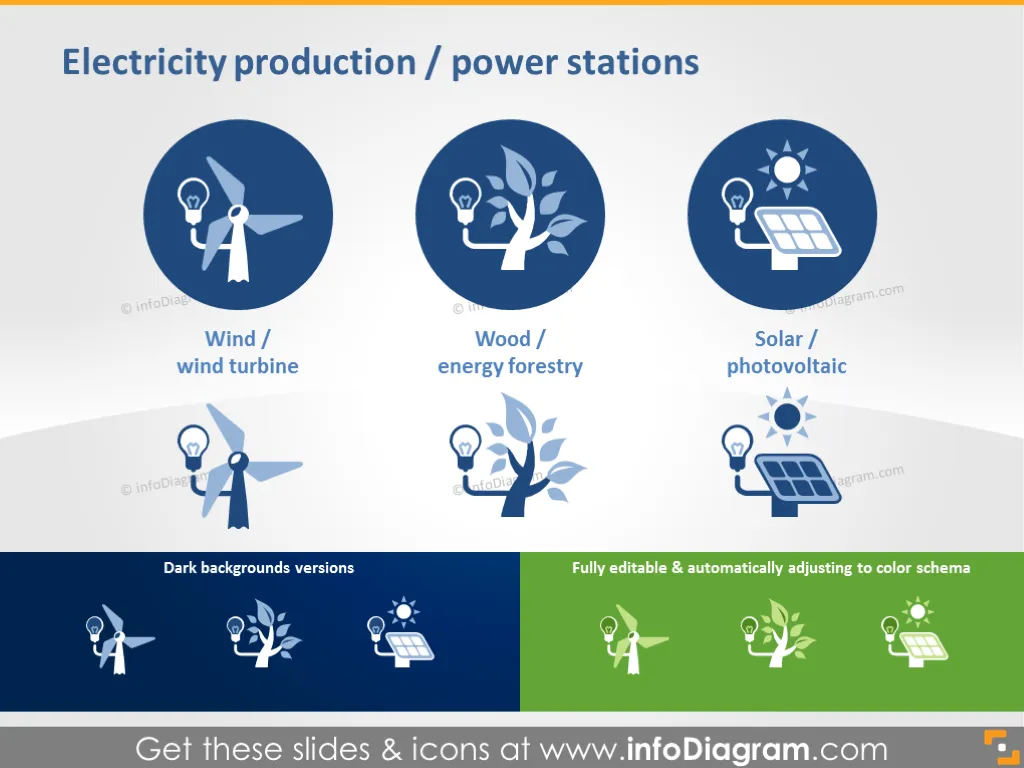
- Production industries icons (electricity production and power station): Thermal /combustion, Nuclear, Geothermal, Hydro / dam, Wind / wind turbine, Wood / energy forestry, Solar / photovoltaic.
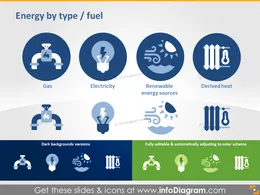
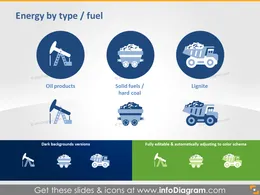
- Types of energy and fuel: Gas, Electricity, Renewable energy sources, Derived heat, Oil products, Solid fuels / hard coal, lignite.
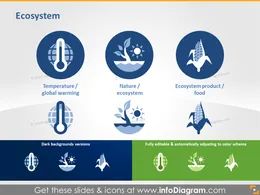
- General Ecosystem and Ecology: Temperature / global warming, Nature/ ecosystem, Ecosystem product / food, Climate / weather, recreation, Solar radiation / sun, Fertiliser.
- Three usage examples of fully editable energy resources, environment and ecosystem powerpoint icons
- Two slides with all energy resources and types, ecology, ecosystem icons on light and dark background
Ecology Icons usage examples (Do it yourself infographics)
- Net electricity generation, EU-27, 2010 (GWh) (bar chart with icons diagram)
- Final energy consumption in industry, by fuel, EU-28 (Mtoe) (infographics)
- Natural Capital (diagram infographics)
All icons in simple flat style, suitable for Metro UI style graphics.. Icons provided in 4 versions:
- for light background,
- for dark background,
- as a standalone symbols,
- as a symbol in the circle shape.
Fully editable in PowerPoint set of vector shapes fully editable by using built-in PowerPoint tools, including
- changing color of the icon filling and its outline
- adding shadows
- changing shape and size, rotating, flipping the object
- putting shapes behind or on top of text
See editing demonstration in our HowTo Videos.
Authors
- infoDiagram's contributing designer
- Contact: here
Slides included in this PowerPoint Presentation:
- Electricity Production and Power Stations
- Power Station and Electricity Production Ecosystem
- Energy by Type and Fuel Graphics
- Energy by Type and Fuel Production
- Ecosystem Icons: Global Warming, Environment
- Ecosystem: Weather, Recreation, Sun Graphics
- Net Electricity Generation 2010
- Final Energy Consumption in Industry
- Natural Capital Graphic
- All icons ready to use in four convenient version
- Fully Editable Icons: Style and Color Customization
Reviews
Vos graphiques ajoutent une belle touche à mes présentations et je les ai récemment utilisés pour l'une de mes réunions générales. Votre boîte à outils ajoute du professionnalisme à mes diapositives. Au lieu d'utiliser des cliparts standards.
Claude Jones, Directeur de l'ingénierie, @Walmartlabs, USA
J'avais besoin d'un nouveau regard sur certaines de mes diapositives. J'ai essayé de trouver un moyen de créer un effet de pinceau, de souligner, d'accentuer, d'ajouter de la couleur et les marqueurs manuscrits étaient exactement ce qu'il fallait. Très facile à utiliser, facile à ajuster la taille, à changer la couleur. C'était une solution abordable et parfaite et je suis heureux de la recommander.
Anonymous, US
L'aspect net et épuré des graphiques, et le fait qu'il m'ait permis d'éditer et de changer facilement les couleurs pour les adapter au modèle, ont été les principales raisons de mon achat.
Brandie Jenkins, Développeur E-learning, USA
How to Edit
How to edit text & colors

How to expand / shorten diagram

How to Replace Icons in infoDiagram PPT

You may also need