

Your graphics add a nice touch to my presentations and I recently used them for one of my all-hands meetings. Your toolbox adds professionalism to my slides. Instead of using standard clipart.
Claude Jones, Director of Engineer, @Walmartlabs, USA

Your graphics add a nice touch to my presentations and I recently used them for one of my all-hands meetings. Your toolbox adds professionalism to my slides. Instead of using standard clipart.
Claude Jones, Director of Engineer, @Walmartlabs, USA
I needed a fresh look at some of my slides. I've tried to find a way to create a paintbrush effect, to underline, accentuate, add some color and the handwritten markers were just the things. Very easy to use, easy to size, change the color. It was an affordable, perfect solution and I'm happy to recommend it.
Anonymous, US
The crisp, clean look of the graphics, and the fact that it allowed me to easily edit and change the colors to match the template was my main reason for purchasing them.
Brandie Jenkins, E-learning Developer, USA
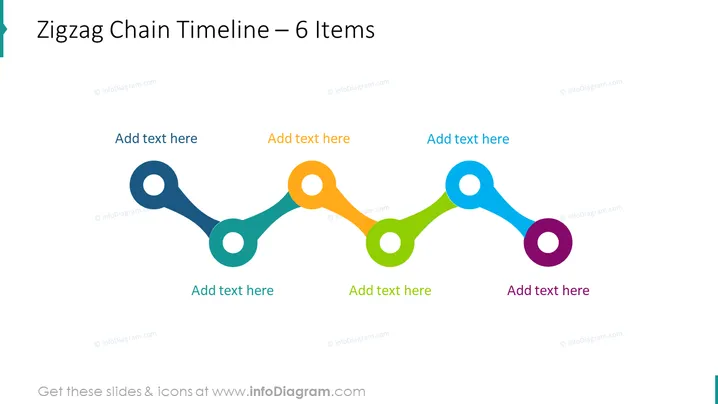
The PowerPoint slide presents a Zigzag Chain Timeline with 6 items, intended for tracking a sequence of events or steps in a process. Each node on the zigzag line represents a milestone or a phase, and there are text placeholders associated with each node for explanatory details. These nodes could indicate progress stages, historical events, project milestones, or any other chronological elements. The color-coding and positioning on the timeline imply a progression or chronological flow.
The slide has a modern, minimalistic aesthetic with vibrant colors, making the timeline easily interpretable and visually engaging. The simplicity of the design focuses the viewer's attention on the chronological data points.



