
Reviews
Your graphics add a nice touch to my presentations and I recently used them for one of my all-hands meetings. Your toolbox adds professionalism to my slides. Instead of using standard clipart.
I needed a fresh look at some of my slides. I've tried to find a way to create a paintbrush effect, to underline, accentuate, add some color and the handwritten markers were just the things. Very easy to use, easy to size, change the color. It was an affordable, perfect solution and I'm happy to recommend it.
The crisp, clean look of the graphics, and the fact that it allowed me to easily edit and change the colors to match the template was my main reason for purchasing them.
Description
Writing, drawing, creating, pen, marker symbols
Slide Content
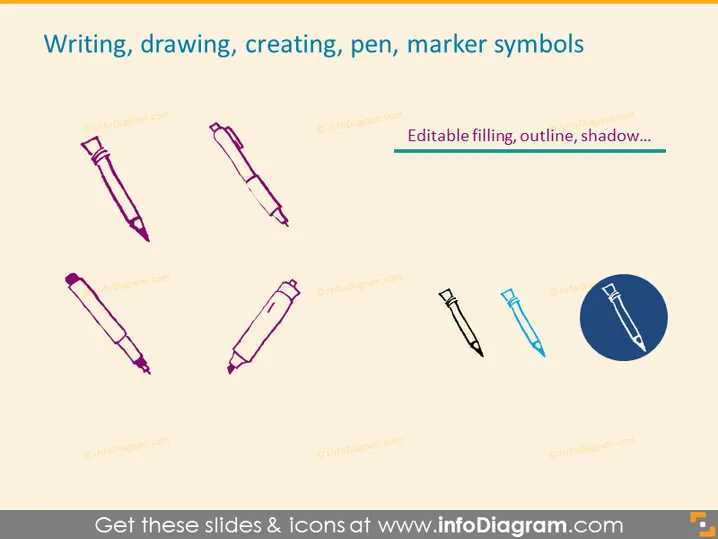
The PowerPoint slide is titled "Writing, drawing, creating, pen, marker symbols" and features a collection of pen and marker icons. These icons visually represent tools commonly used for writing, drawing, and creative endeavors, and are often used in presentations to symbolize these activities. Each icon is a stylized representation of different writing instruments, such as pens, markers, and a highlighter, emphasizing their function and design.
Graphical Look
- A large title in bold blue text at the top of the slide.
- Six icons spread across the slide, each depicting a writing instrument.
- The writing instrument icons include:
- Two fountain pen icons, one tilted left and the other right, indicating traditional and elegant writing tools.
- Two marker icons, both angular, suggesting precision and bold marking capabilities.
- A pencil icon diagonally placed towards the center-right, symbolizing drawing and sketching.
- A highlighter icon inside a blue circle at the bottom right, denoting emphasis or highlighting important text.
- The background of the slide is a solid, light yellowish-tan color.
- The icons feature colors ranging from purple to teal and are outlined to enhance their visibility against the background.
The slide has a clean and modern aesthetic, with the icons well-spaced and easily distinguishable. The uniform style of the icons creates consistency and helps to maintain a professional appearance.
Use Cases
- To emphasize tools used in creative processes or brainstorming sessions in a business presentation.
- As visual metaphors for tasks related to writing, editing, or annotating documents in training materials.
- In slides communicating the agenda for workshops or seminars that involve writing and drawing activities.
- To symbolize the development of ideas or concepts in marketing materials or project proposals.
How to Edit
How to edit text & colors

How to expand / shorten diagram

How to Replace Icons in infoDiagram PPT


