
Reviews
Your slides are my 'secret sauce' when it comes to visualising my ideas to clients. I'm saving so much time.
InfoDiagram has been a wonderful resource since I found the product site a few years ago.
Your slides often generate good comments and ideas from my team that improve the final slides.
Description
World Map (white on dark background)
Slide Content
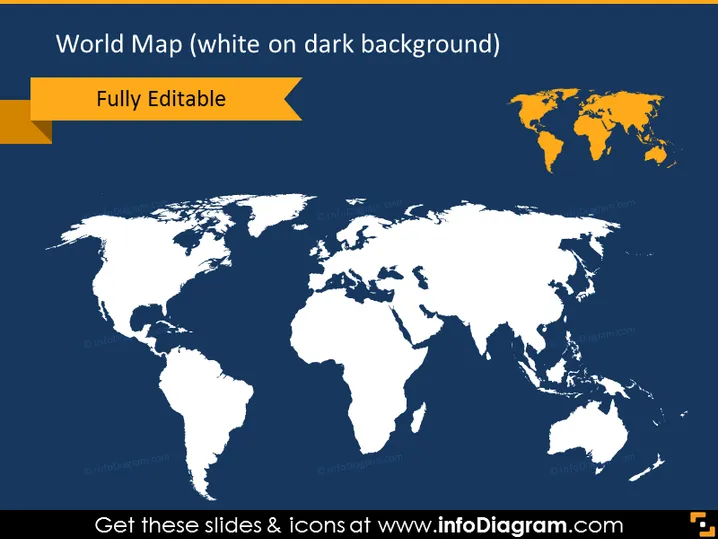
The slide presents a world map with a white outline on a dark blue background, giving contrast and visibility. "Fully Editable" is highlighted in a golden ribbon shape, suggesting that the graphic is modifiable. The map provides a simplified view of all continents, enabling a presenter to pinpoint locations, discuss global topics, or illustrate international strategies. The white outlines effectively distinguish boundaries, while the minimalist design keeps the focus on the geographic distribution.
Graphical Look
- The background of the slide is a deep blue color, which generates contrast against the white map.
- A white world map is centrally positioned; it depicts all continents and major islands with clear outlines.
- In the upper right corner, there is a small world map replica in orange, possibly indicating highlighted regions or serving as a design element.
- A golden yellow ribbon is positioned toward the top left corner containing the text "Fully Editable" in bold, which stands out against the blue background.
- The overall color scheme is blue, white, and golden yellow. The slide has a modern and professional aesthetic with a clean and clear layout that emphasizes the map graphic. The high contrast between the white map and dark background ensures that the graphic is the focal point.
Use Cases
- To visualize global business reach or operations during corporate presentations.
- For educational purposes, to discuss geography or international affairs.
- As a template for displaying statistical data or trends across different regions in a marketing presentation.
- In strategy meetings to illustrate potential markets or areas for expansion.
How to Edit
How to edit text & colors

How to expand / shorten diagram

How to Replace Icons in infoDiagram PPT


