

Your graphics add a nice touch to my presentations and I recently used them for one of my all-hands meetings. Your toolbox adds professionalism to my slides. Instead of using standard clipart.
Claude Jones, Director of Engineer, @Walmartlabs, USA

Your graphics add a nice touch to my presentations and I recently used them for one of my all-hands meetings. Your toolbox adds professionalism to my slides. Instead of using standard clipart.
Claude Jones, Director of Engineer, @Walmartlabs, USA
I needed a fresh look at some of my slides. I've tried to find a way to create a paintbrush effect, to underline, accentuate, add some color and the handwritten markers were just the things. Very easy to use, easy to size, change the color. It was an affordable, perfect solution and I'm happy to recommend it.
Anonymous, US
The crisp, clean look of the graphics, and the fact that it allowed me to easily edit and change the colors to match the template was my main reason for purchasing them.
Brandie Jenkins, E-learning Developer, USA
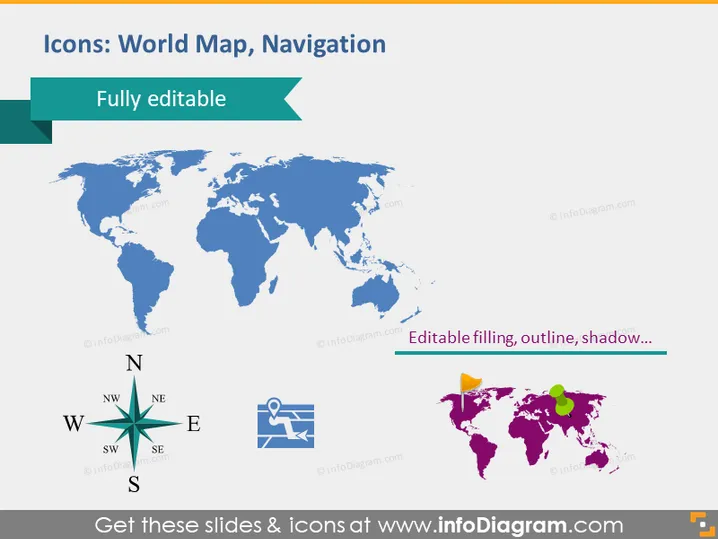
The slide primarily focuses on demonstrating customizable icons relating to world maps and navigation. It emphasizes that the elements are "Fully editable," meaning they can be tailored to fit the needs of the presentation, including filling, outline, and shadow adjustments. This customization can help to highlight specific areas or concepts on the map, like regions, countries, or points of interest. The compass is a navigational icon representing direction, while the map pins indicate locations.
The slide uses a simple white background allowing the blue and multicolored graphics to stand out clearly. The placement of the icons is well balanced, with ample space between elements, contributing to a clean and professional aesthetic.



