
Reviews
Your graphics add a nice touch to my presentations and I recently used them for one of my all-hands meetings. Your toolbox adds professionalism to my slides. Instead of using standard clipart.
I needed a fresh look at some of my slides. I've tried to find a way to create a paintbrush effect, to underline, accentuate, add some color and the handwritten markers were just the things. Very easy to use, easy to size, change the color. It was an affordable, perfect solution and I'm happy to recommend it.
The crisp, clean look of the graphics, and the fact that it allowed me to easily edit and change the colors to match the template was my main reason for purchasing them.
Description
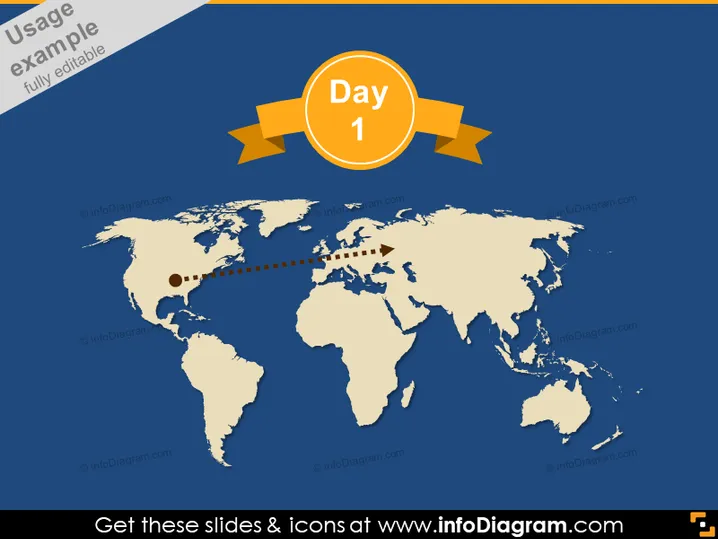
Day 1
Slide Content
This PowerPoint slide appears to illustrate the start of a process or project timeline, denoting "Day 1" as a significant starting point. The slide might be used to showcase an initial event or step in a broader context, such as a global operation, location-specific initiative, or journey that spans multiple regions. The specific context, however, is not provided within the slide, requiring presenters to add verbal or additional textual explanation.
Graphical Look
- The background features a dark blue, gradient map of the world.
- A prominent, orange circle with white text reads "Day 1" and is centered at the top of the slide, overlaid on two gold ribbons.
- A dashed line extends from North America to the Middle East, suggesting a route or connection between these areas on the map.
- Two small circles along the dashed line possibly represent starting and ending points or waypoints.
The slide has a clean, professional look with a limited color scheme focused on blue, orange, and gold. These colors are often associated with corporate or formal themes.
Use Cases
- Marking the kick-off of an international project or business venture.
- Illustrating the first leg of a travel itinerary or global event schedule.
- Highlighting the launch of a product or service in a specific region.
- Setting the stage for a timeline or roadmap in a strategic presentation.
How to Edit
How to edit text & colors

How to expand / shorten diagram

How to Replace Icons in infoDiagram PPT


