
Reviews
Your slides are my 'secret sauce' when it comes to visualising my ideas to clients. I'm saving so much time.
InfoDiagram has been a wonderful resource since I found the product site a few years ago.
Your slides often generate good comments and ideas from my team that improve the final slides.
Description
Local Network
Slide Content
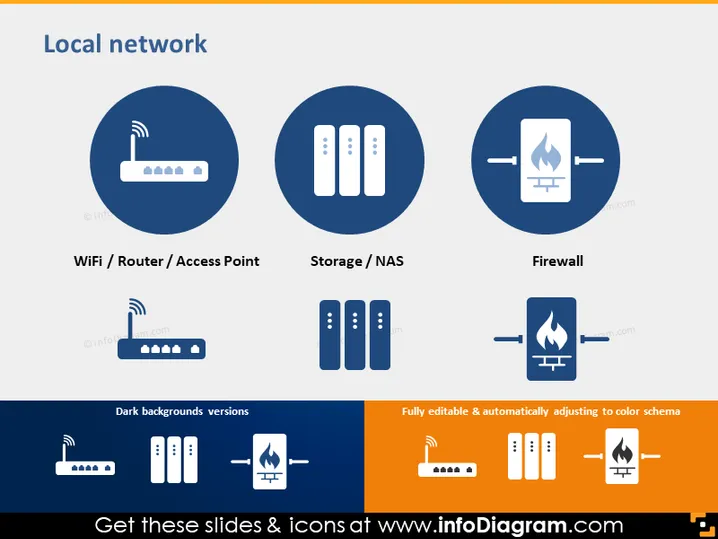
This PowerPoint slide titled "Local Network" depicts three key components of a typical local network setup: WiFi Router/Access Point, Storage/NAS, and Firewall. Each component is vital for network functionality, with the WiFi Router/Access Point responsible for wireless connectivity, the Storage/NAS representing data storage solutions, and the Firewall ensuring network security by blocking unauthorized access.
Graphical Look
- The slide has a dark blue background with a lighter blue gradient at the top, setting a professional and tech-oriented atmosphere.
- There are three large, dark blue circular shapes with icons inside them, representing different network components.
- Each icon is white against the dark blue background, which creates a strong contrast for visibility.
- Underneath each circular icon, there is a label with white text naming the network component represented.
- The bottom part of the slide shows alternative color versions of the same icons on dark and light backgrounds, suggesting customizability.
- On the right bottom corner, there's an orange square with information about the slide's editability. The slide has a clean, modern look with a consistent color scheme and clear iconography that effectively conveys the subject matter of network components.
Use Cases
- Presenting the components of a local network setup during an IT infrastructure meeting.
- Introducing network hardware options in a proposal to decision-makers.
- Training new employees on the basic elements of a company's network infrastructure.
- Offering an overview of network security practices, emphasizing the importance of a Firewall.
How to Edit
How to edit text & colors

How to expand / shorten diagram

How to Replace Icons in infoDiagram PPT


