
Reviews
Sus gráficos añaden un toque agradable a mis presentaciones y recientemente los usé para una de mis reuniones generales. Su conjunto de herramientas añade profesionalismo a mis diapositivas. En lugar de usar imágenes prediseñadas estándar.
Necesitaba un aspecto fresco para algunas de mis diapositivas. Había intentado encontrar una forma de crear un efecto de pincel, de subrayar, acentuar, añadir algo de color y los marcadores escritos a mano fueron justo lo que necesitaba. Muy fácil de usar, fácil de ajustar el tamaño, cambiar el color. Fue una solución asequible y perfecta, y estoy feliz de recomendarla.
El aspecto nítido y limpio de los gráficos, y el hecho de que me permitiera editar y cambiar fácilmente los colores para que coincidieran con la plantilla fue mi principal razón para comprarlos.
Description
Quadruple Options Comparison
Slide Content
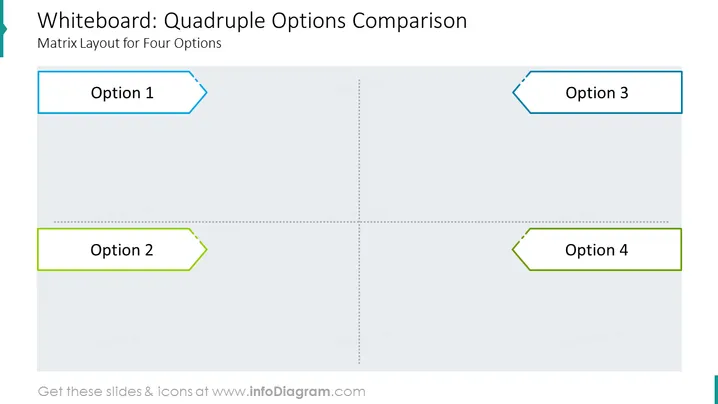
Matrix Layout for Four Options: A matrix layout is a table with rows and columns that can be used to compare different options. In this case, the matrix has four columns, one for each option.
Graphical Look
- Slide Background: White
- Matrix Layout: Black table border with thin gray lines separating the rows and columns.
- Option Labels: Black text, left-aligned at the top of each column.
The slide has a very simple and clean visual composition. The matrix layout is the primary focus of the slide, and the text is clearly arranged and easy to read. The use of black and white text and a white background creates a minimalist and professional look.
Where to use such a slide?
- Decision-Making: A slide with a matrix layout for four options can be used to compare different options and make informed decisions. For example, a business might use a matrix to compare different marketing strategies, or a product team might use a matrix to compare different design features.
- Data Visualization: A matrix can also be used to visualize data in a clear and concise way. For example, a sales team might use a matrix to compare sales performance by region or product line.
- Education: A matrix slide can be used to teach students about different concepts or ideas. For example, a teacher might use a matrix to compare different types of rocks or different historical events.
A matrix slide can be a very versatile tool for presenting information in a clear and concise way. It can be used to compare different options, visualize data, or teach students about different concepts. When used effectively, a matrix slide can help your audience understand your information more easily and make better decisions.
How to Edit
How to edit text & colors

How to expand / shorten diagram

How to Replace Icons in infoDiagram PPT


